What Is Version Control for Beginners?
What is version control for beginners? It's a system that tracks every file change automatically, like Google Docs history for your whole project.
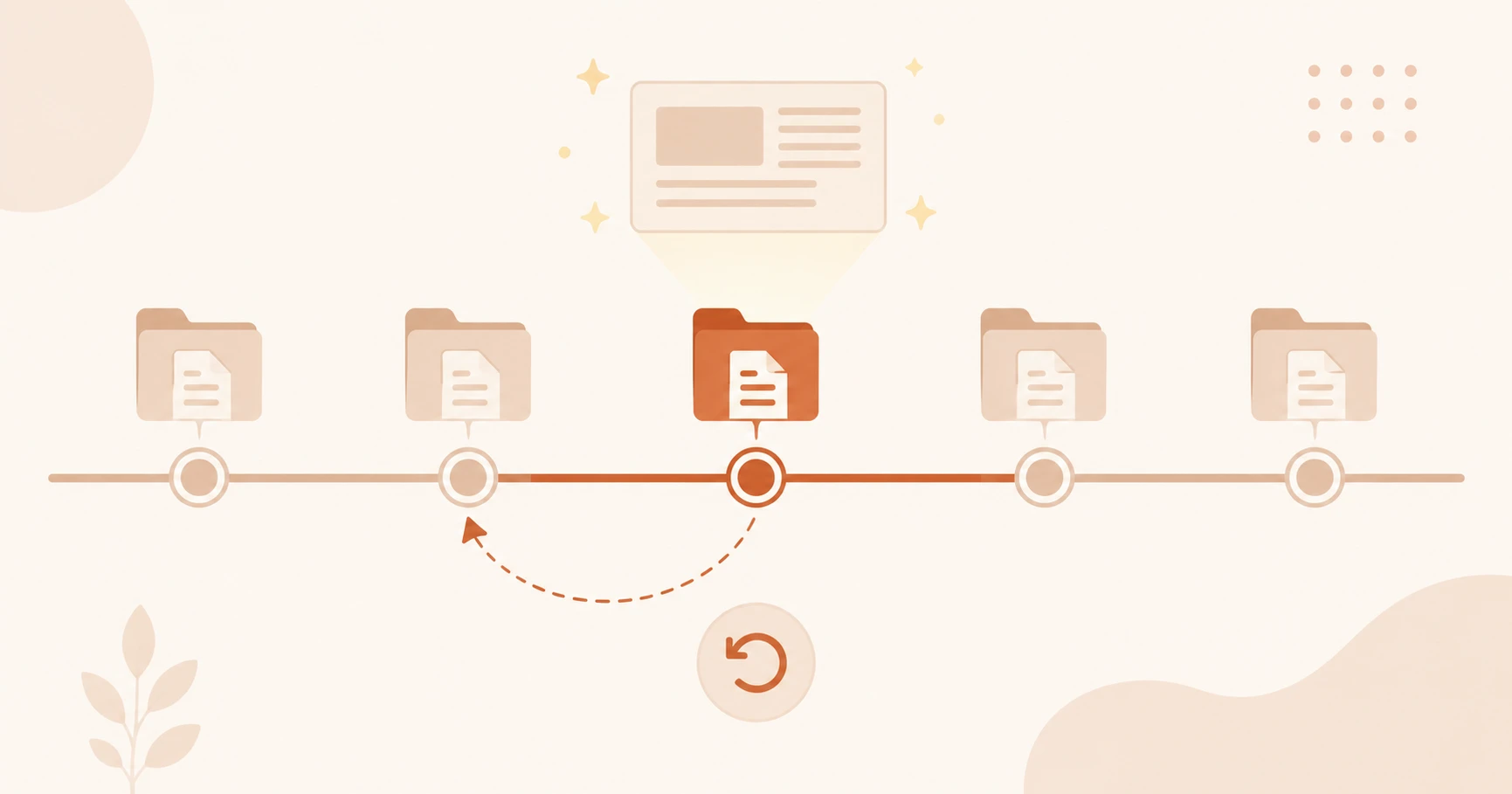
In this lesson, you'll learn what version control is for beginners, why every developer relies on it, and why it matters specifically when you're building AI projects. By the end, you'll understand the concept completely, even before you've run a single command. (Need just the quick definition? See the version control glossary entry.)
Key Takeaways
- Version control automatically tracks every change to every file in your project
- You can return to any earlier state at any time, like a time machine for your work
- It removes the fear of experimenting, because nothing is ever permanently lost
- Git is the most popular version control tool; you'll meet it in the next lesson
The version control problem you already have
Open your Downloads folder, or your Desktop, or your old Documents. Somewhere in there, I'd bet there's a folder that looks something like this:
report.docx
report_v2.docx
report_FINAL.docx
report_FINAL_revised.docx
report_FINAL_v2_USE_THIS_ONE.docx
report_FINAL_v2_USE_THIS_ONE_actually_final.docx
That folder is version control. You built it yourself, by hand, out of desperation. You saved a copy before making a risky edit. You added "FINAL" to signal this one was done. You added "revised" when it turned out it wasn't.
It works, until it doesn't. Which version has the paragraph your professor approved? Which one has the section you deleted and now wish you hadn't? Was it v2 or the "actually_final" one?
You've been doing version control the hard way all along. The software version does the same job, automatically, reliably, and without the folder full of nearly identical files.
What version control actually does
Version control is software that tracks every change you make to every file in your project. Every time you save a checkpoint, it records what changed, when it changed, and, if you write a short note, why it changed.
Think of it like Google Docs' version history, but for your entire project folder, not just one document. And far more powerful.
With Google Docs, you can click "See version history" and scroll back through every edit. You can restore an older version in two clicks. Version control does that, but for every file in a project simultaneously, whether it's ten files or ten thousand.
You stop managing file names. The system manages history. Your project folder stays clean. The timeline of every decision you've ever made is preserved and searchable.
Version control works with any kind of file, code, text documents, configuration files, even Jupyter notebooks. It's not just for professional developers.
Three things version control gives you
History. Every change is recorded with context. You can look back and see exactly what the project looked like on any given day, what changed between two versions, and who changed it. This is the "version history" that makes everything else possible.
Safety. This is the one that changes how you work. When you know you can undo anything, you stop being afraid to try things. You can delete a section, restructure the whole project, or try a completely different approach, with zero risk. If it doesn't work, you go back. If it does work, you keep it. The safety net is always there.
Collaboration. Two people can work on the same project at the same time without overwriting each other's work. Version control tracks changes separately and helps merge them together intelligently. Teams of ten or ten thousand use this same mechanism every day.
These three benefits, history, safety, and collaboration, are why every developer, at every level, uses version control. Not because it's required. Because working without it is genuinely painful once you've experienced working with it.
Why it matters for AI projects specifically
When you're building with AI tools, you'll experiment constantly. Different system prompts, different model settings, different ways of structuring your code. Some attempts will work well. Most won't. And you'll want to go back.
If you're building a Claude API project, you'll probably try ten different system prompts before finding one that works well. Version control means every attempt is saved, labeled, and reversible, even weeks later.
This is where version control moves from "useful developer tool" to genuinely essential. AI development is exploratory by nature. The ability to track what you tried, see what changed, and roll back to a working state isn't a convenience, it's part of the workflow.
The next lesson covers Git and GitHub, the specific tools that make version control work in practice. Before you get there, you'll want to install Git on your machine so you're ready to follow along. But before you learn how to use a tool, it helps to know what problem it solves. Now you do.
Your Task
Recall a time you needed version control
Think of a real file or project where you wished you could undo a change or go back to an earlier version, a document, a spreadsheet, a presentation, anything.
Drop your answer in the comments below. Pick whichever prompt fits your story:
- The accidental delete: "I deleted [X] and couldn't get it back because..."
- The wrong version: "I submitted/sent the wrong version of [X] because I had too many copies named..."
- The risky edit: "I was afraid to change [X] because if I broke it, I had no way to undo it."
- The overwrite: "Someone else (or future-me) changed [X] and I lost work I needed."
No wrong answers. The messier the story, the better.
Done? You've completed Lesson 04.01.
Exploring on your own schedule? The Getting Started path walks through everything in sequence.
FAQ