Free AI Accounts to Create Before You Start Building
The 5 free developer AI accounts every beginner needs: Anthropic, OpenAI, Google AI Studio, GitHub, and Hugging Face. Takes under 15 minutes to set up.
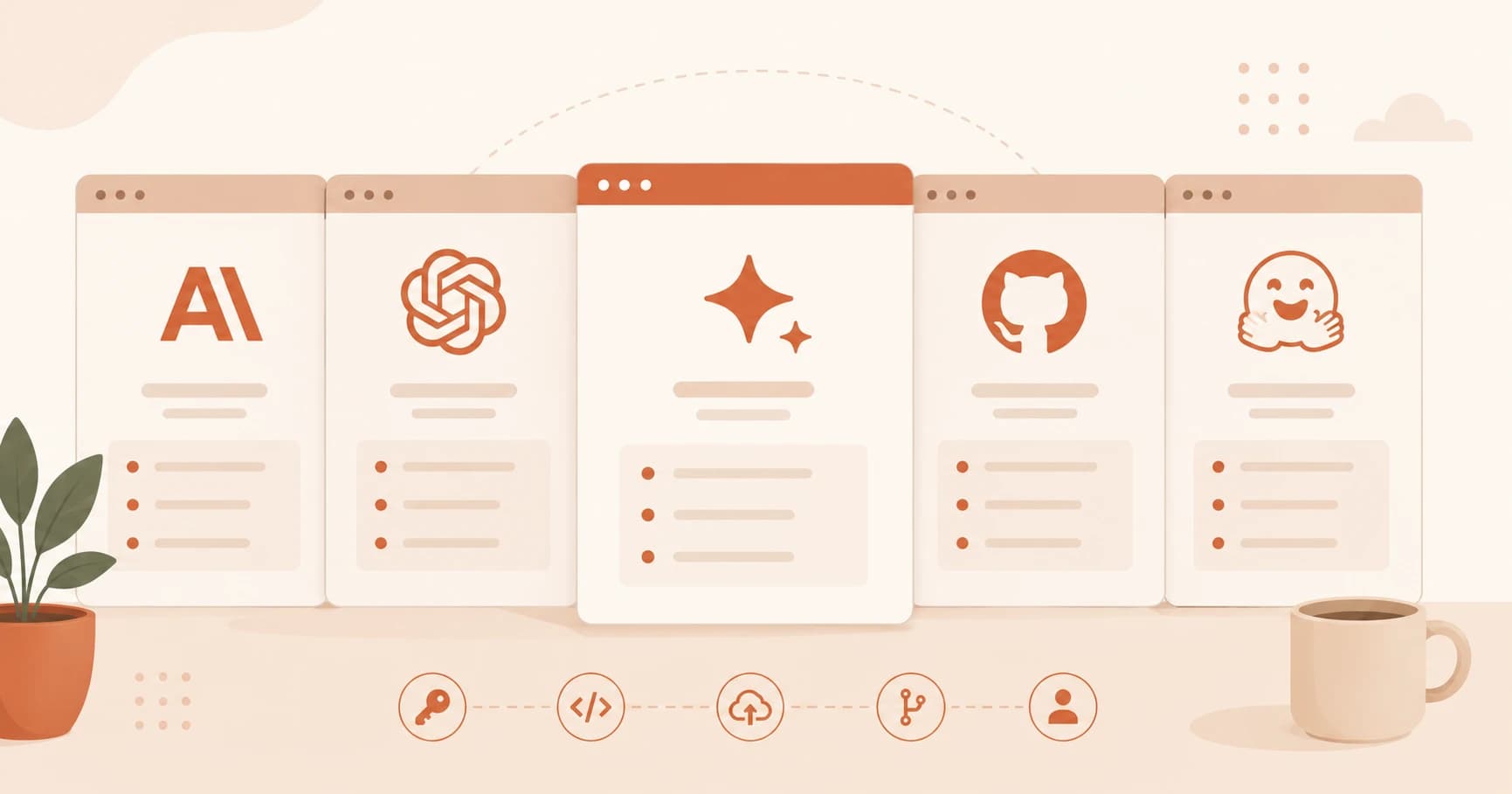
You need five free accounts before you can start building with AI. Creating all of them takes under 15 minutes, and most require no credit card.
Key Takeaways
- Anthropic gives you $5 in free API credit on signup, enough for weeks of beginner experimentation
- Google AI Studio has the most generous free API tier of the big three
- GitHub is free forever and is where all your code will live
- The chat apps (ChatGPT, Claude.ai) are different from the developer API platforms, you need both
- Hugging Face gives you access to thousands of open-source models, all for free
Why You Need Accounts, Not Just Apps
You've probably already used ChatGPT or Claude through a browser. Those are chat interfaces, they're great for conversation, but they don't give your code access to the AI.
When you build something, a script, an app, a tool, your code talks to the AI through an API (Application Programming Interface). That requires a developer account on the API platform, which is a different login than the chat app.
Think of it this way: chatgpt.com is the front door. platform.openai.com is the loading dock where your code makes deliveries.
You'll learn exactly how APIs and API keys work in the next lesson. For now, just create these five accounts so you have them ready.
Anthropic: Your First API Credits

Anthropic makes Claude, the AI model you'll use most throughout this course. Sign up at console.anthropic.com.
When you create a new account, Anthropic gives you $5 in free trial credit. No credit card required, just a phone number for verification.
That $5 goes further than it sounds. On Claude Sonnet, $5 covers roughly 1.6 million input tokens (see Anthropic's pricing page for current rates). For a beginner running small experiments and test scripts, that's weeks of usage without spending a penny.
This is a trial credit, not an ongoing free tier, once it's used, you'll need to add billing to continue. But for learning the basics, $5 is more than enough to get started.
Once you're in, you'll find your API keys under Settings → API Keys. You'll generate your first one in the next lesson.
OpenAI: The Benchmark You'll Keep Coming Back To
OpenAI makes ChatGPT and the GPT family of models. If we're honest, you'll probably end up using Claude most throughout this course — but having GPT as a reference point is worth it. Benchmarking two models against each other teaches you more than using one in isolation.
Two separate things to know here:
- ChatGPT (chatgpt.com), free forever, includes access to GPT-4o with daily rate limits. This is the chat interface.
- OpenAI Platform (platform.openai.com), where your code gets API access. Free to create an account; API usage requires billing setup.
Create your developer account at platform.openai.com. You won't need to add billing today, just create the account so it's ready when you reach the API modules.
Google AI Studio: The Most Generous Free API
Google AI Studio is Google's developer portal for the Gemini API. Sign up at aistudio.google.com, it connects to your existing Google account, so there's nothing new to create.
This is different from Gemini (the chat app). AI Studio is where you get an API key for Gemini models.
The free tier is the most generous of the three major providers:
- 1,500 requests per day on Gemini Flash (per Google's rate limits docs), completely free, no credit card required
- No expiry, it stays free indefinitely
For experimenting and prototyping, this makes Google AI Studio the easiest place to get started without worrying about credits running out.
GitHub: Where Your Code Lives
GitHub is where developers store, share, and collaborate on code. Every project you build in this course will end up here.
Create a free account at github.com.
GitHub is free forever, unlimited public and private repositories. No tiers to navigate, no expiry. If you've done the previous lesson on installing Git, you already know what Git is. GitHub is where your Git repositories live on the internet.
You'll use GitHub for the first time in Module 04. Create the account now so your username is ready. If you're following the Getting Started path, this is one of the last setup steps before you write your first real code.
Hugging Face: The Open-Source Model Hub
Hugging Face is the home of open-source AI models. It hosts tens of thousands of models, text generation, image classification, translation, audio, and more, that anyone can download and run.
Create a free account at huggingface.co.
You won't use Hugging Face until the later modules, but the account is worth creating now. The free inference API lets you run models directly from your code without downloading anything. And when you're ready to explore models beyond the big three providers, Hugging Face is where you'll look.
Your Task
Create all five accounts
Go to each of these sites and create a free account:
- console.anthropic.com, Anthropic (Claude API), you get $5 free credit on signup
- platform.openai.com, OpenAI (GPT API)
- aistudio.google.com, Google AI Studio (Gemini API)
- github.com, GitHub (your code home)
- huggingface.co, Hugging Face (open-source models)
For each one: write down your username or email somewhere safe.
That's it, you now have access to five of the world's best AI platforms, most of them free to start.
Done? You've completed Lesson 03.06.
FAQ