What Is a Database, Explained Simply for Beginners
A database stores an app's information so it persists between requests. This lesson covers tables, rows, and your first Supabase project.
You restart the FastAPI server from the last lesson, and it's like it never existed. Any message it "handled" is gone. Refresh the page, and there's nothing to show it ever ran at all.
A database is the fix for that. It's where an app stores information so it survives after a single request ends, after a server restarts, even after months pass. In this lesson, you'll see what a database actually is, spin up your first one with Supabase, and connect it directly to how AI agents "remember" things.
Key Takeaways
- A database stores information so it survives after a request ends, something your backend server alone can't do.
- Supabase gives you a real, hosted Postgres database without installing or managing anything yourself.
- Databases organize data into tables, each table a lot like a spreadsheet: rows for records, columns for fields.
- An AI agent's "memory" is really just an agent reading from and writing to a database, nothing more mystical than that.
Why Your Backend Doesn't Remember Anything
Go back to the FastAPI server from the last lesson. It handles a request, sends back a response, and then forgets everything. Stop the server and restart it, and any information it touched along the way is gone, because it was never stored anywhere, only held briefly while the code ran.
That's a real problem the moment an app needs to remember anything past one request: a user's account, a shopping cart, a conversation. Without somewhere to put that information, every restart wipes the slate clean. A database is that somewhere.
What a Database Actually Is
A database is a system for storing information so it persists, and can be searched and updated later, independent of whatever server or script happens to be running at the time.
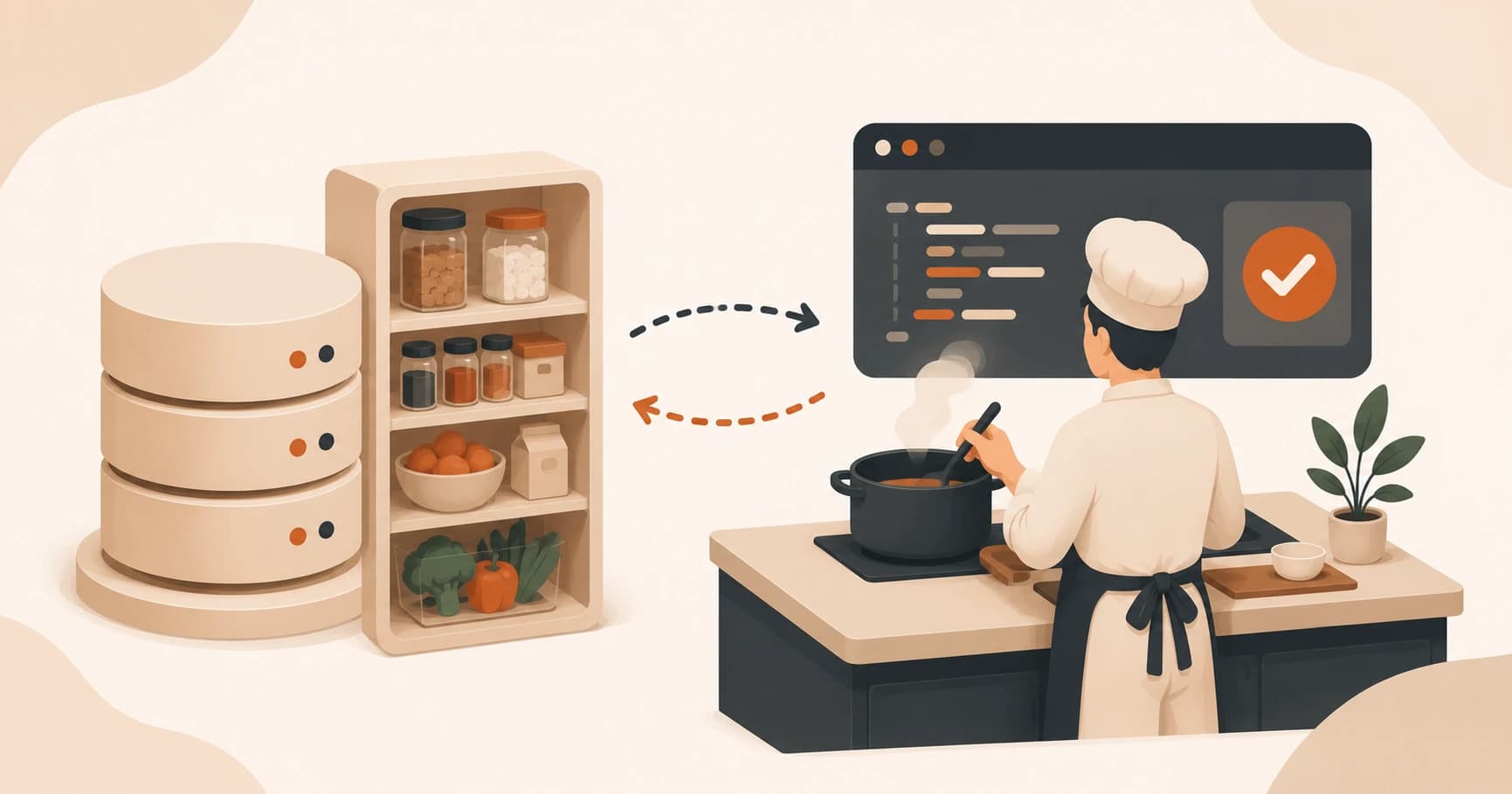
Think of your backend as a chef cooking to order. It's fast, capable, and does real work; but it has no pantry of its own. A database is the pantry and fridge next to that chef, the place ingredients (data) are kept so cooking doesn't start from nothing every single time. The chef reaches in when it needs something, and puts things back when it's done.
Coursera's overview of databases describes them the same way: an organized collection of information that can be searched, sorted, and updated, independent of any one program using it. That's the whole concept. Everything else is detail.
What Is Supabase?
Supabase is the database this course uses: a hosted Postgres database with a friendly web interface, so you don't have to install or manage a database server yourself. Chances are you've already used an app running on top of Postgres without knowing it was there.
Postgres, short for PostgreSQL, is a relational database: the tables, rows, and columns you're about to meet below, plus a guarantee that related tables stay consistent with each other. It's one of the most trusted databases in the world for a reason. When you move money between two accounts and the process crashes halfway, Postgres won't leave one account debited and the other uncredited, it either finishes the whole change or rolls it back entirely. You query it with SQL, the language you'll start writing in the next lesson.
Postgres isn't the only kind of database out there. SQLite is also relational and also uses SQL, but it lives in a single file on your machine with no server, that's why it's common in mobile apps and small scripts, not projects with many people writing to it at once. MongoDB stores flexible, document-shaped data instead of strict tables. Redis just maps a key to a value, built for speed, not structure. Postgres sits in the middle: strict enough to trust with real data, flexible enough (through extensions) to also store documents or even AI embeddings when you need to.
The appeal for a beginner is exactly that gap between power and setup effort. A real Postgres database, running somewhere reliable, reachable from your FastAPI backend in a few lines of code, with a web interface you can click through instead of a terminal you have to configure. That tradeoff is why Supabase's own getting-started docs lean so heavily on the dashboard for a first project, and it's exactly what the full project setup walkthrough covers step by step.
I default to Supabase for almost every beginner project I help set up, and it's rarely about features. It's that a student can go from "I need a database" to looking at real rows of data in about two minutes, no installation step in between to lose momentum on.
Tables, Rows, and Columns
Open Supabase's Table Editor and it looks almost exactly like a spreadsheet, because that's basically what it is: a spreadsheet that scales to millions of rows without slowing down. A database is organized into tables, each table built from columns (the fields every record shares, like name or email) and rows (one record per row, like one user or one message).

Supabase auto-generates an id column for every new table, a unique number for each row. You'll use it constantly once you start connecting tables to each other, so it's worth noticing now even before it matters.
Skip this structure and every later SQL lesson gets harder to follow, because SQL is really just a way of asking questions about rows and columns.
How AI Agents Use Databases to "Remember"
Here's the payoff for all of this: when people say an AI agent has "memory," they don't mean anything mystical is happening inside the model. They mean the backend behind that agent is reading rows out of a database before calling the model, and writing new rows back in after.
A chat app that "remembers" your last conversation is doing exactly what you just saw in the Table Editor: storing each message as a row, then pulling those rows back out the next time you show up. No database, no memory, no matter how capable the model itself is. See exactly how AI agents use databases for memory in the next lesson, including the specific table shape almost every agent project ends up using. Later on, once an agent is reading real data instead of just its own memory, see querying databases from an agent for the read-only guardrail every agent-database connection needs.
Create your first Supabase project
Go to supabase.com and create a free account.
Click "New Project," give it a name (something like "my-first-database"), set a database password, and save it somewhere safe. Choose a region close to you.
Wait a minute or two while it provisions. Once it's ready, click "Table Editor" in the left sidebar.
Explore the interface. Notice it looks like a spreadsheet: this is where every table, and every row of data, in your project will live from here on.
Done? You've completed Lesson 07.03.
FAQ