Building with AI
APIs, SDKs, evals, deployment, and cost management for builders.
90 articles
What Is Aider AI Coding Tool? Git-Native Explained
What is Aider AI coding tool? It's a free terminal tool that auto-commits every AI edit to Git, so you always know what changed and why.
What Is Antigravity CLI? Google's Free Coding Agent
What is Antigravity CLI? Google's free terminal AI coding agent, explained: how it works, its daily limits, and how it compares to Claude Code.
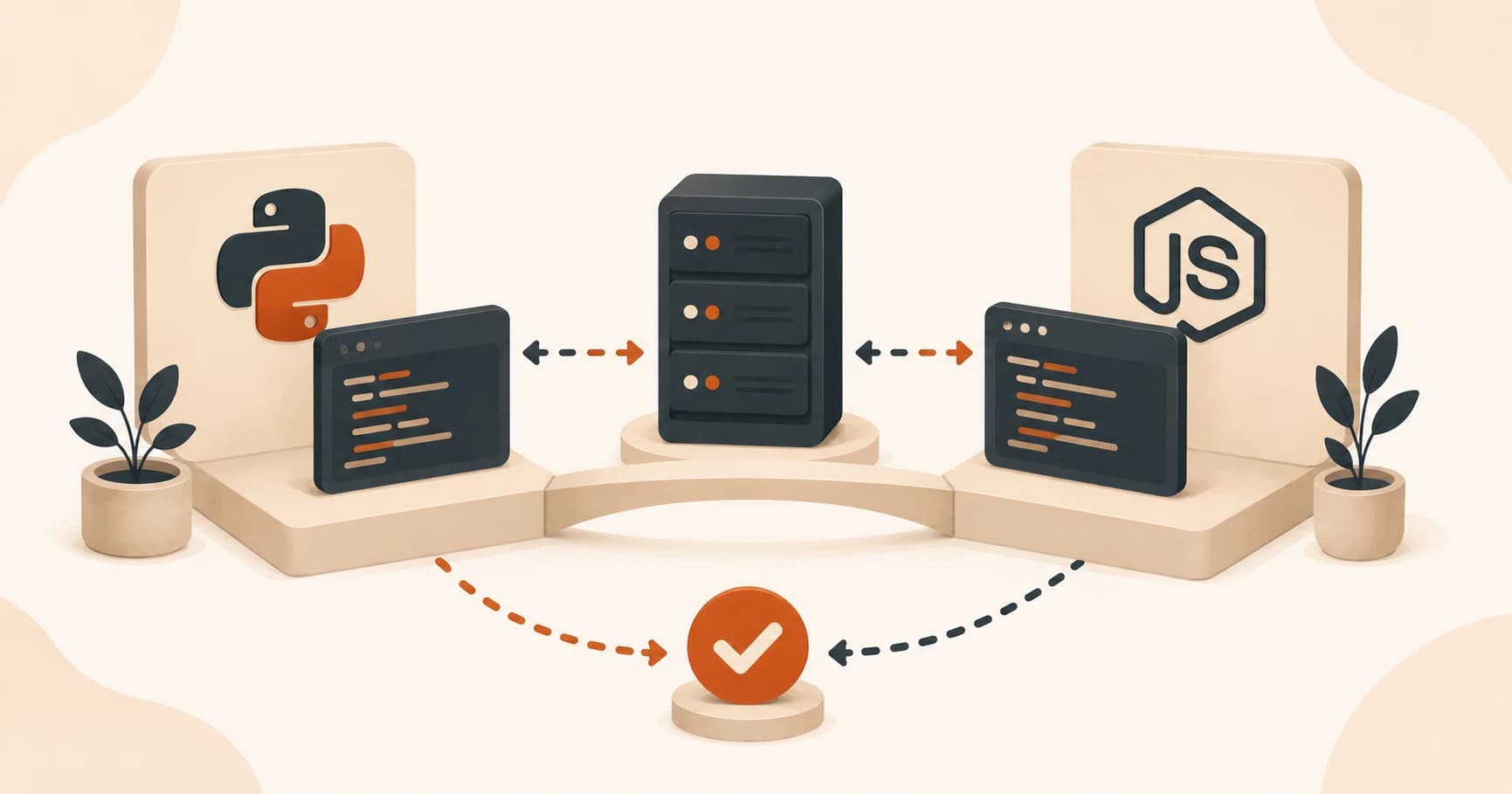
FastAPI vs Express.js for Beginners: Key Differences
FastAPI and Express.js do the same backend job, just different syntax. See the FastAPI vs Express.js beginner comparison and how to choose.
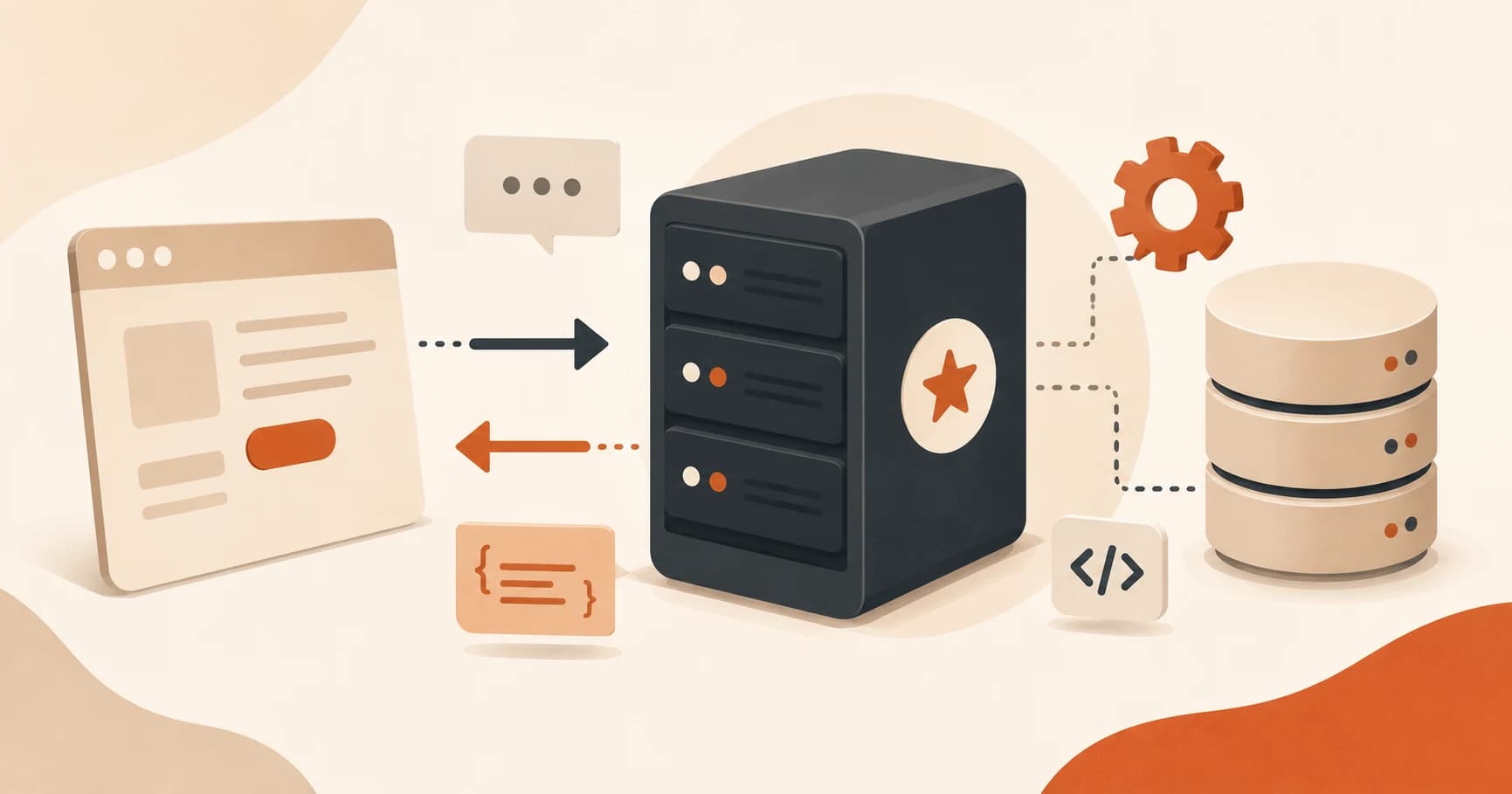
What Does a Backend Server Do? FastAPI Example
A backend server waits for requests, processes them, and sends back a response. See what that looks like in a real FastAPI example, built in minutes.
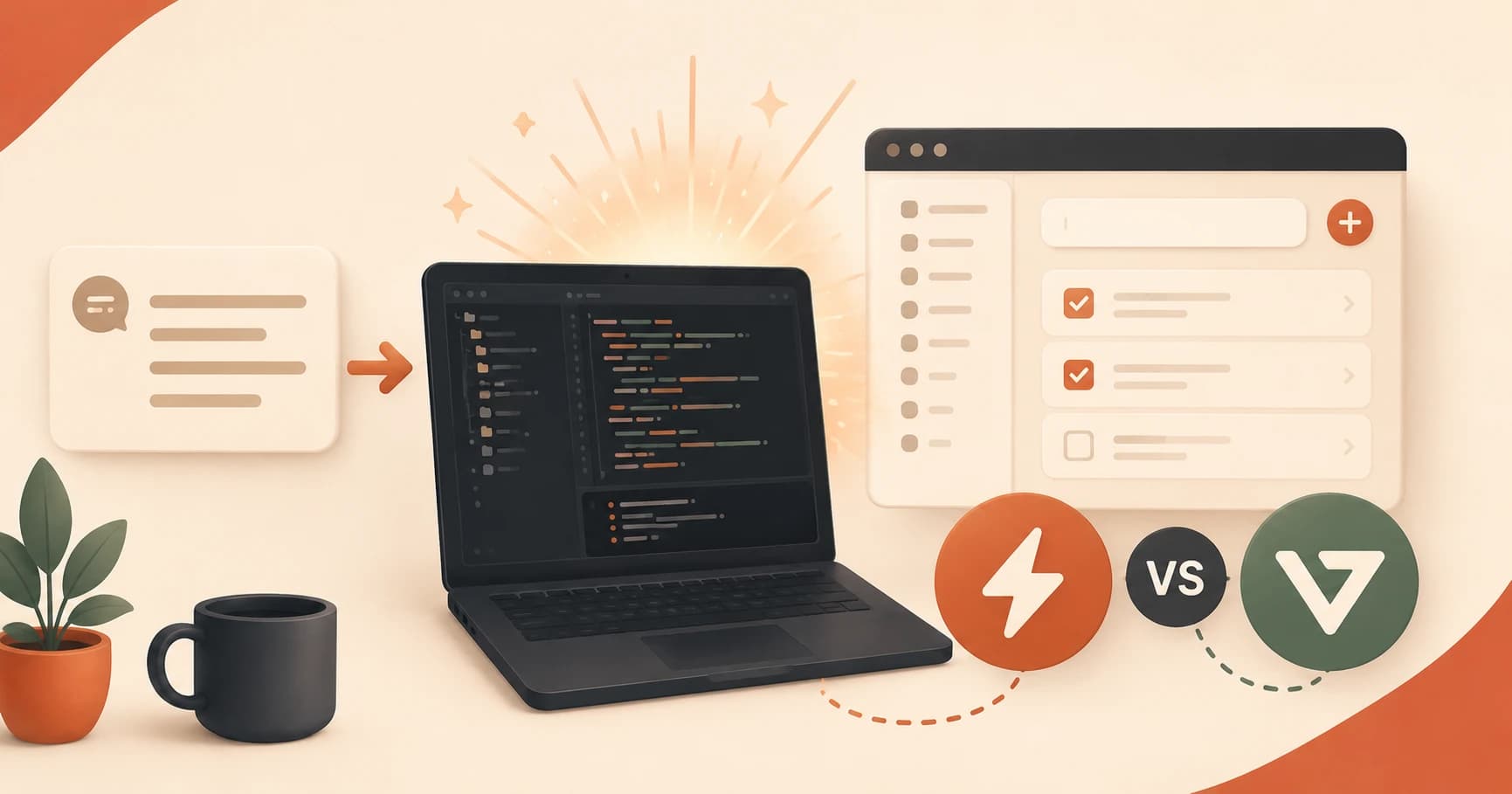
Bolt.new vs v0.dev: Generate a Full App From a Prompt
Bolt.new and v0.dev turn a text prompt into a working app in seconds. Here's what each does, and when a generated app is actually a good starting point.

How to Use Browser DevTools for Beginners: A Guide
How do you use browser DevTools as a beginner? Open Console for errors and Network for live requests, so you can see exactly what a page is doing.

How to Choose a Deployment Platform (Beginner's Guide)
A simple three-question framework for choosing a deployment platform for your first real project: static, backend, or full-stack, free or paid.

How to Choose an AI Coding Tool: A Decision Framework
How to choose an AI coding tool comes down to three questions: your budget, skill level, and use case. Answer them here and start building today.

What Is Claude Code? Terminal AI Coding Explained
What is Claude Code? Anthropic's terminal-based AI coding assistant, explained: what it does, when to use it, and how it compares to other tools.
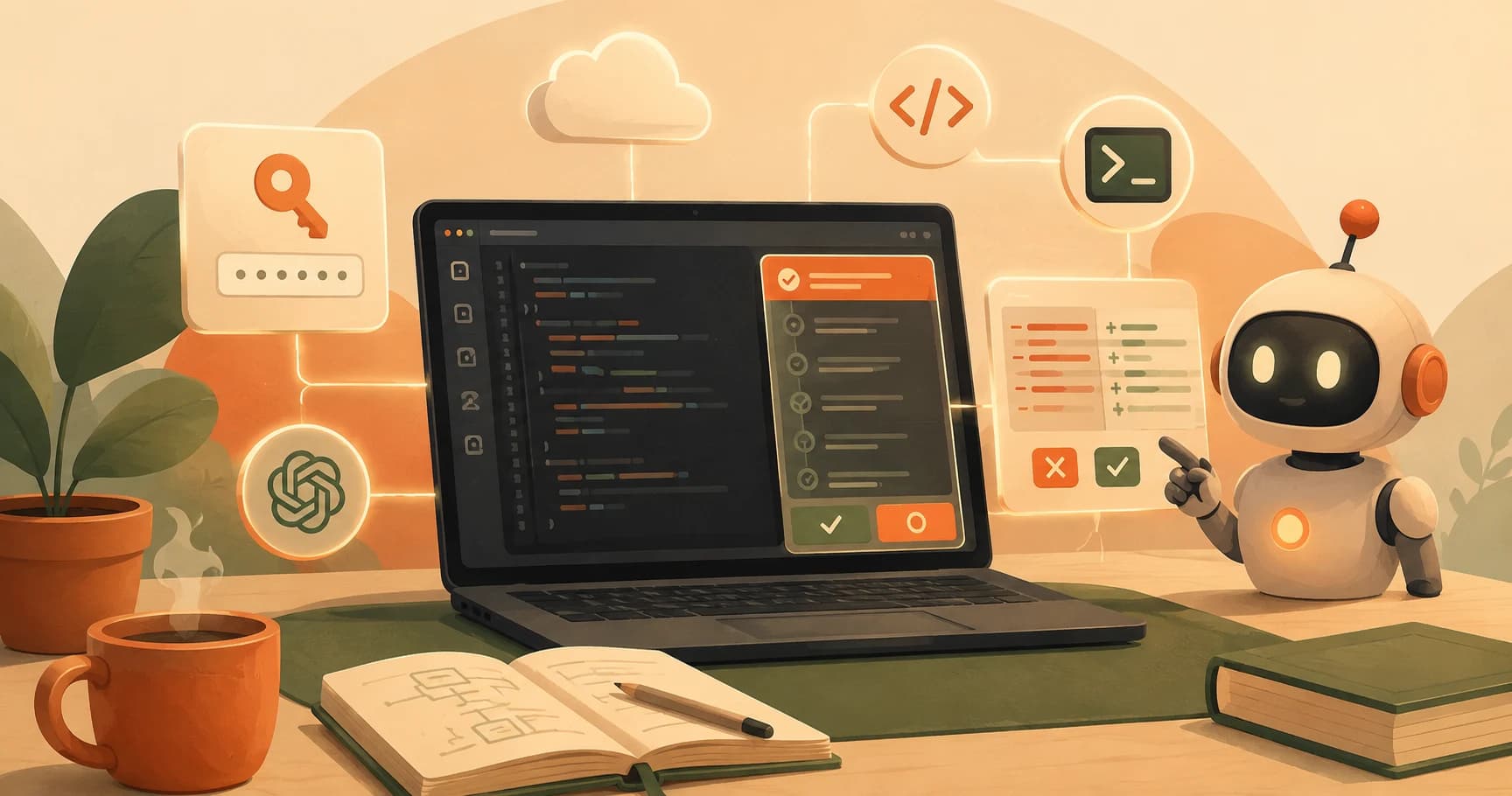
What Is the Cline VS Code Extension? A Beginner's Guide
The Cline VS Code extension is a free, open-source AI coding agent you power with your own API key. Here's what it does and how it beats Copilot on control.

How to Create a .env File to Store Your API Keys Safely
A .env file stores your API keys outside your code so they stay secret. Learn how to create one, what format to use, and why .gitignore is essential.
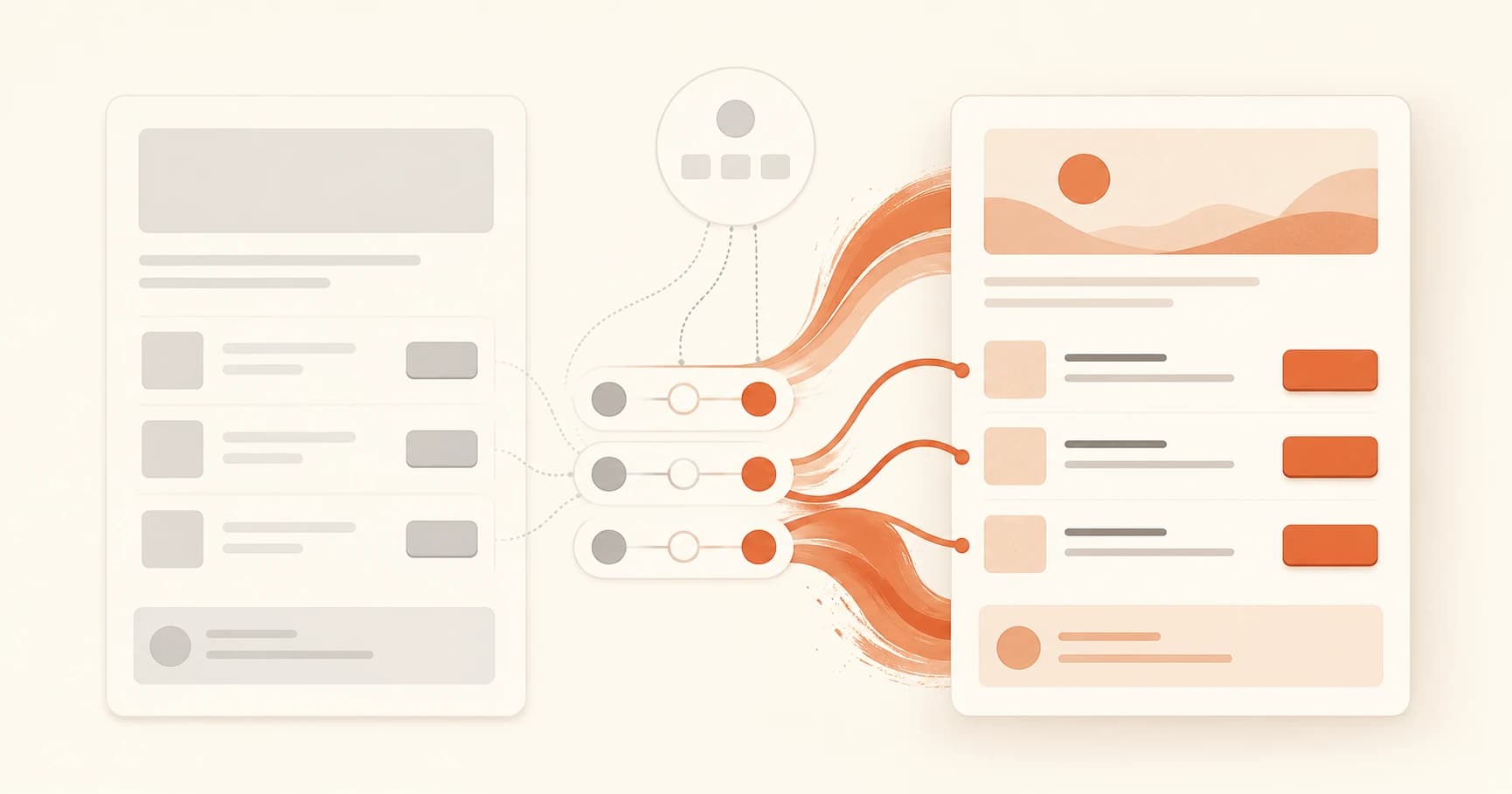
CSS Classes for Beginners: How to Change Color & Font
Learn what a CSS class is, how it differs from an id, and how to change color and font in a real CSS rule, explained simply for beginners.

How to Connect a Custom Domain to Vercel (Beginner Guide)
Connecting a custom domain means adding it on your platform, then adding one DNS record at your registrar. Here's the exact pattern and how long it takes.

How AI Agents Use Databases to Remember Every Message
How do AI agents use databases? A messages table with id, role, and content stores every turn, so conversations survive after the script restarts.

How to Deploy FastAPI to Render (Free, for Beginners)
How to deploy FastAPI to Render's free tier: the exact build and start commands, why it works when Vercel doesn't, and the cold-start catch to expect.
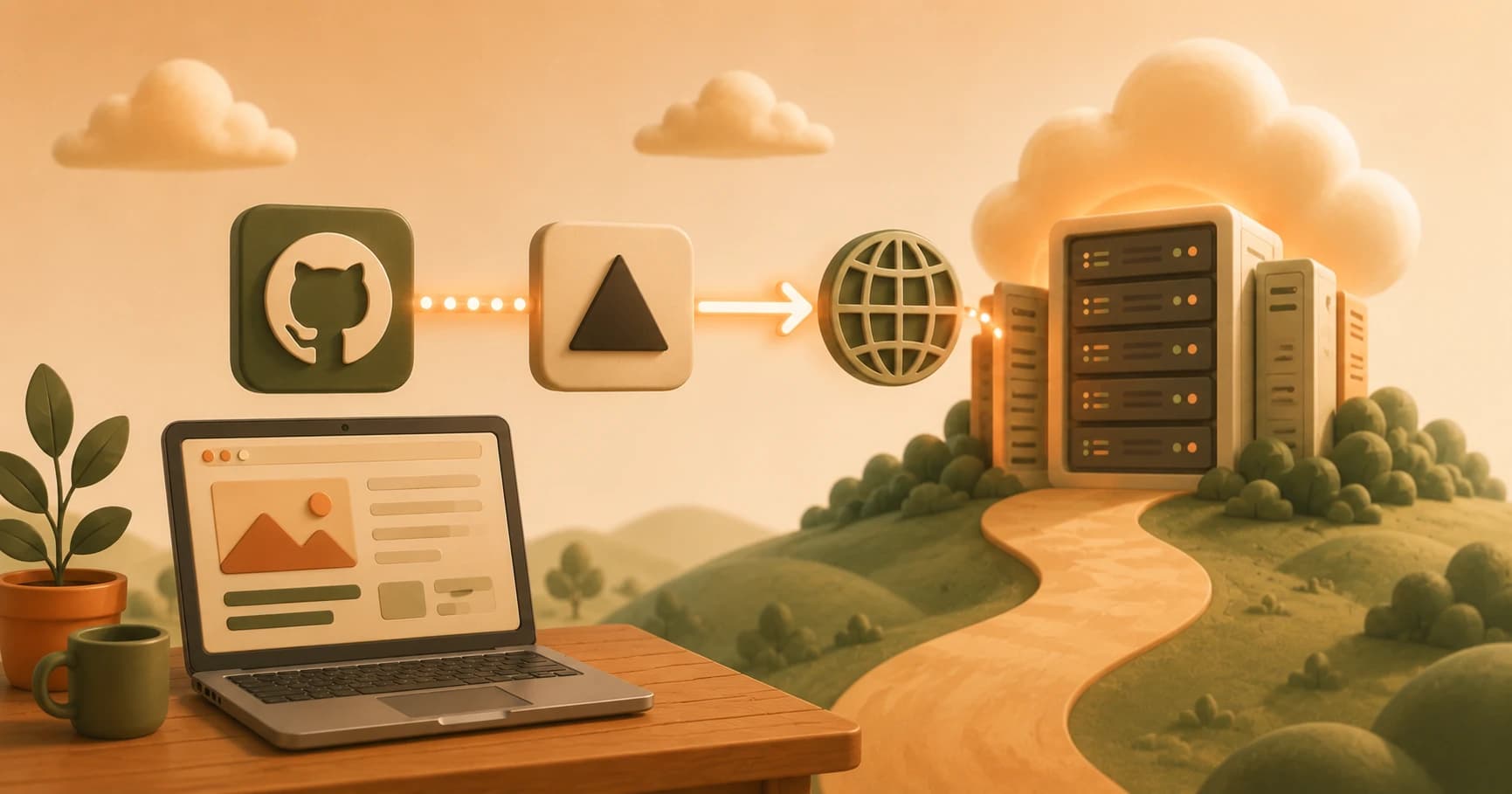
How to Deploy to Vercel for Beginners (Free & Fast)
Learn how to deploy to Vercel for beginners: connect GitHub, import your repo, and get a free, live .vercel.app URL in about a minute.

Vercel Alternatives for Deployment: The Full Landscape
Netlify, GitHub Pages, Cloudflare Pages, Railway, and Fly.io explained simply: what each is for and whether you need to switch.

How Auto Deploy Works: From Git Push to Live Site
How auto deploy works: push code to GitHub and your platform rebuilds it and puts it live automatically, no manual upload, ever.

What Is a Domain Name and DNS? Here's How They Work
A domain name is a rented address like seekvana.com; DNS is the phonebook that turns it into a real server location. Here's how both actually work.
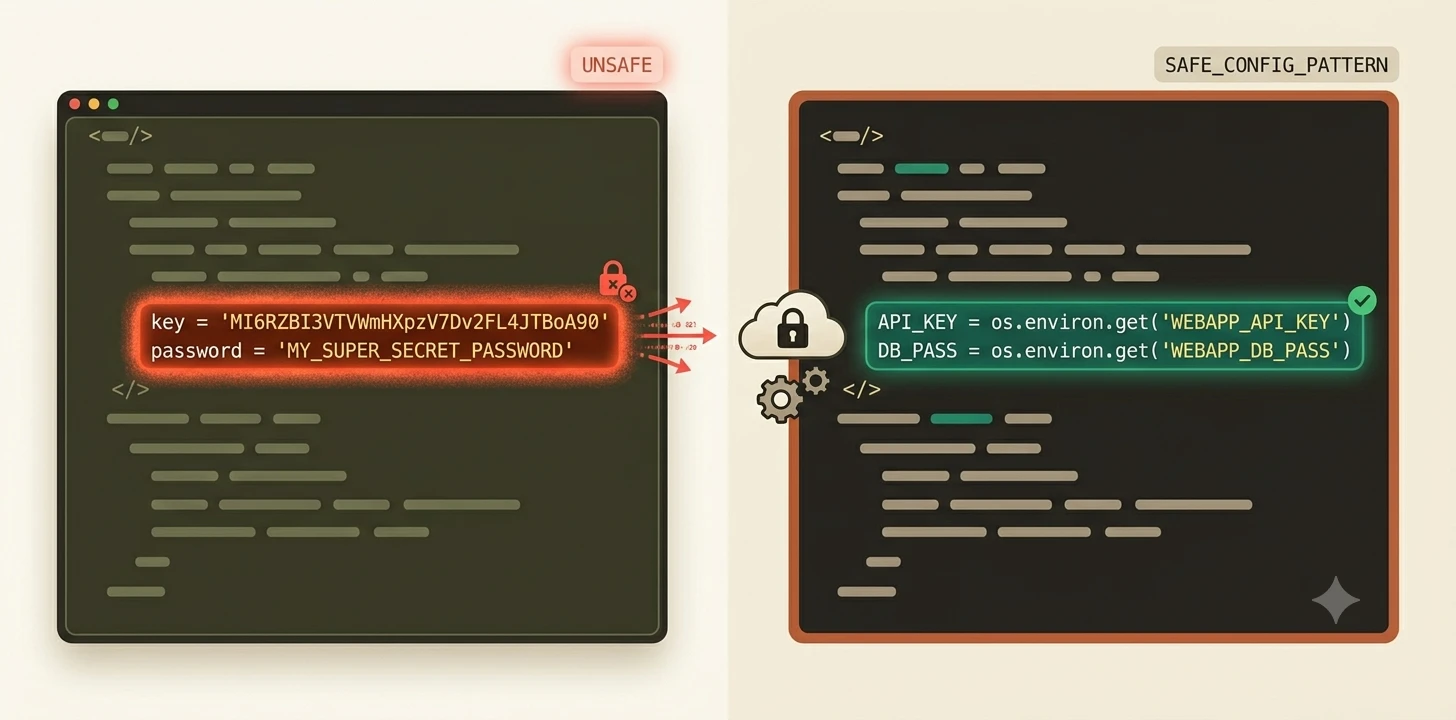
What Are Environment Variables?
Environment variables store values like API keys so your code doesn't have to. Learn what they are, how to set one, and why every AI tutorial mentions them.

Environment Variables in Production: Keep API Keys Safe
Learn how environment variables work in production so your API keys stay safe on a live server without ever touching GitHub.

Evaluating Prompts: Build a Golden Dataset and LLM Judge
Evaluating prompts means testing them against a golden dataset with an LLM judge, not eyeballing outputs. Build a 20-case regression sheet here.
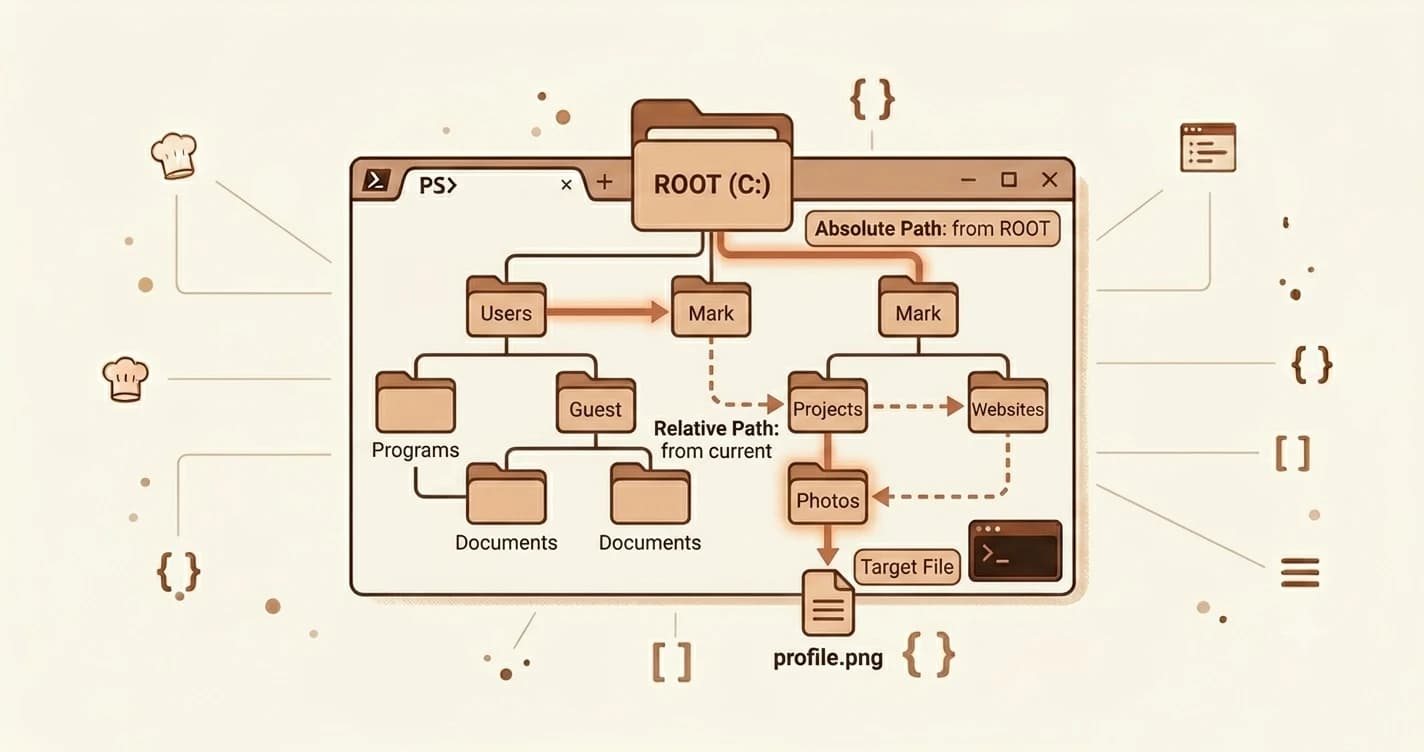
Absolute vs Relative File Paths Explained (For Beginners)
Confused by 'no such file or directory'? Learn the difference between absolute and relative file paths, with real Windows and Mac examples. Takes 5 minutes.
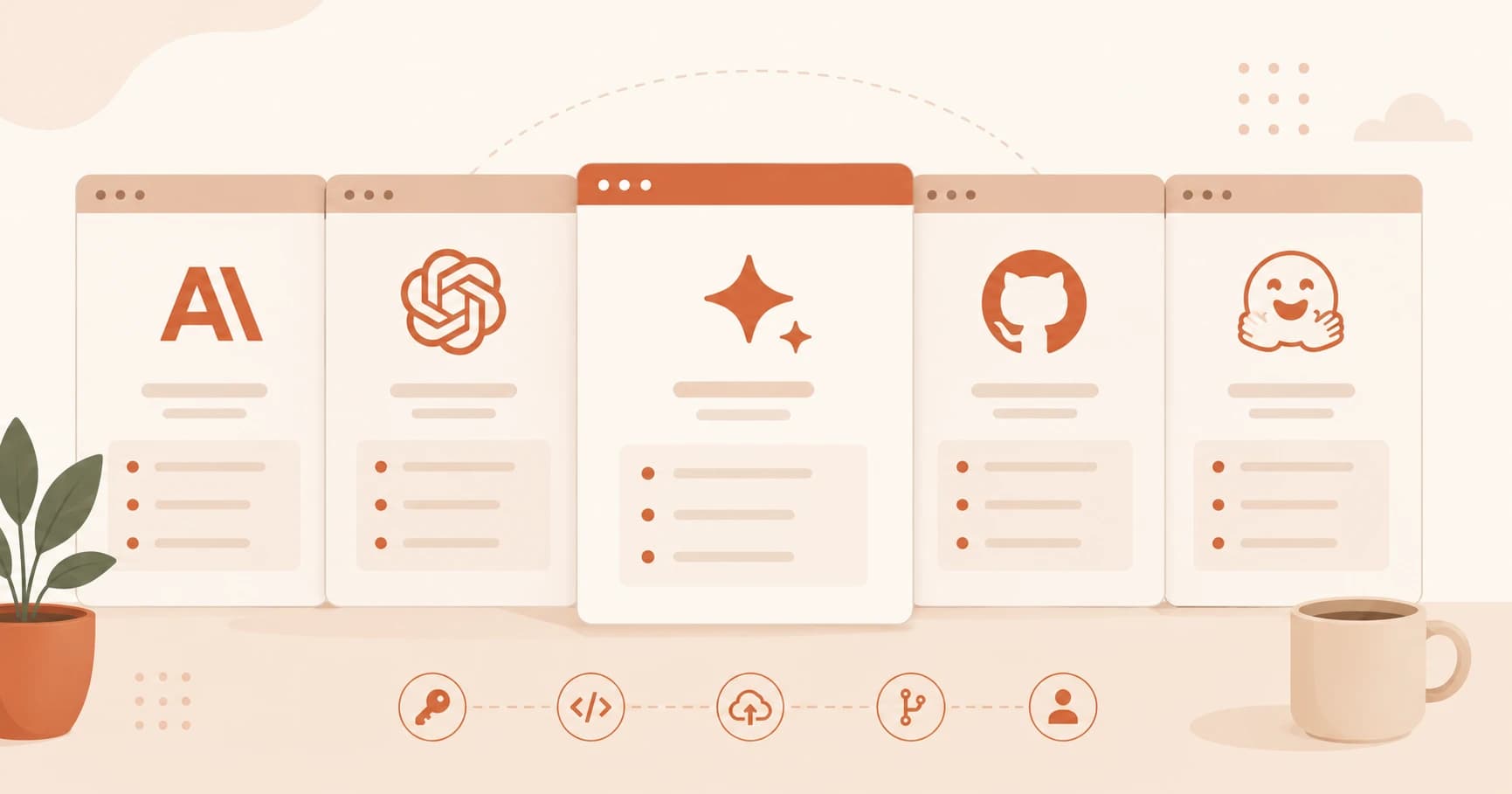
Free AI Accounts to Create Before You Start Building
The 5 free developer AI accounts every beginner needs: Anthropic, OpenAI, Google AI Studio, GitHub, and Hugging Face. Takes under 15 minutes to set up.

Vercel & Render Free Tier Limits: When Hosting Costs
Vercel and Render free tier limits explained: what they cap, when a hobby project hits one, and why a free tier rarely means a surprise bill.

Frontend vs Backend Deployment: What's the Difference?
Frontend vs backend deployment explained: static files need one kind of host, a running program needs another. Here's the simple test to know which.

Frontend vs Backend Explained for Beginners: Full Guide
Frontend vs backend explained simply: frontend is what users see, backend handles data and API keys. Learn how both work together in AI apps.
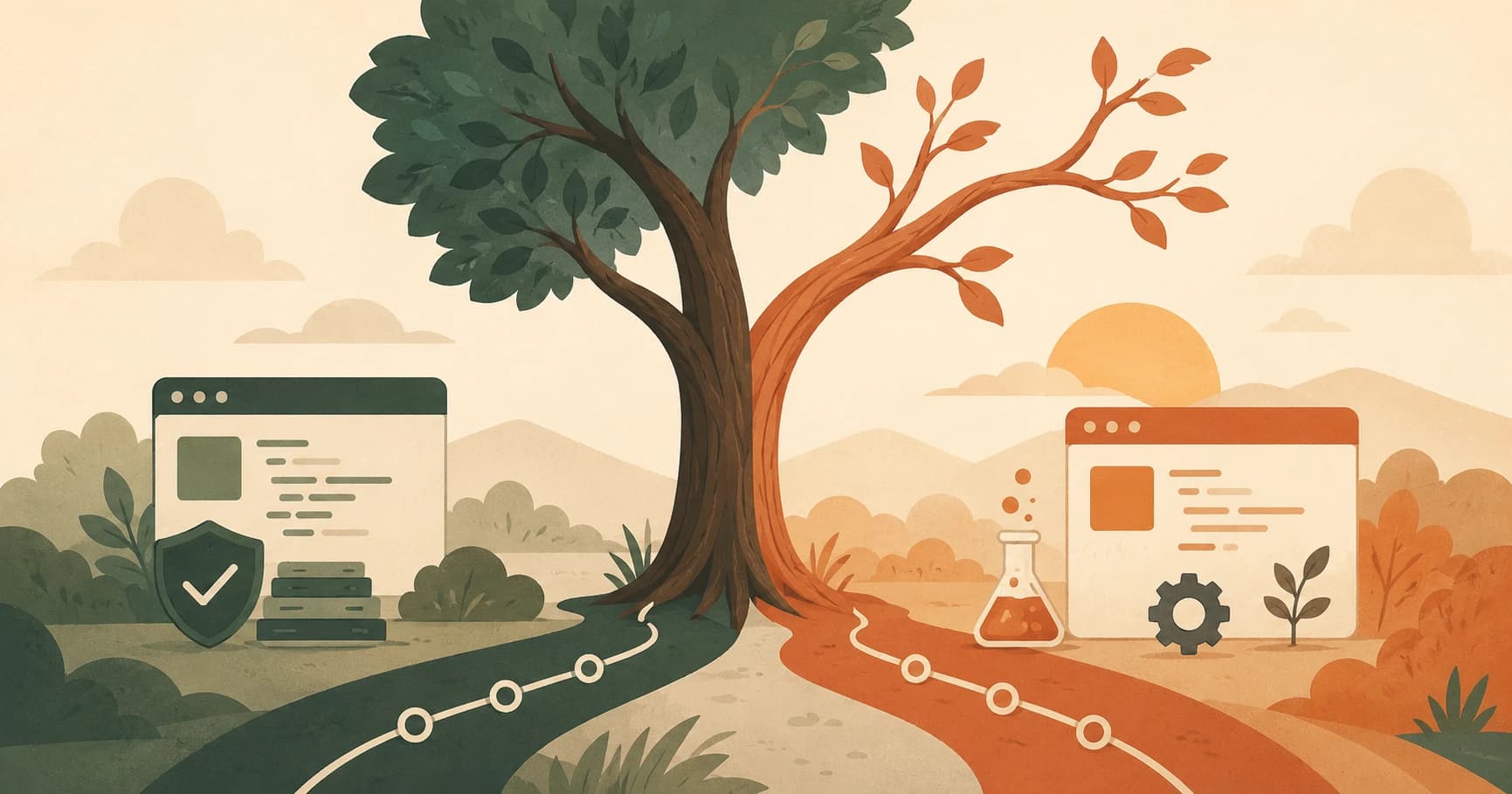
Git Branches Explained: A Beginner's Complete Guide
A git branch lets you experiment freely without touching your main code. Learn what branches are, why they matter, and how to create your first one in minutes.
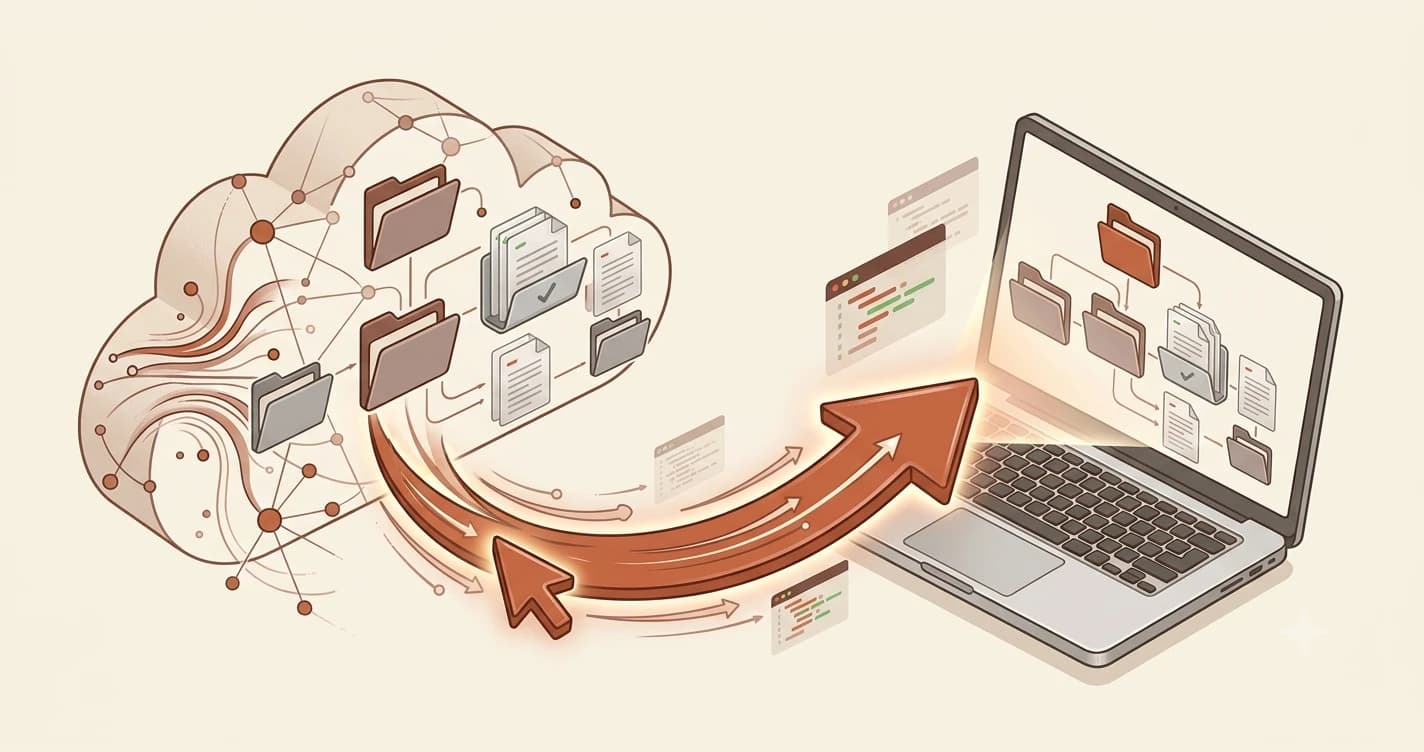
How to Clone a GitHub Repository in One Command
Learn git clone in under 5 minutes. This lesson covers what cloning actually downloads, how to find the repo URL, and why clone beats downloading a ZIP.
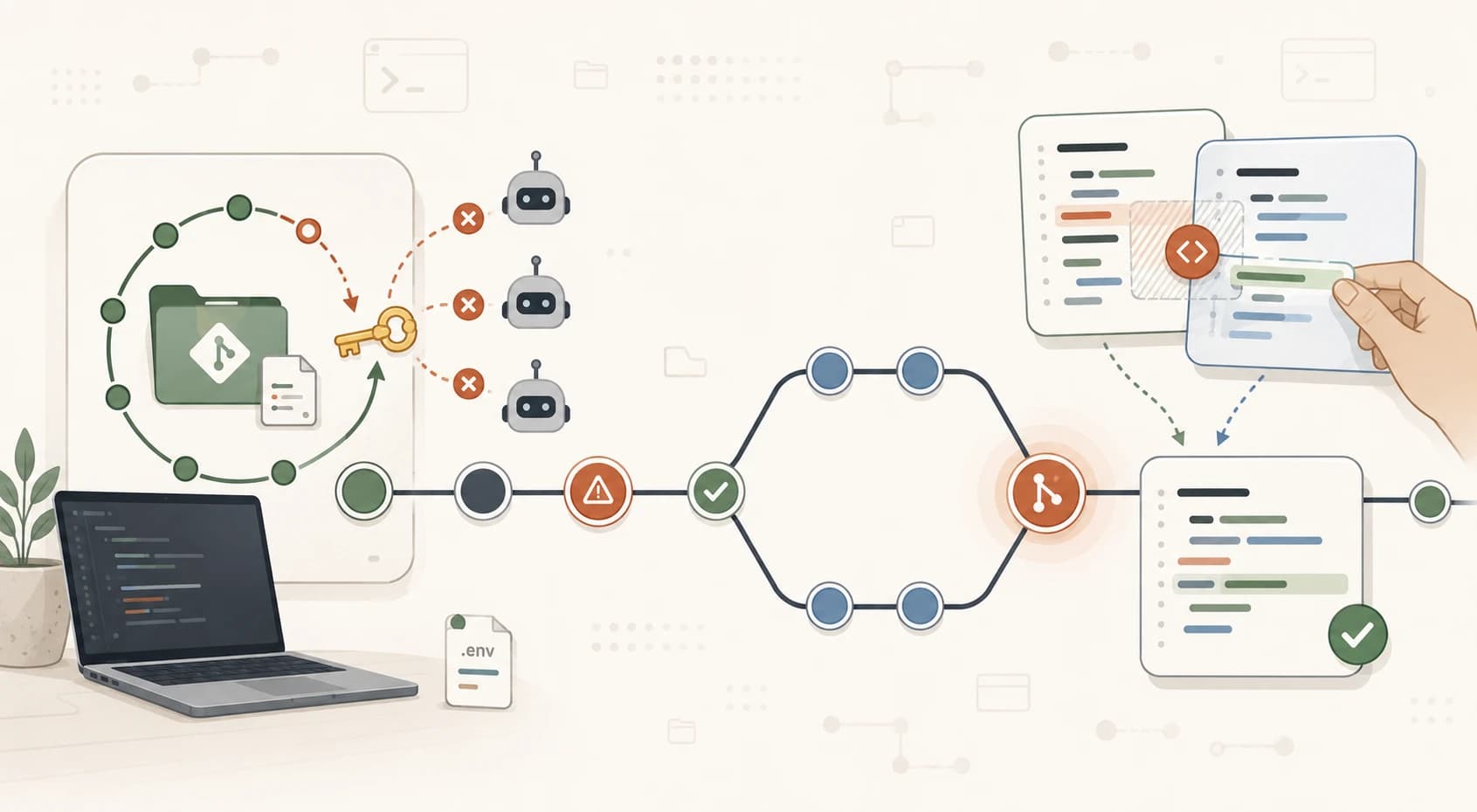
Common Git Mistakes Beginners Make (And How to Fix Them)
Accidentally pushed an API key? Hit a merge conflict? These are the two most common Git mistakes beginners make. Here's how to detect, fix, and prevent both.
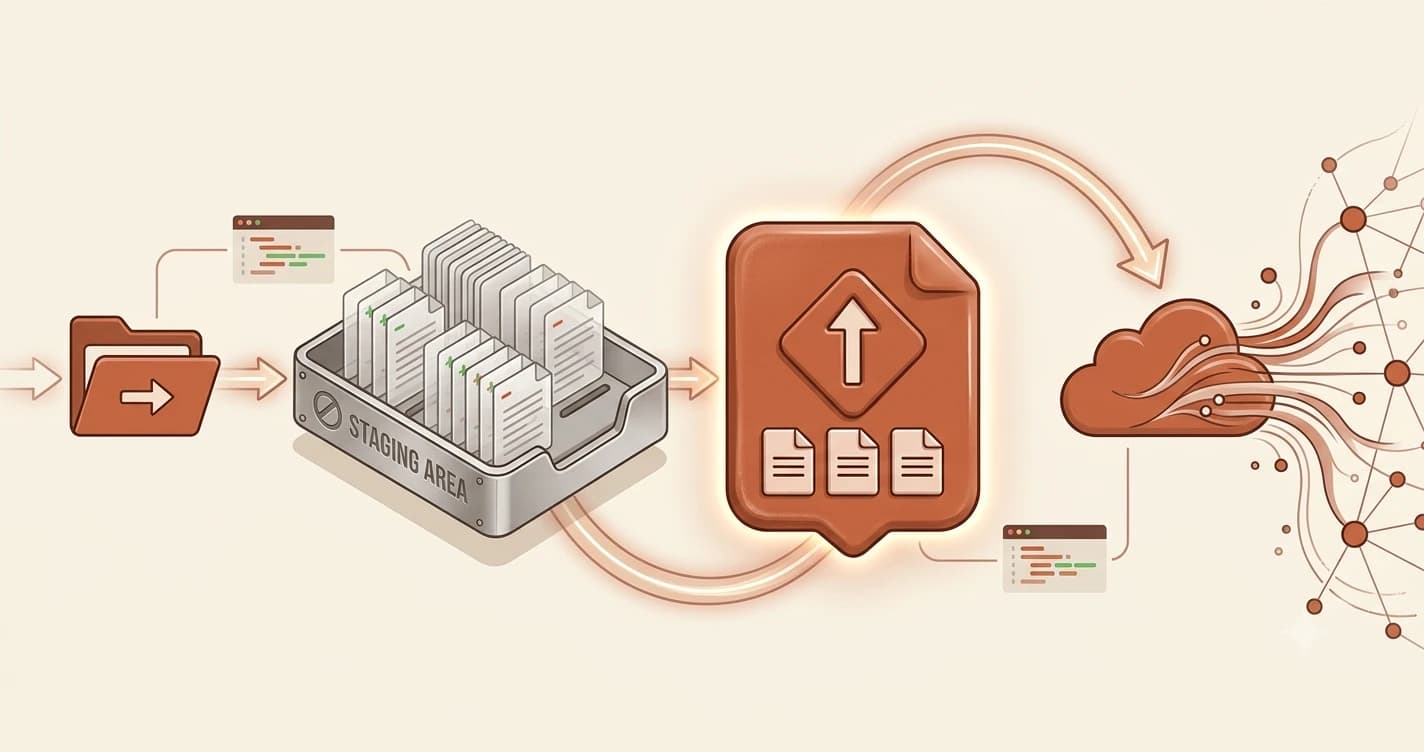
Git Core Workflow for Beginners: init, add, commit, push
Learn the basic Git workflow step by step, git init, add, commit, and push, with terminal examples, common error fixes, and a task to push your first repo.
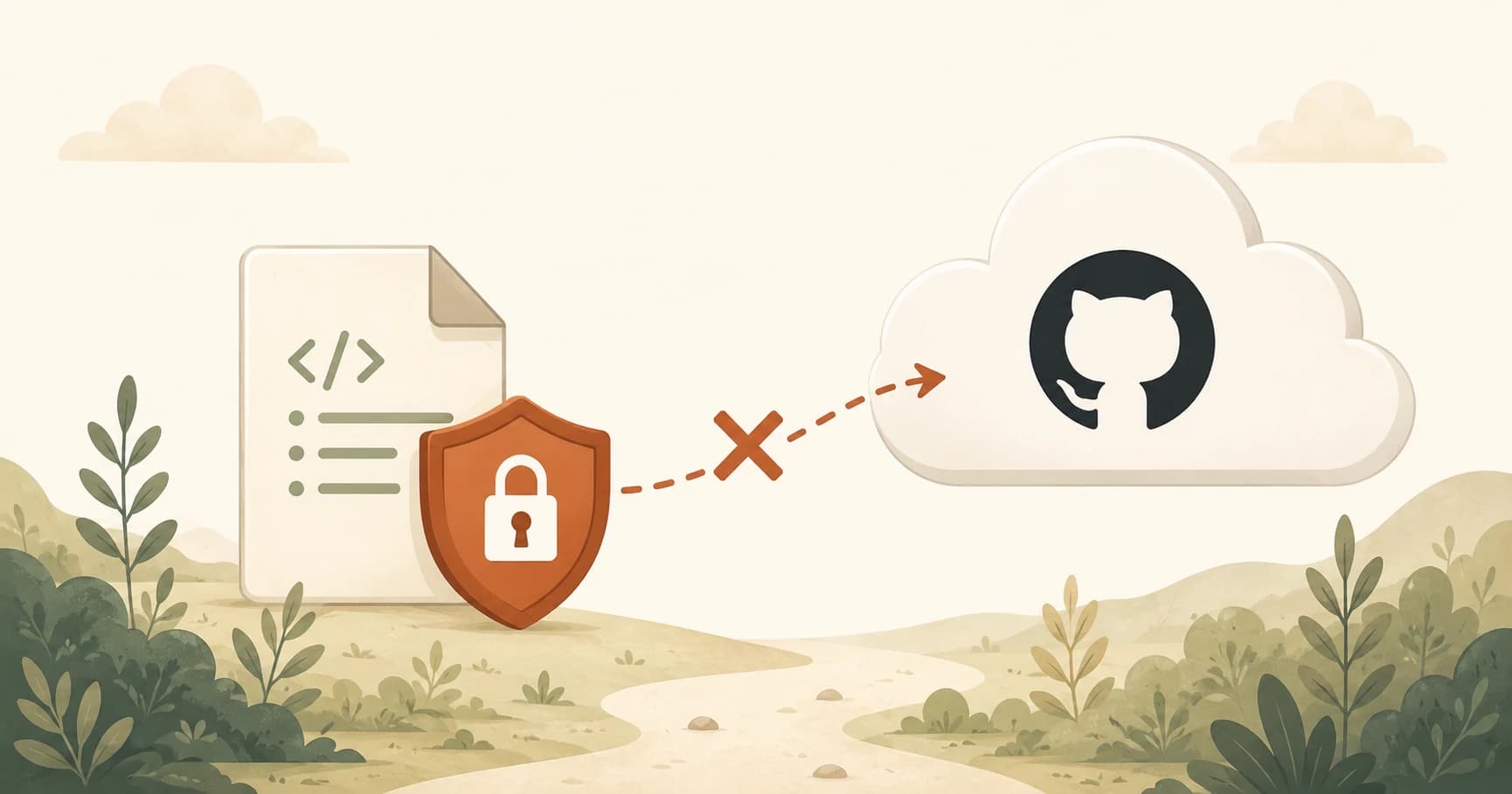
What Is a .gitignore File? Keep API Keys Off GitHub
Learn what a .gitignore file does, which lines every AI project needs, and how to keep your API keys from ending up on GitHub.
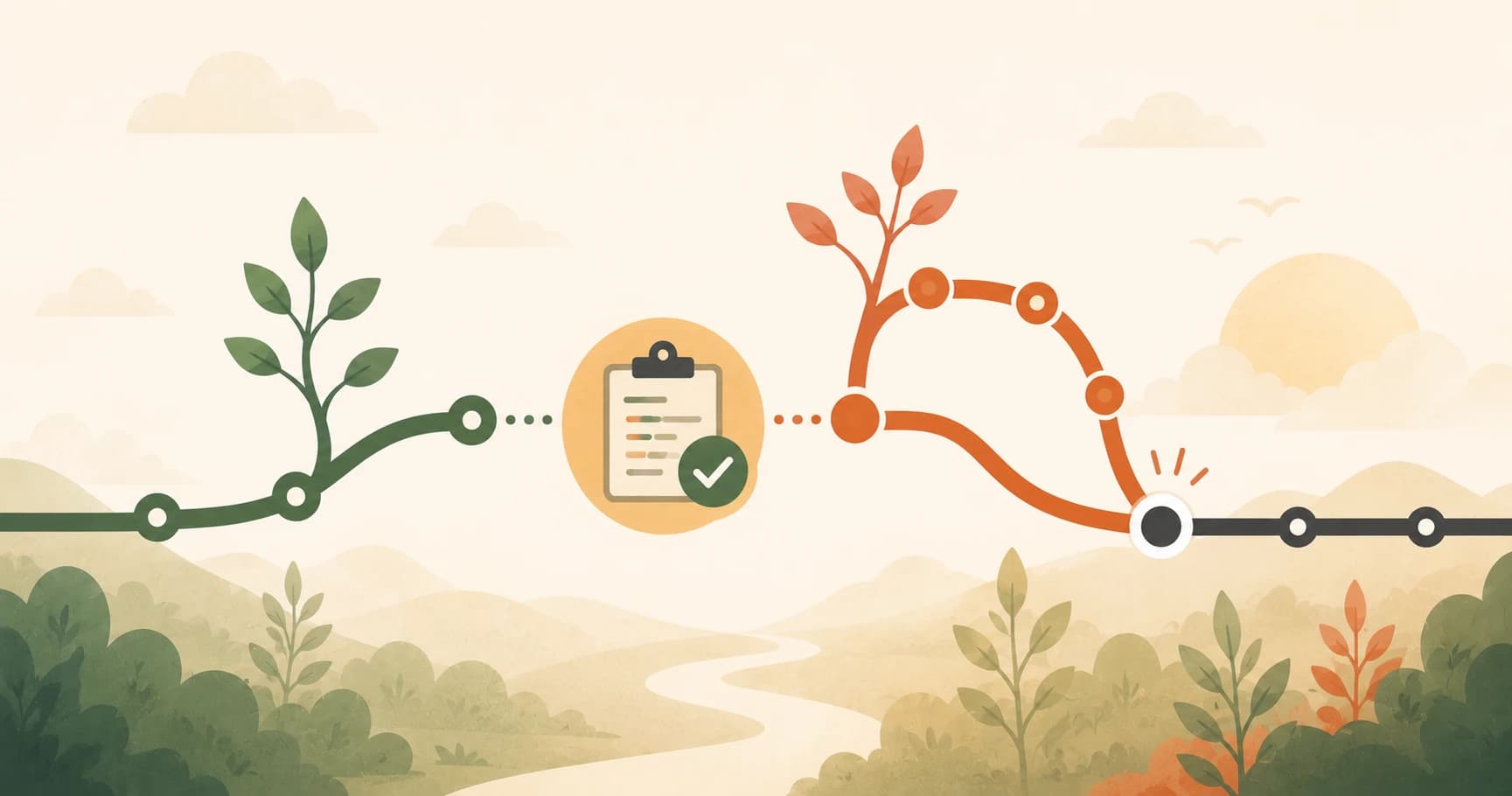
What Is a Pull Request on GitHub? A Beginner's Guide
Pull requests are how developers merge branches on GitHub. This guide explains what PRs are, why they're named that, and how to create your first one.

Git vs GitHub: What's the Difference? | Seekvana
Confused about Git vs GitHub? Git is a tool on your computer. GitHub is the website where you store and share it. Clear, beginner-friendly explanation.
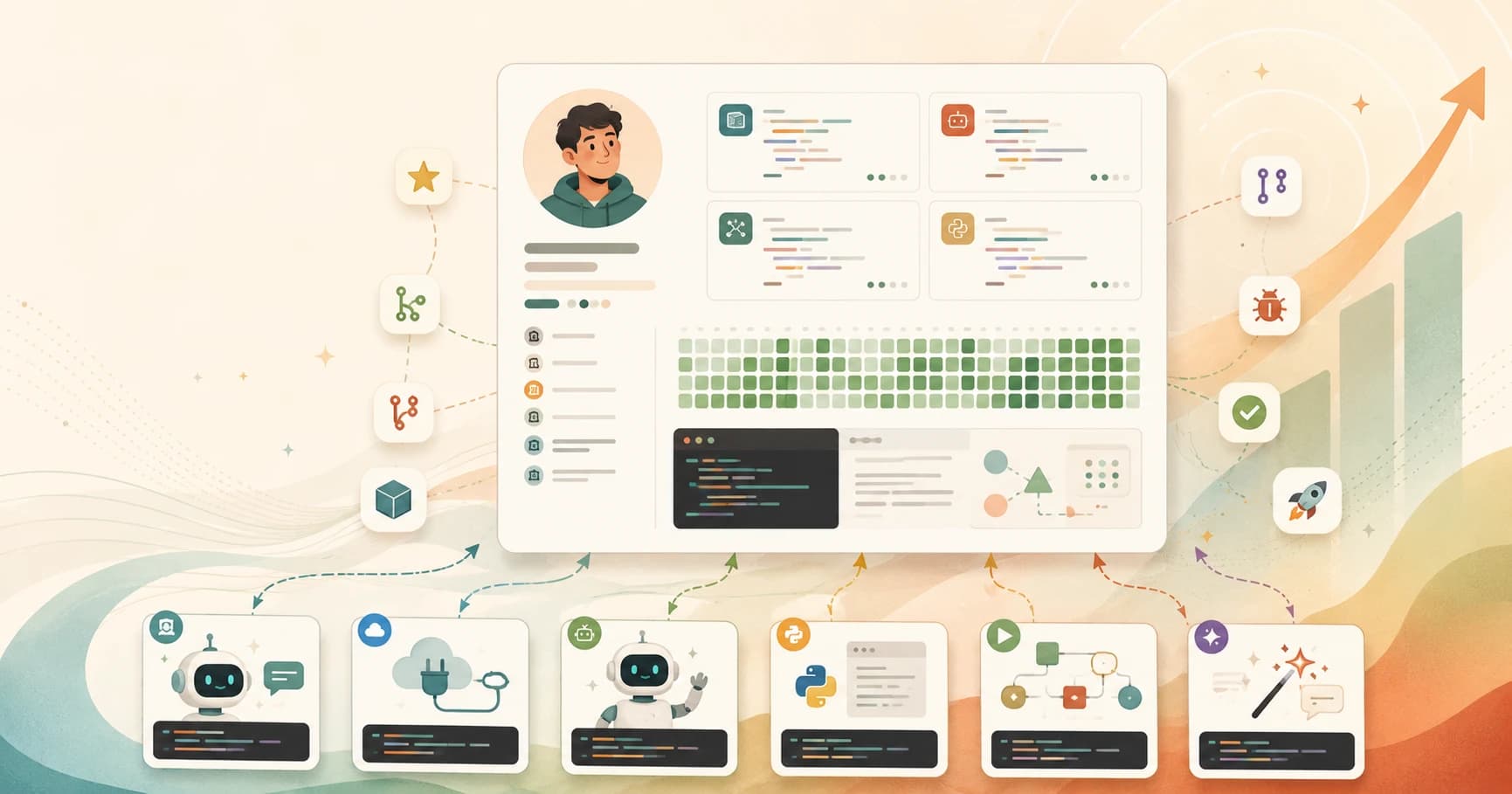
GitHub Portfolio for Beginners: Why Your Repos Matter
Your GitHub profile is your developer CV. Learn how to build a GitHub portfolio as a beginner, what to pin, and why AI learner projects matter.

What Is GitHub Copilot? A Beginner's 2026 Guide
GitHub Copilot adds AI-powered autocomplete and chat to your existing editor, unlike standalone tools like Cursor. Here's how it works and what it costs.
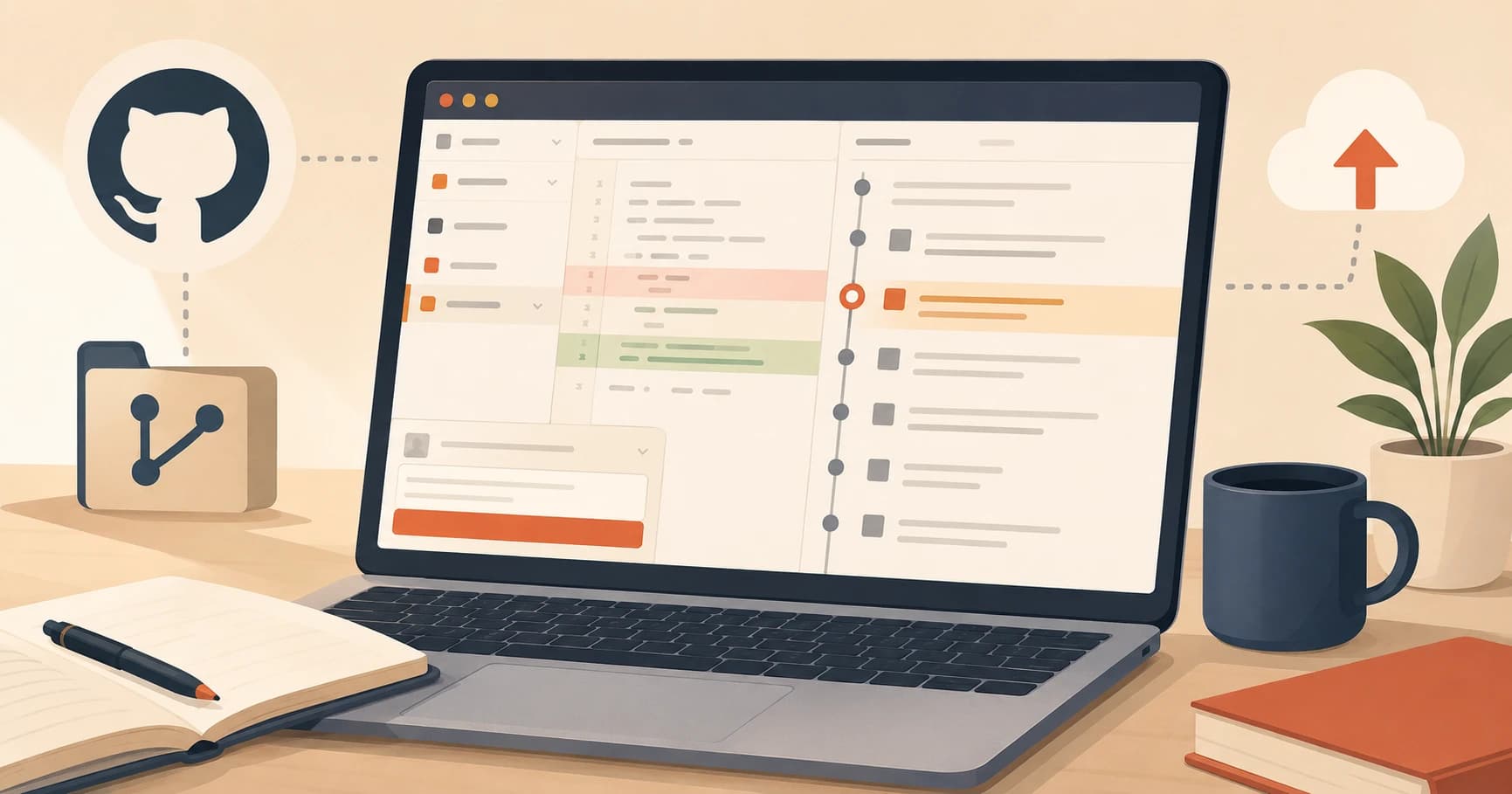
GitHub Desktop Tutorial: See Git Without the Terminal
GitHub Desktop is a free Git GUI that shows you exactly what changed before every commit. This beginner tutorial covers install, setup, and daily workflow.
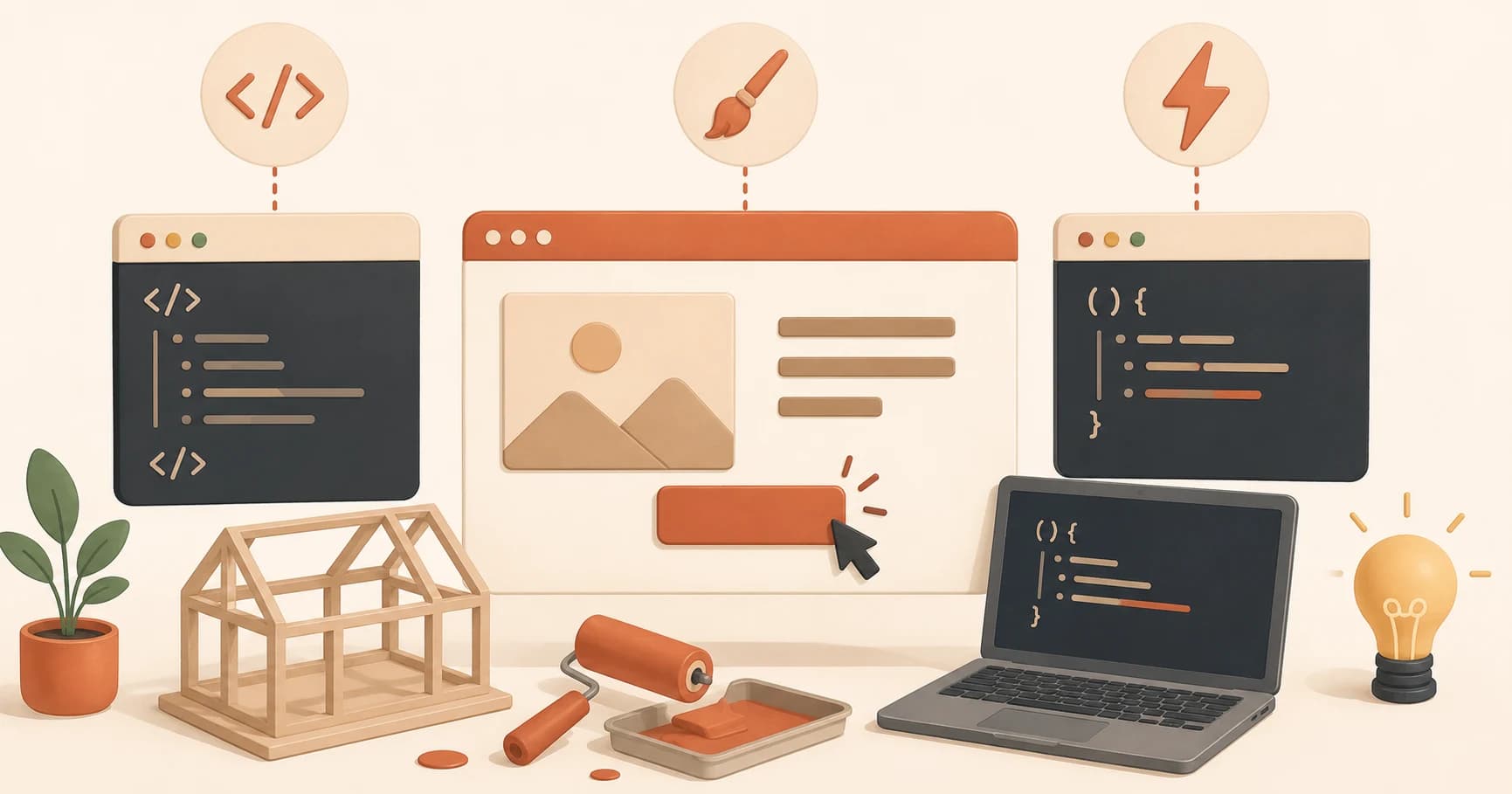
HTML, CSS, JavaScript Explained for Beginners: Basics
HTML, CSS, and JavaScript explained for beginners: HTML builds a page's structure, CSS styles it, and JavaScript makes it respond to clicks and input.
How to Install Claude Code CLI (Step-by-Step Guide)
Learn how to install Claude Code CLI on Mac, Windows, or Linux in under two minutes. Step-by-step beginner guide with install, auth setup, and verification.
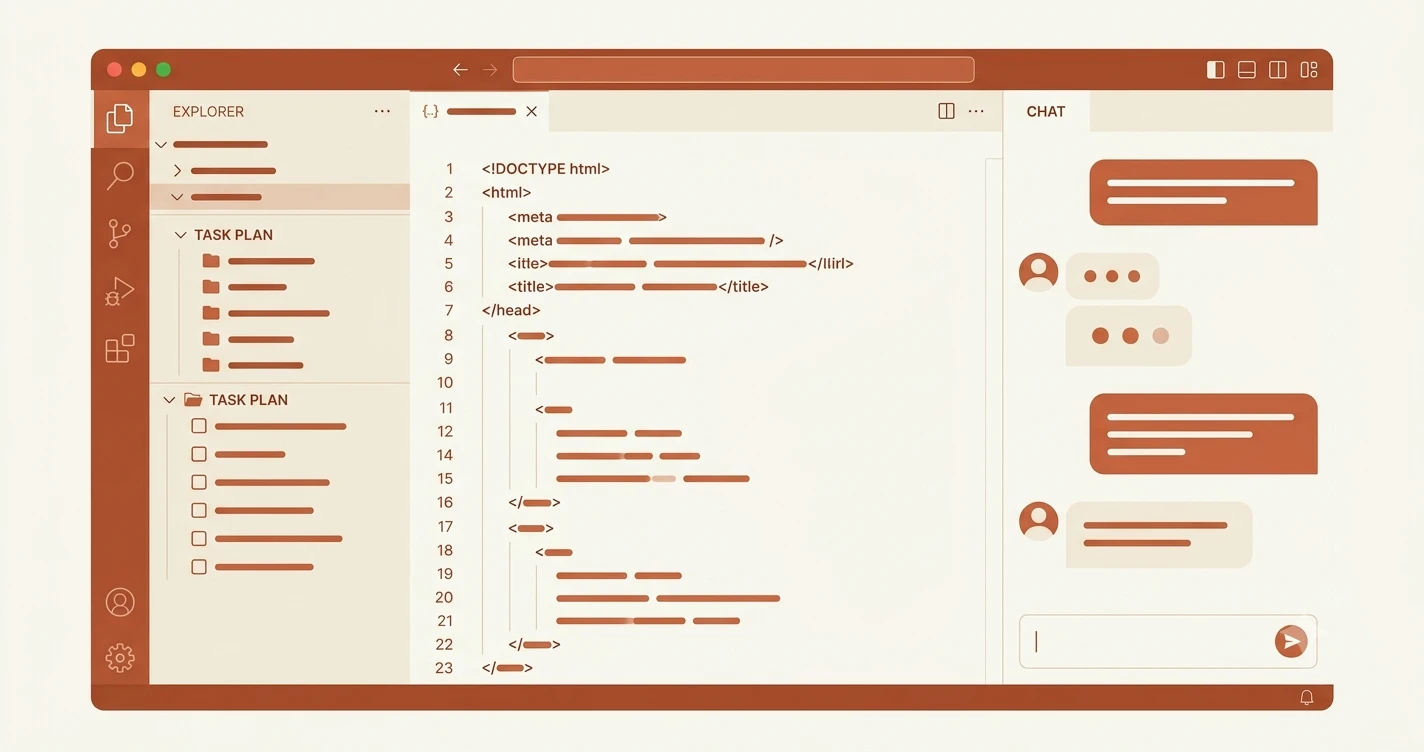
How to use Cursor AI editor for beginners (2026 guide)
Cursor has three AI modes, Chat, Inline, and Agent, and most beginners mix them up. This guide explains each one clearly so you know exactly what to use.

How to install Git for beginners (and what it actually does)
Learn what Git is and how to install it on Windows or Mac. Understand version control in plain English, then confirm your install with one terminal command.

How to Install Node.js for Beginners (Quick Guide)
Node.js is why npm install commands exist. This beginner guide explains what it is, why you need it for AI tools, and how to install it in under 5 minutes.
How to Install Python for Beginners (Windows & Mac)
Learn how to install Python 3 on Windows or Mac in minutes. Covers the PATH checkbox trap, Python 2 vs 3 confusion, and how to confirm Python is working.
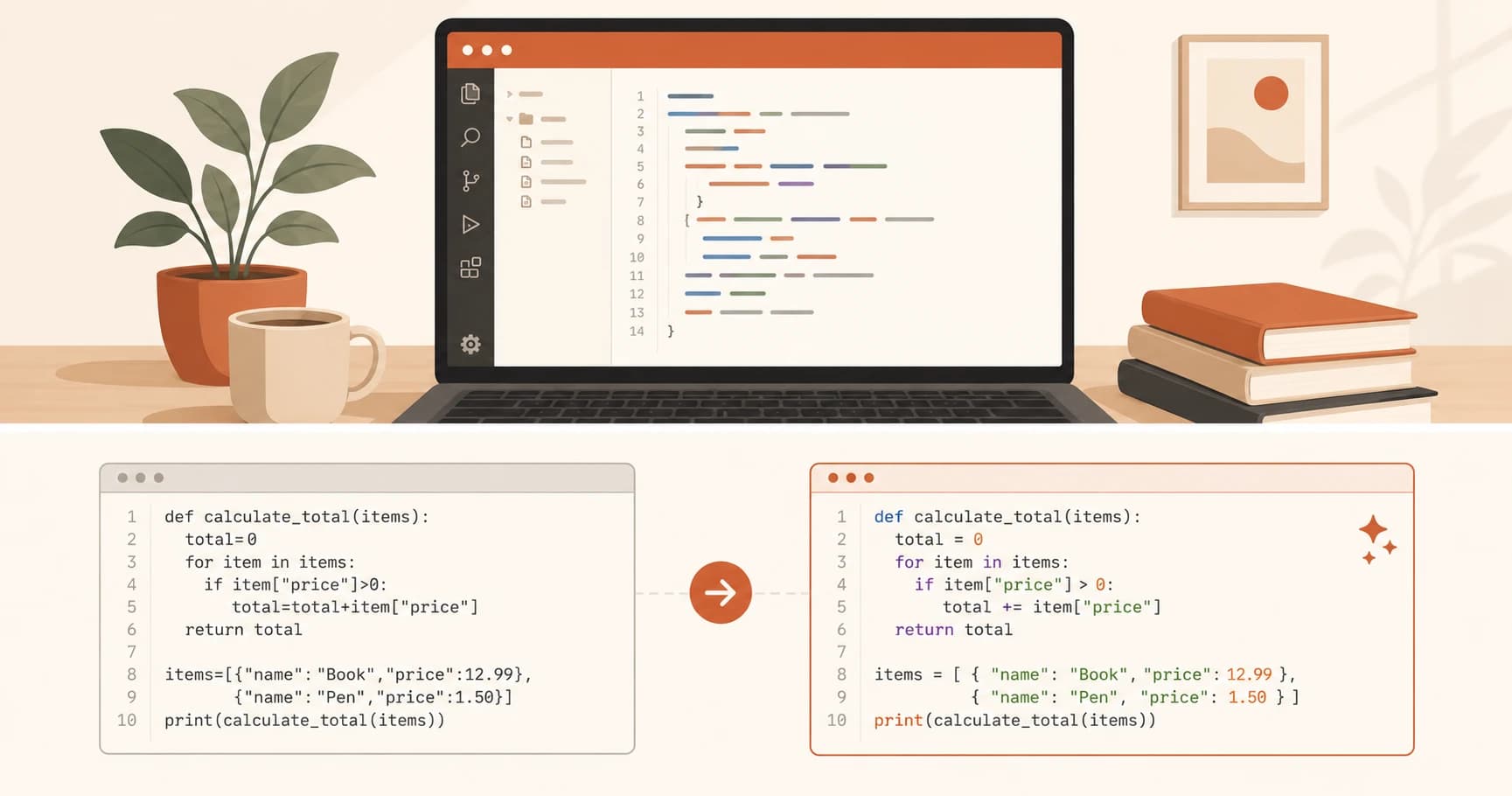
How to Install VS Code: Beginner Setup in 3 Steps
How to install VS Code for beginners in 3 steps: download, install, and add Prettier. Your code editor will be set up and ready to use in under 5 minutes.
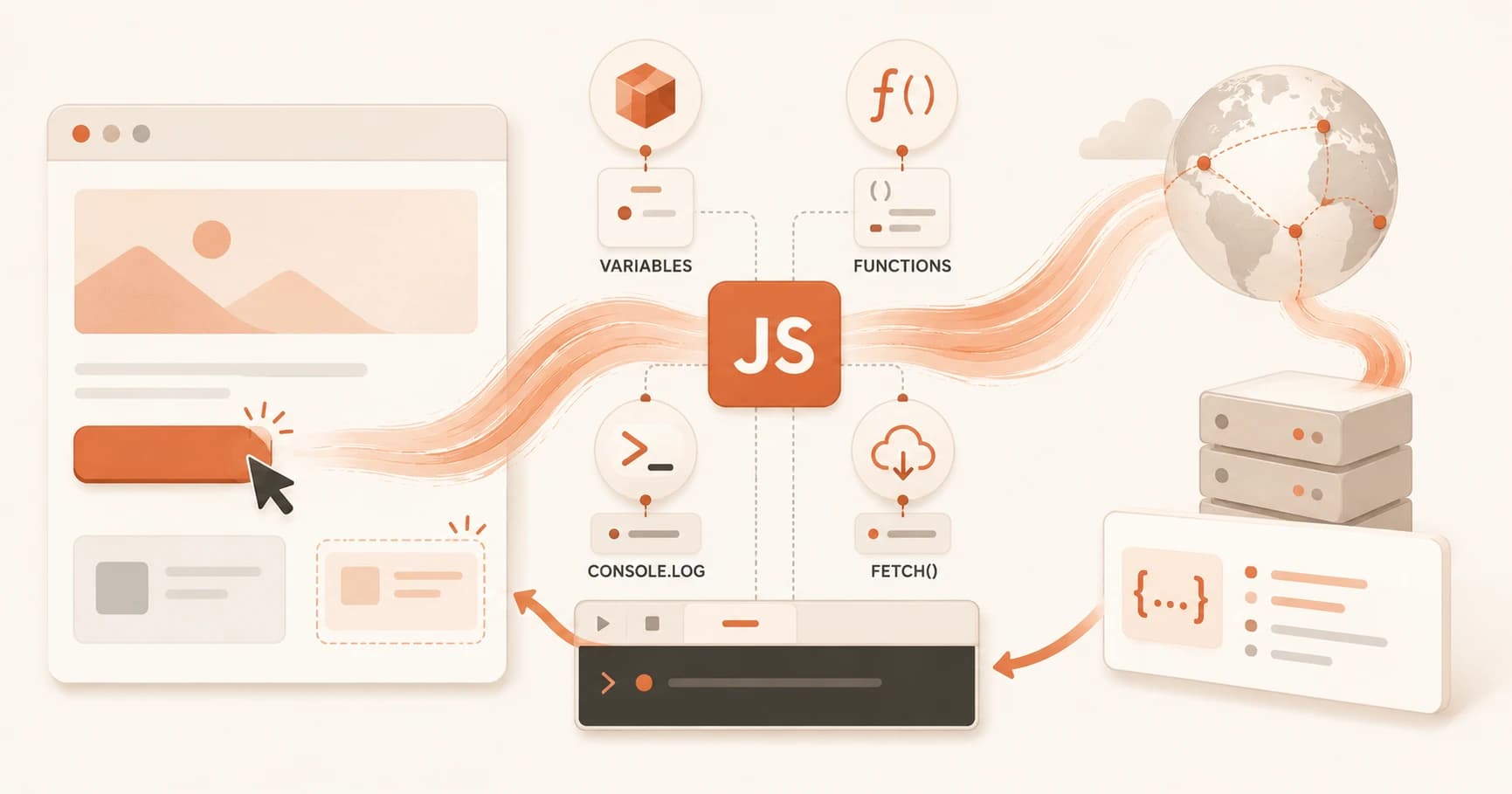
JavaScript Basics for Beginners: Variables to fetch()
JavaScript basics for beginners: what variables, functions, console.log, and fetch() actually do, and how each one brings a static page to life.
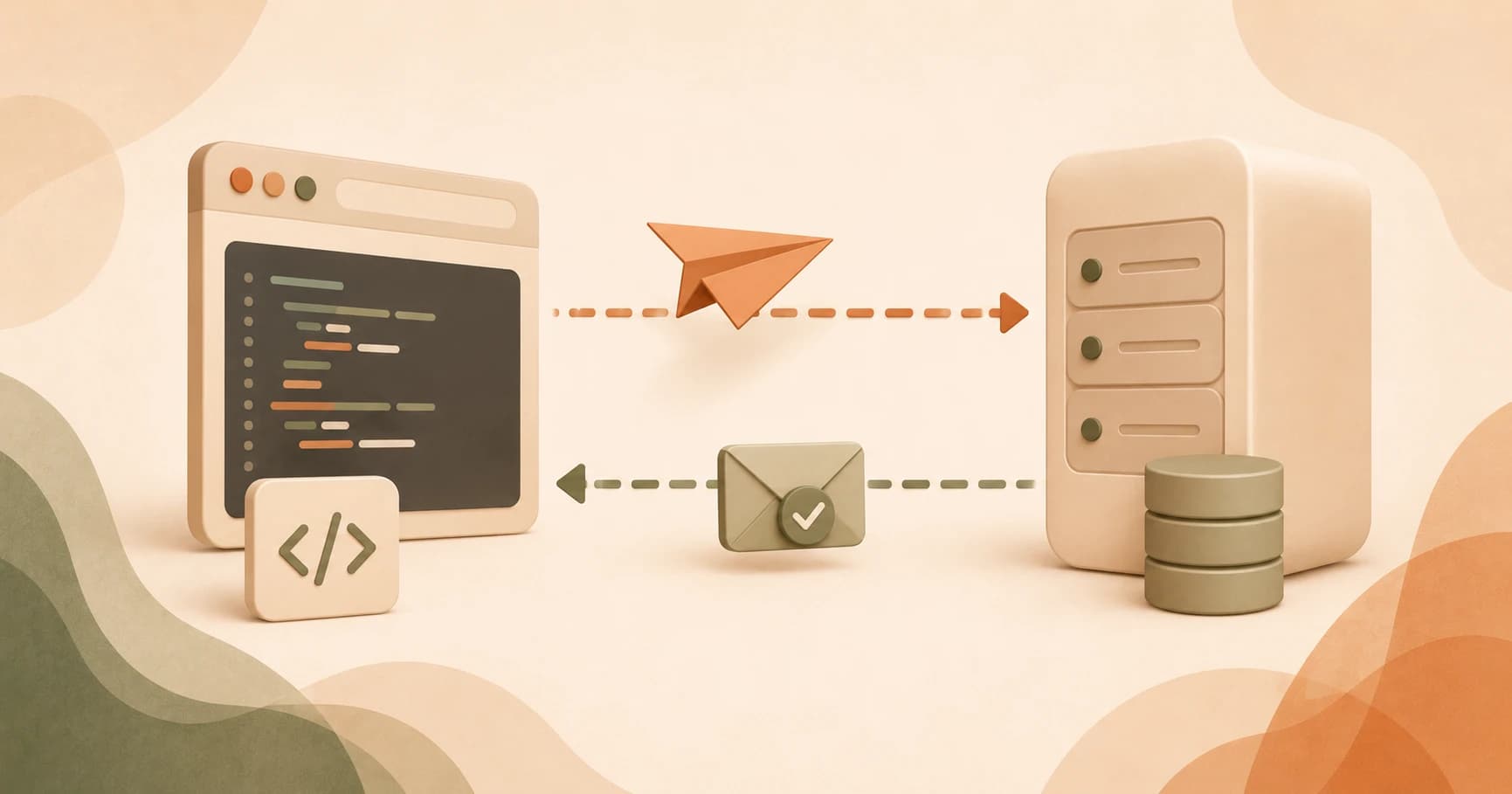
What Is Fetch in JavaScript? Calling an API Right
Fetch in JavaScript sends an HTTP request and returns a Promise, but a 404 or 500 won't trigger an error. Here's how to catch it with response.ok.
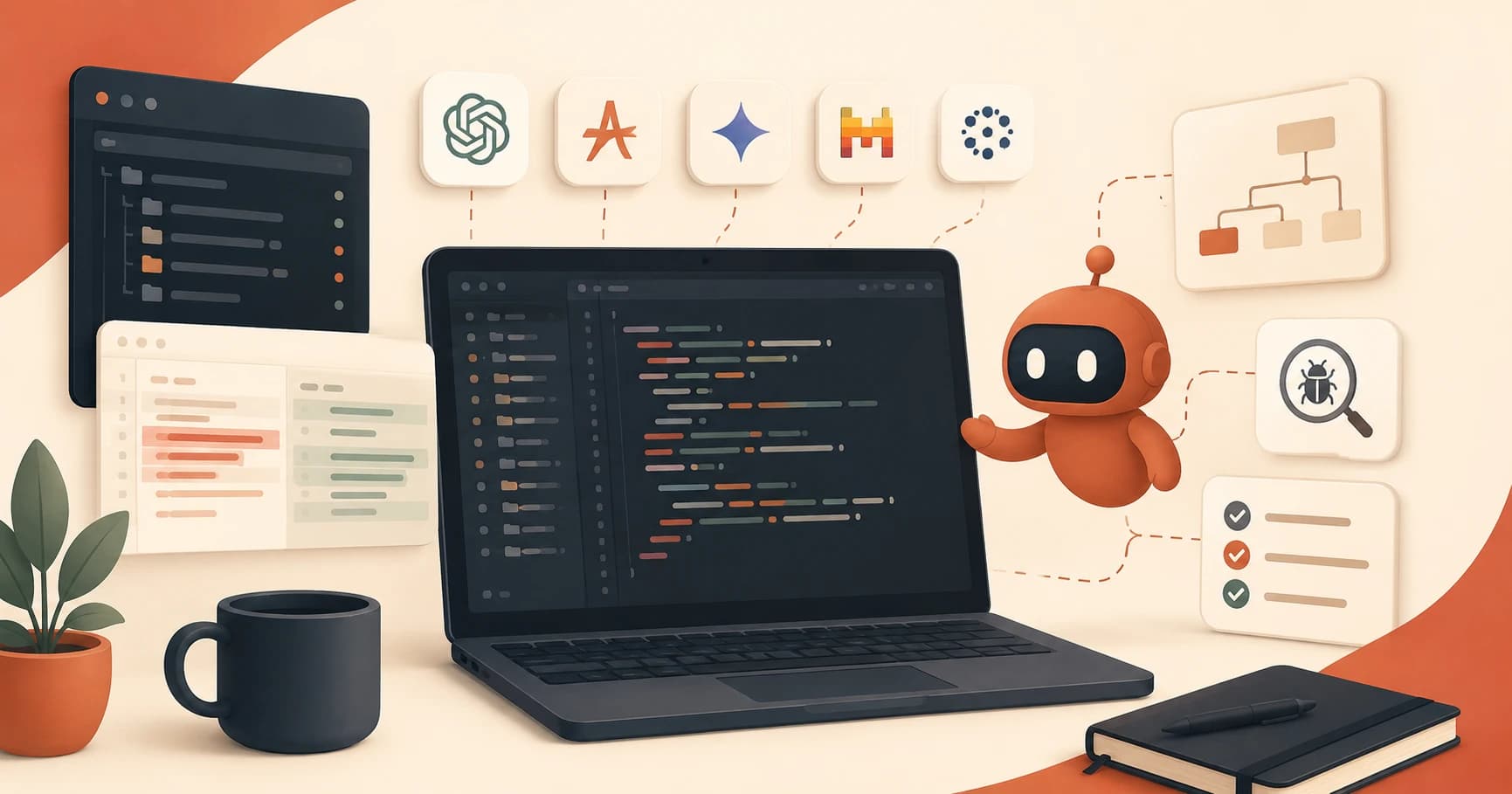
What Is Kilo Code AI Extension? Full Breakdown
Wondering what the Kilo Code AI extension is? It's a free, open-source coding agent for VS Code and JetBrains with 500+ models. See how it works.
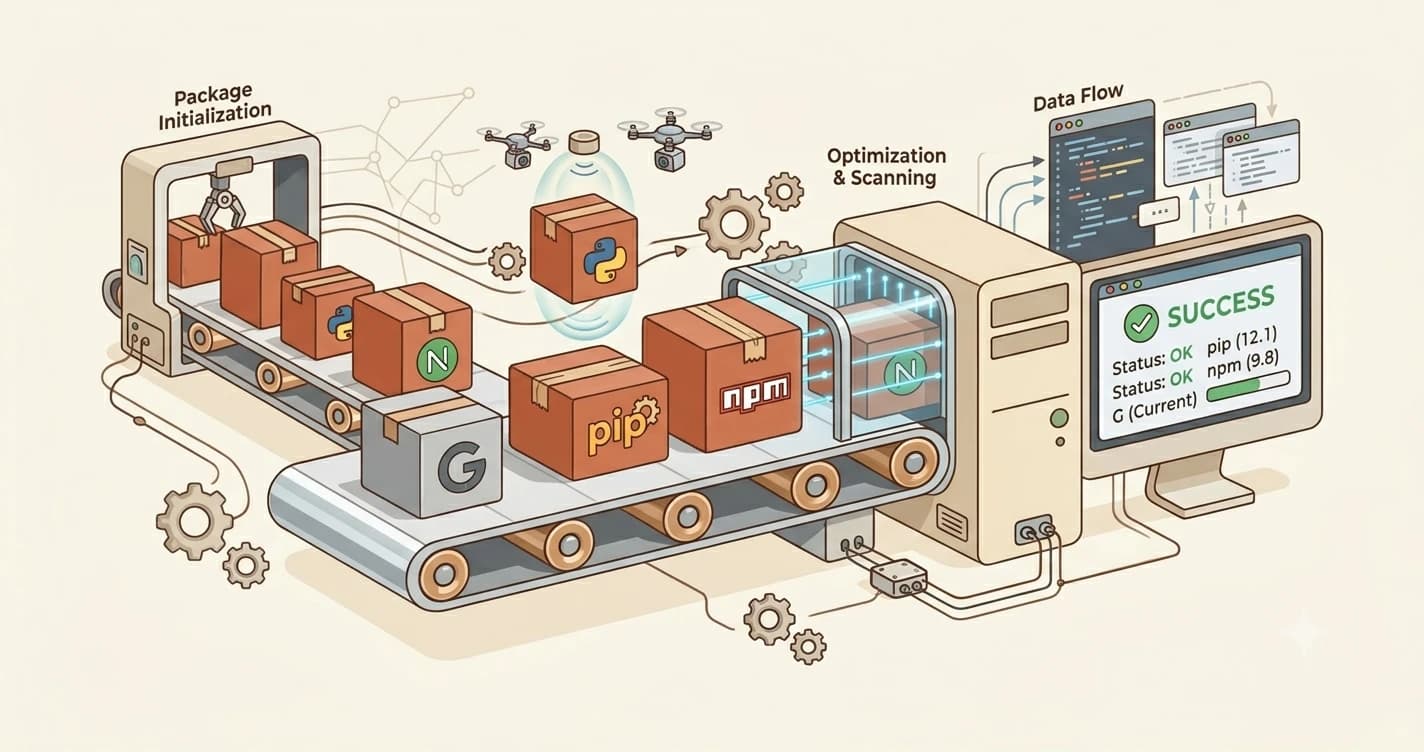
npm install and pip install: What They Do for Beginners
npm install and pip install explained simply. Learn what package managers do, the difference between npm and pip, and run your first install command.

Build Your Own AI Command Line Tool: Launchpad Project
Build your own AI command-line tool from a goal and constraint, no steps given. Launchpad Project 1's decision-point rule and self-assessment checklist.

Prompt Engineering vs. Code: A Hands-On Comparison
Solve the same messy data task with a single prompt and with code, then compare accuracy, consistency, and real cost yourself.

Build a Webpage Summarizer CLI Tool With Claude API
Stuck on Project 1? This walkthrough builds a webpage summarizer CLI with Python, BeautifulSoup, and the Claude API, from fetching pages to final summary.

Prompt Engineering for Production: Cost, Caching, A/B Tests
Prompt engineering for production means versioning prompts, capping token costs, structuring for caching, and A/B testing variants safely.

How to Write Better AI Prompts: A Beginner's Guide
Vague prompts get vague answers. See three real prompt versions, from vague to specific, and learn exactly why the best one wins every time.
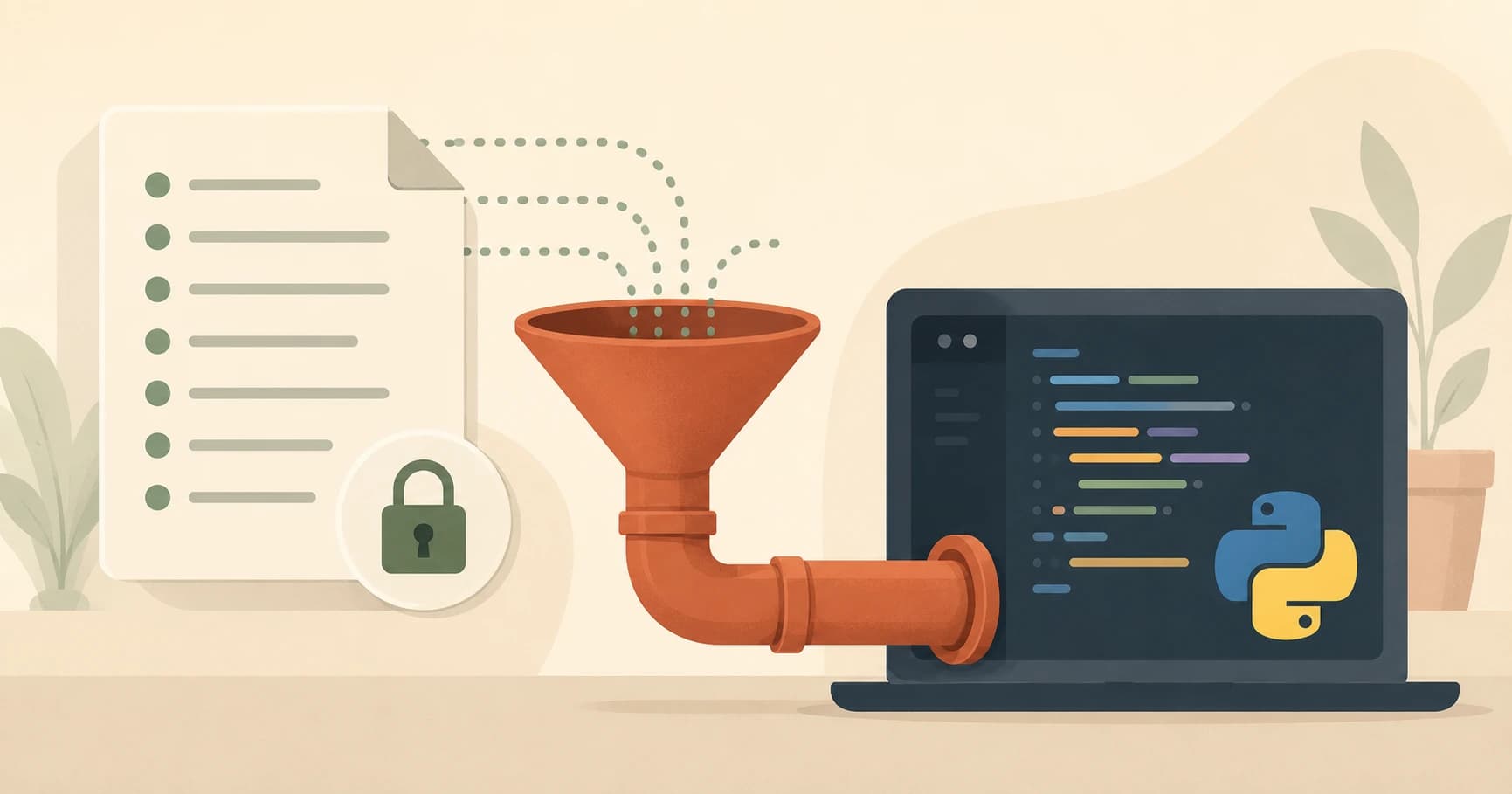
Python dotenv: How load_dotenv() Reads Your .env File
python dotenv load env file: decode the 4-line pattern every AI script uses, and fix the #1 reason api_key comes back None.
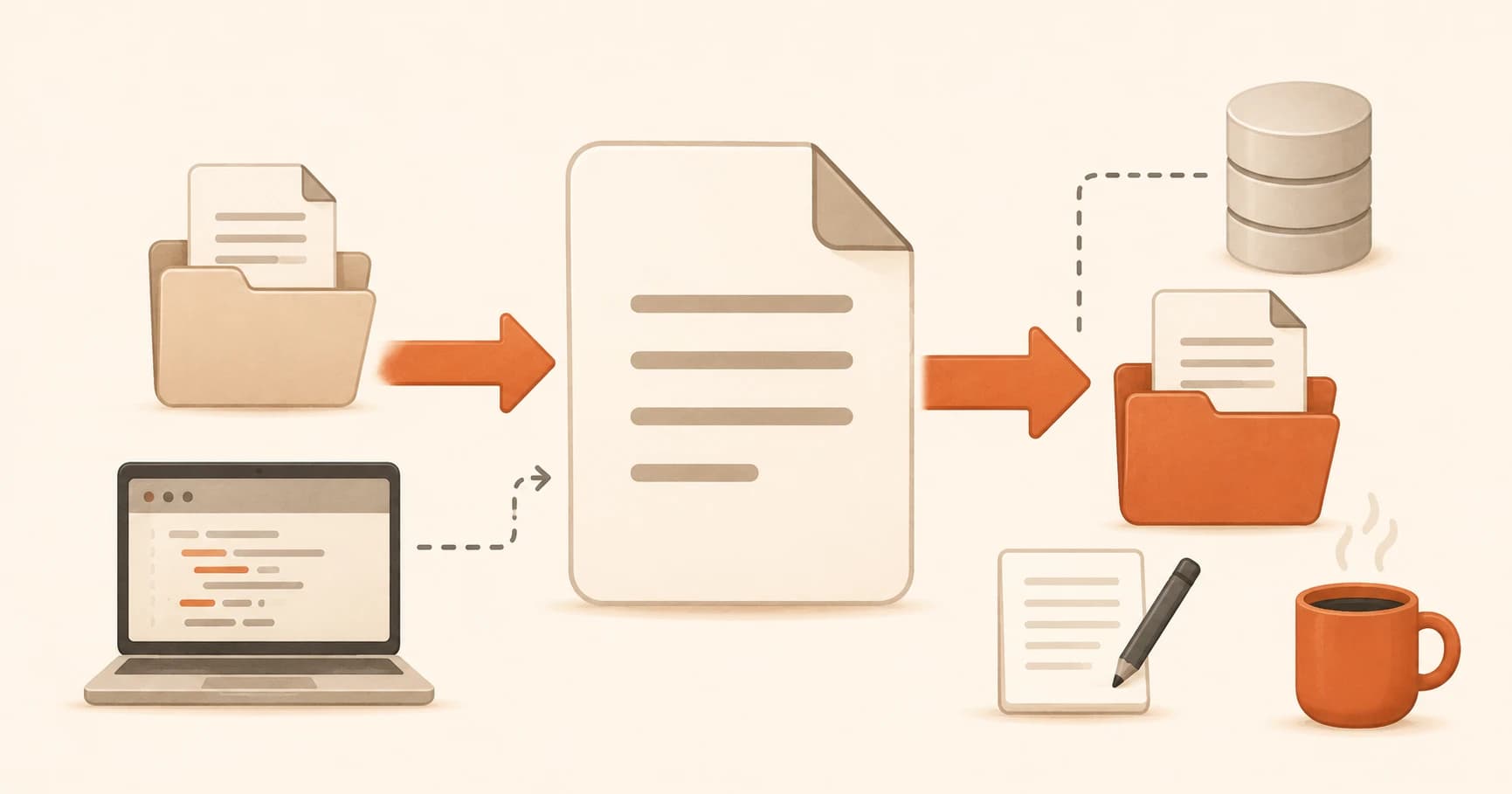
How to Read and Write Files in Python (Beginner's Guide)
How to read and write files in Python, explained for beginners. Learn the two file I/O patterns that appear in almost every AI pipeline.

Your First Claude API Call in Python (Full Walkthrough)
Write and run your first Claude API call in Python. This lesson breaks down the client, model, messages, and response, line by line, for total beginners.

Why Python for AI? (You Don't Need to Master It)
Python dominates AI development but you don't need to code it. Discover why Python won the AI ecosystem and what reading Python means for beginners.
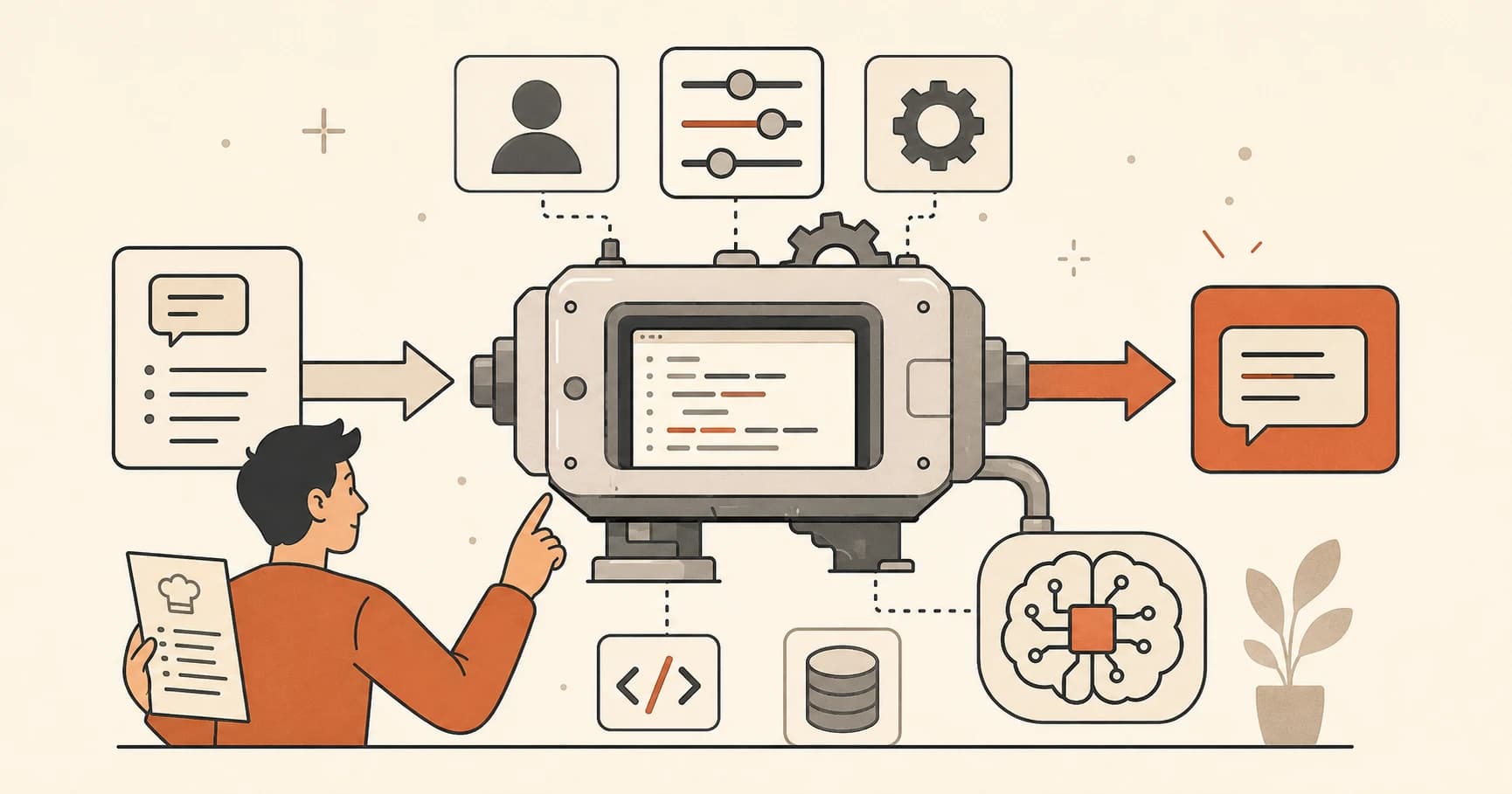
Python Functions Explained: How to Read Any Function
Learn what a Python function is, how to read one, and how to call it. Uses real Anthropic SDK examples. By the end, you can decode any AI code wrapper.
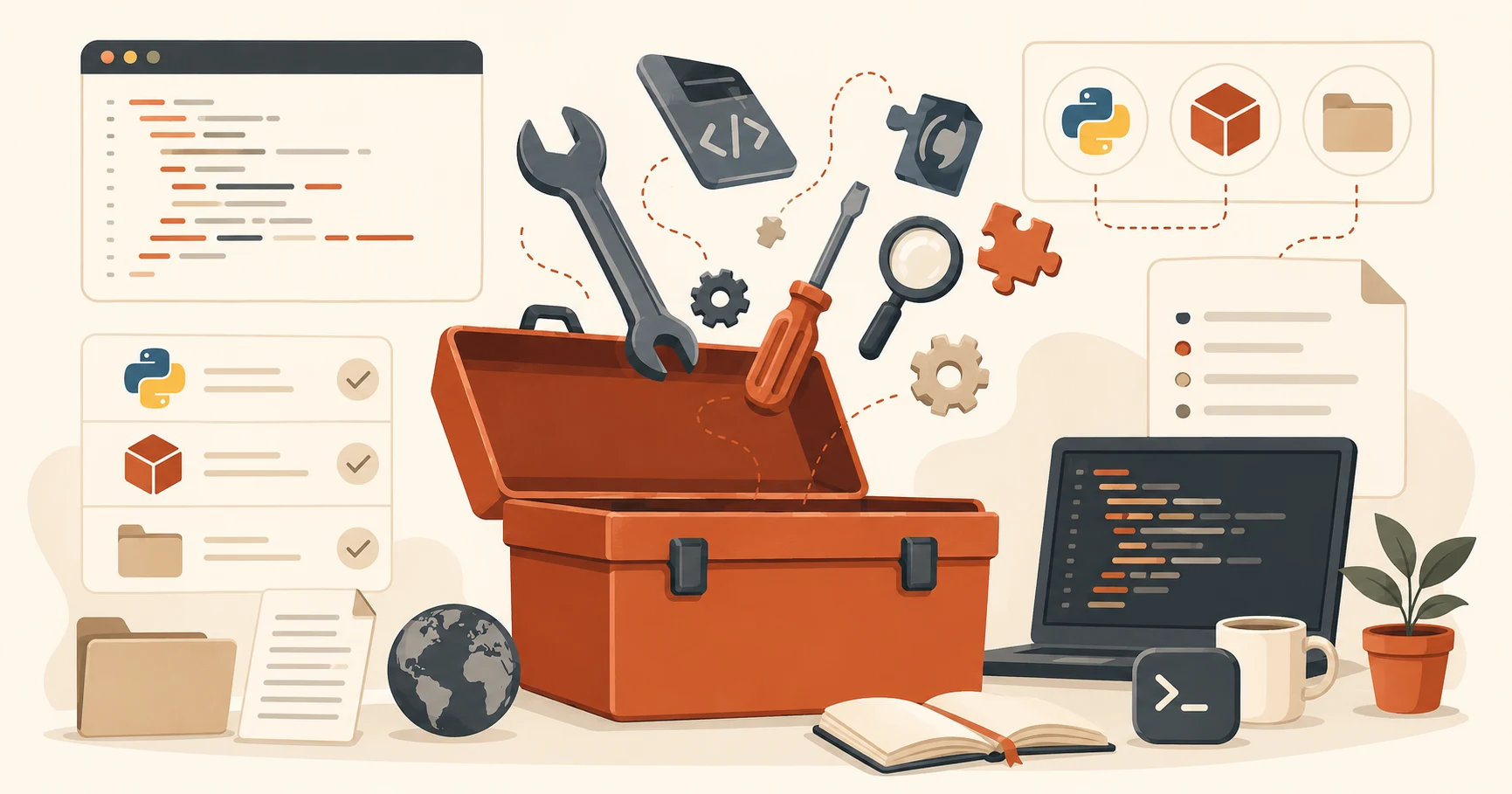
What Python Import Statements Actually Do (Beginner's Guide)
Python import explained for beginners: the three import patterns, three library types, and how to read any AI script's imports block.
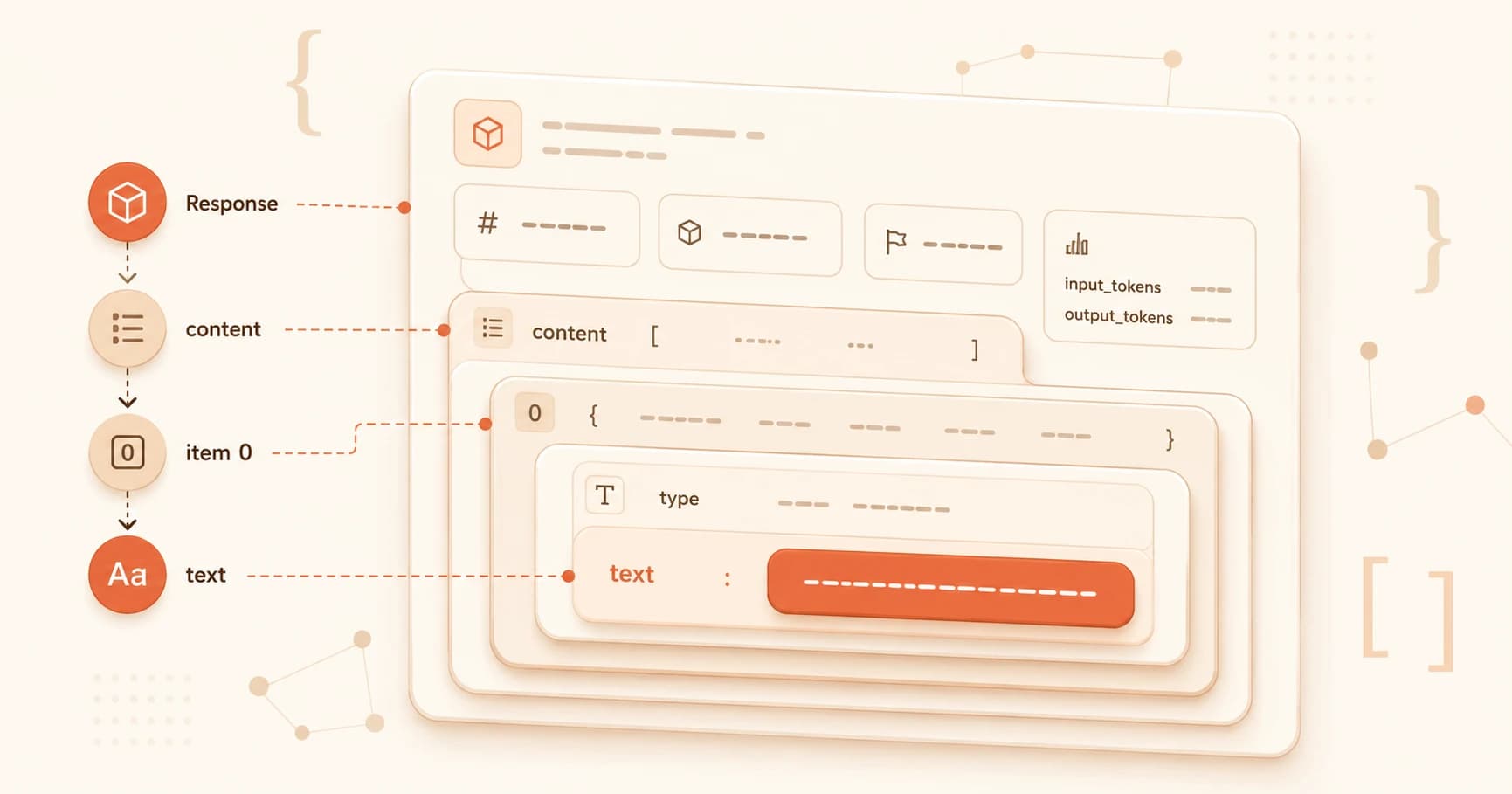
JSON Explained for Beginners: A Real API Response
json explained for beginners python: decode a real Claude API response key by key, using the dicts and lists you already learned in this course.
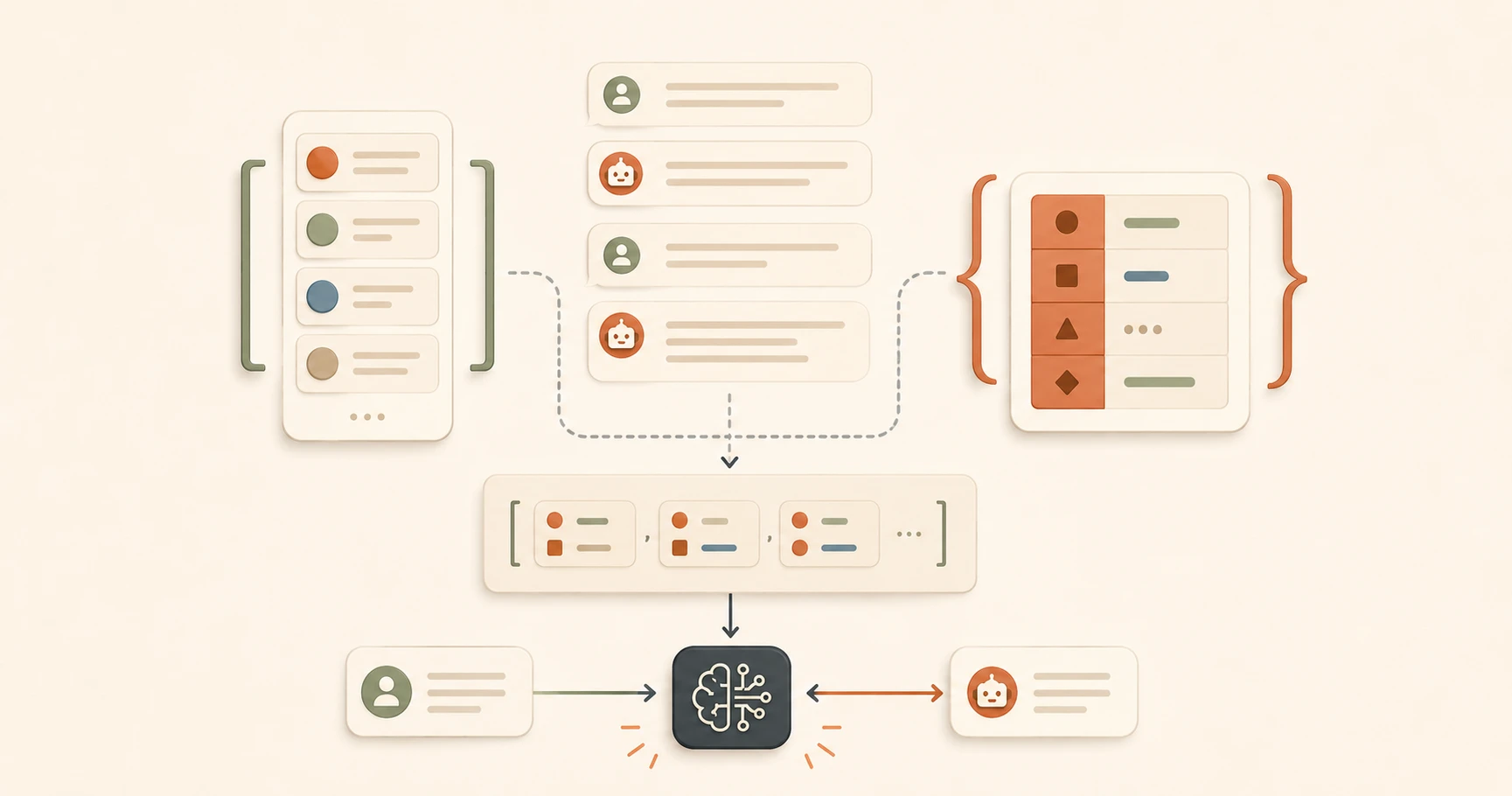
Python Lists & Dicts for Beginners (With Examples)
Understand Python lists and dictionaries for beginners using real Anthropic SDK code. Learn to read the messages array that powers every Claude API call.
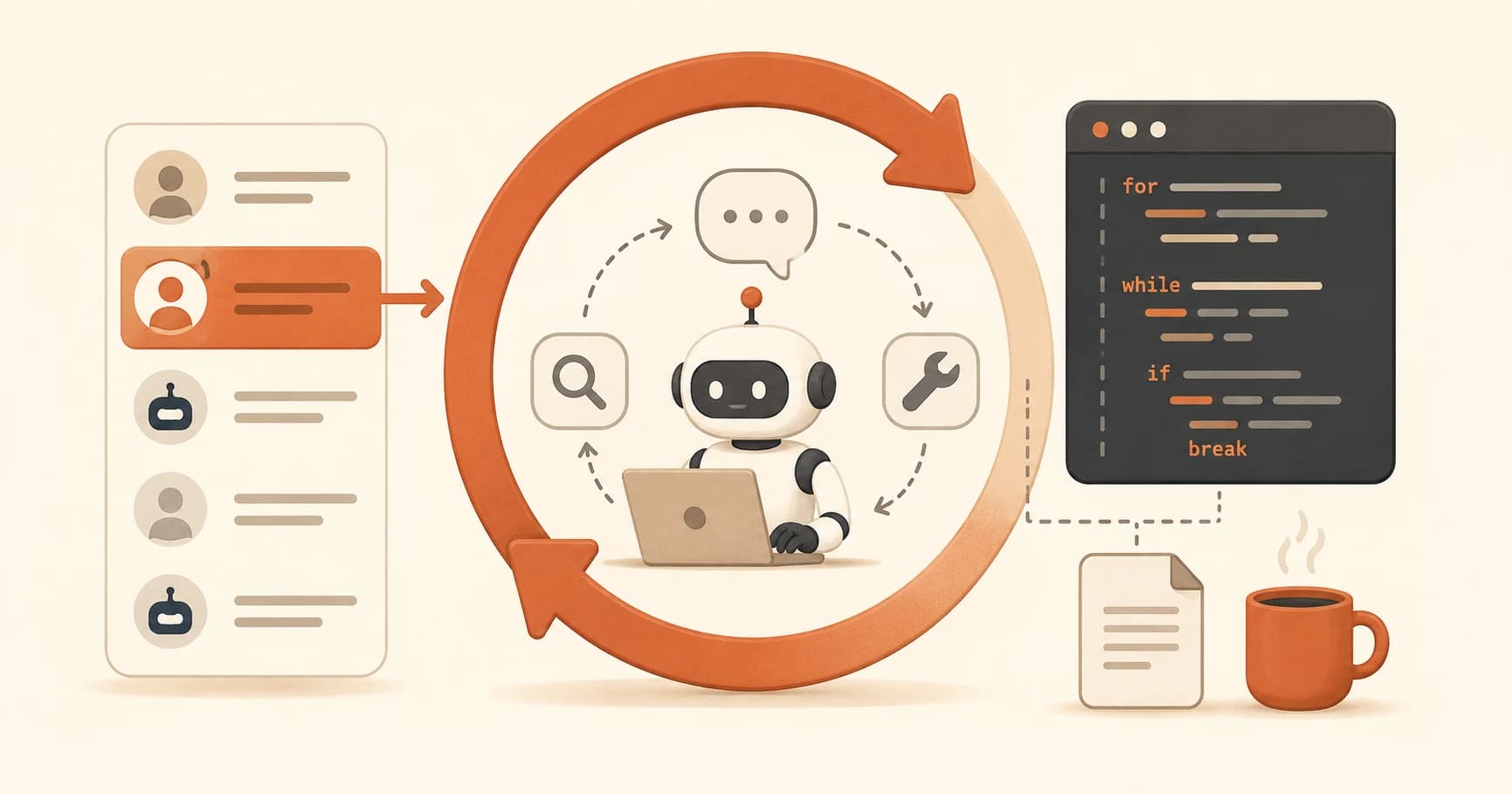
Python Loops for Beginners: Read Any Agent's Code
Python loops for beginners, explained without jargon. Learn to read for and while loops and follow exactly what an AI agent is doing.

Python Try Except for Beginners: Fix Errors Fast
Python try except for beginners: learn to catch errors, read tracebacks, and handle API failures without panicking. Start writing safer code today.
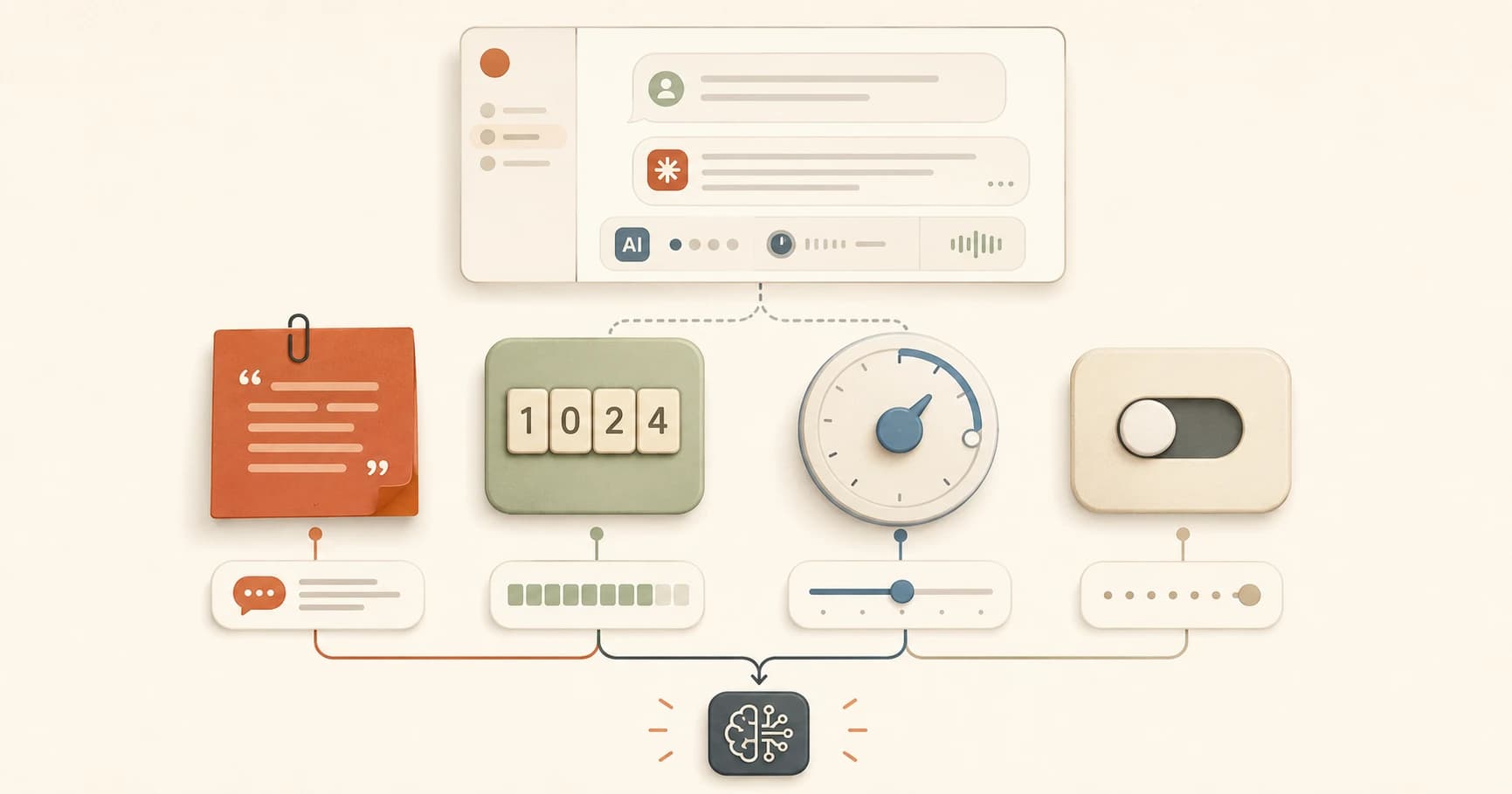
Python Variables for Beginners: Strings, Numbers & Booleans
Python variables explained for beginners — what they are, the four basic types, and how to spot them in real Anthropic SDK code without writing a single line.
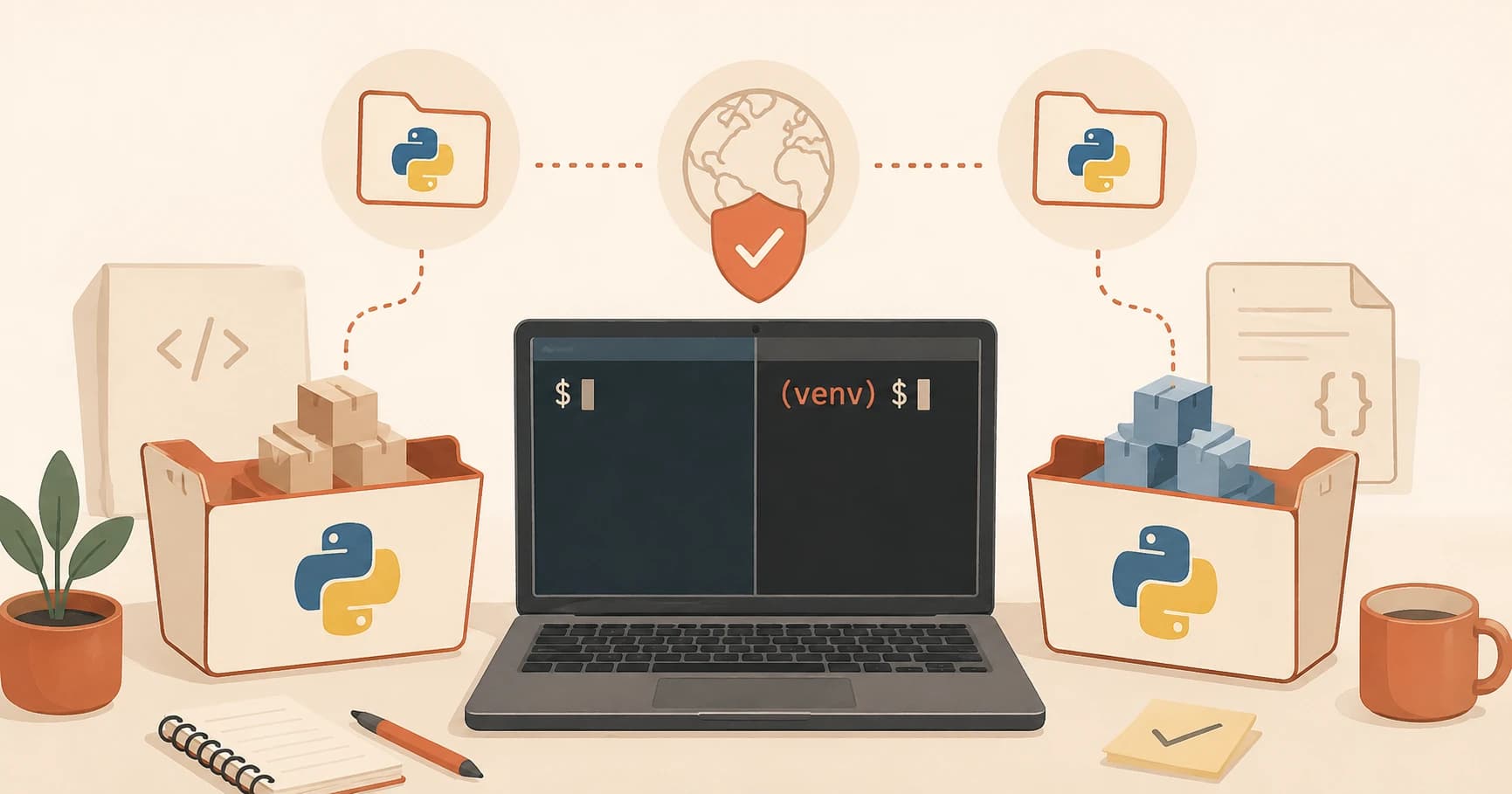
Python venv Explained: Create, Activate, and Use It
Python venv explained simply: what it is, why every project needs one, and the exact commands to create, activate, and use it, including the #1 beginner mistake.
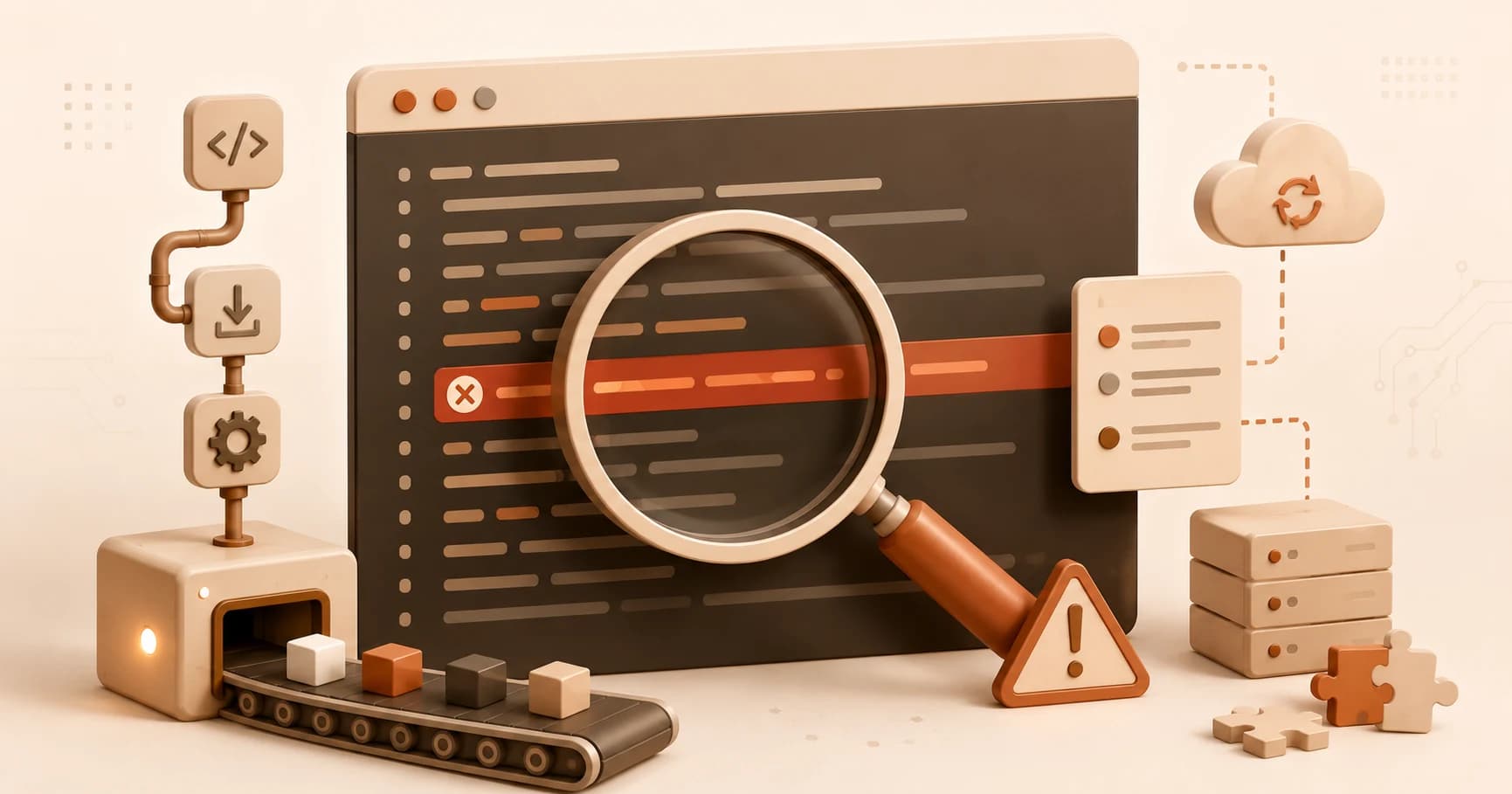
How to Read Deployment Logs and Fix a Failed Build
A failed deployment log looks scary until you know where to look. Learn to find the real error fast, read what it means, and fix it calmly, every time.
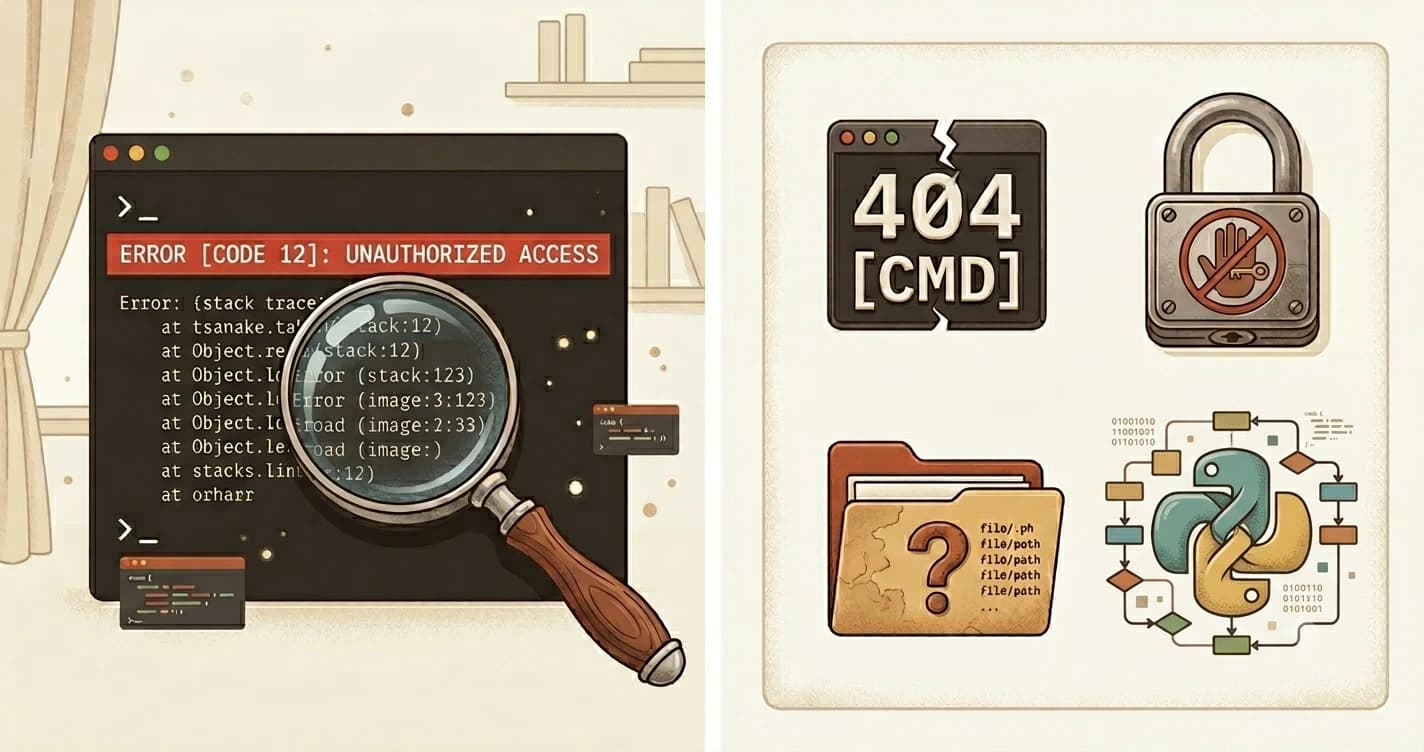
How to Read Terminal Error Messages for Beginners
Learn how to read terminal error messages. Covers command not found, permission denied, no such file, and Python SyntaxError, with exact fixes for each.
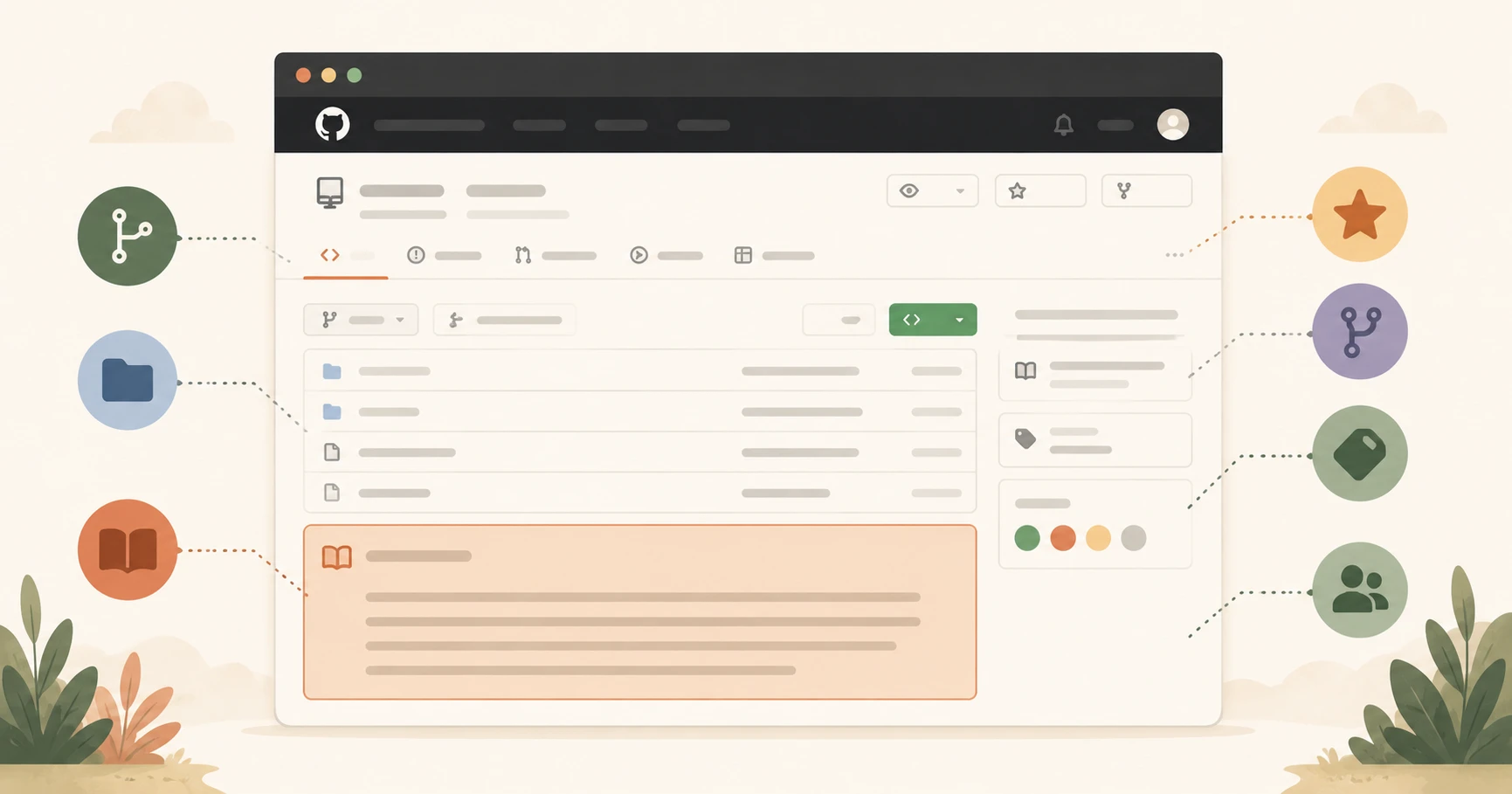
How to Navigate a GitHub Repository as a Beginner
Learn how to read a GitHub repository. Understand README, stars, forks, issues, commits, and branches, and why it matters for AI development. Start here.
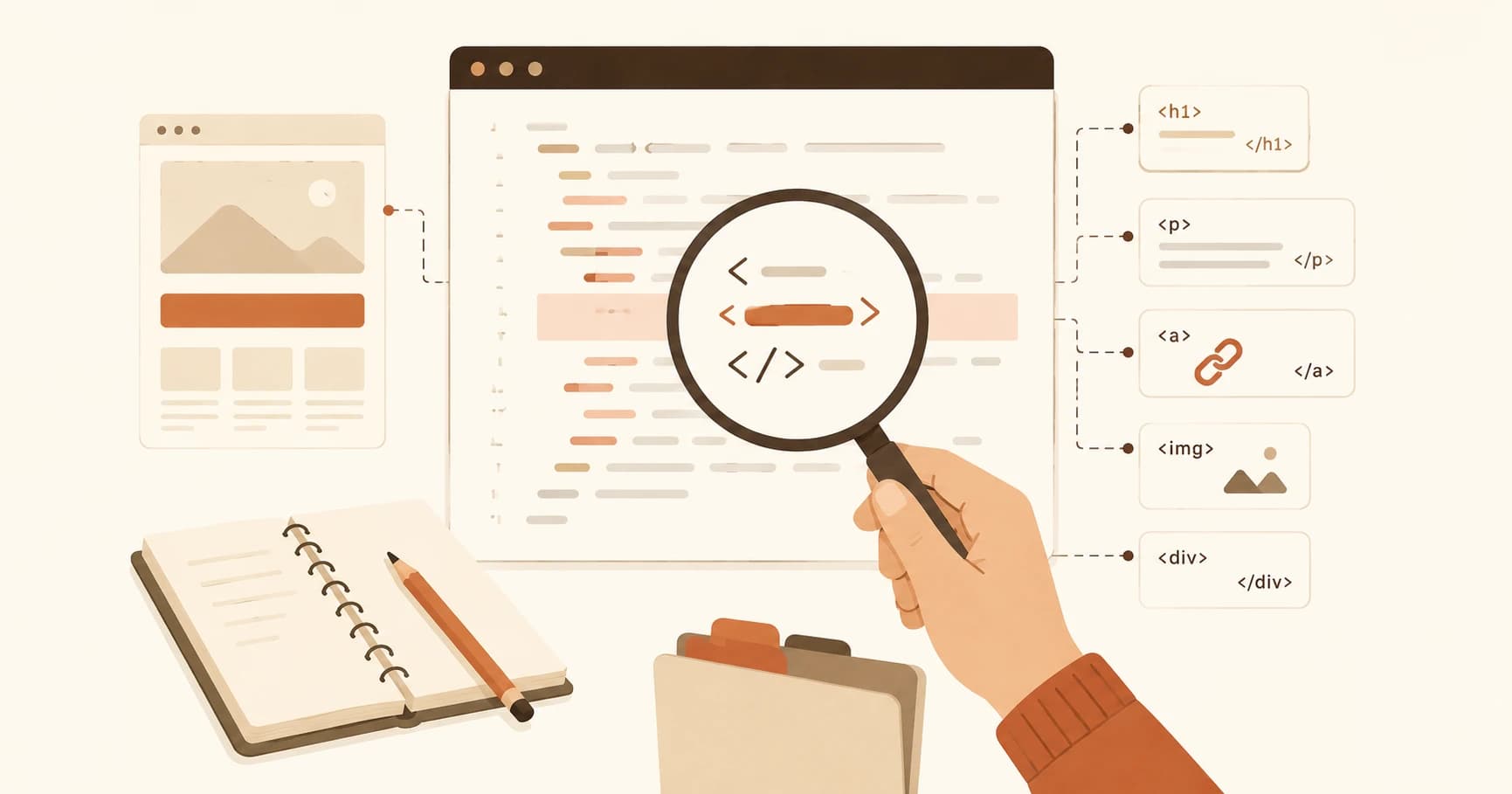
How to Read HTML for Beginners: Tags & Nesting Guide
How to read HTML for beginners: what tags, attributes, and nesting are, plus a simple outside-in method to parse any real HTML file without panicking.
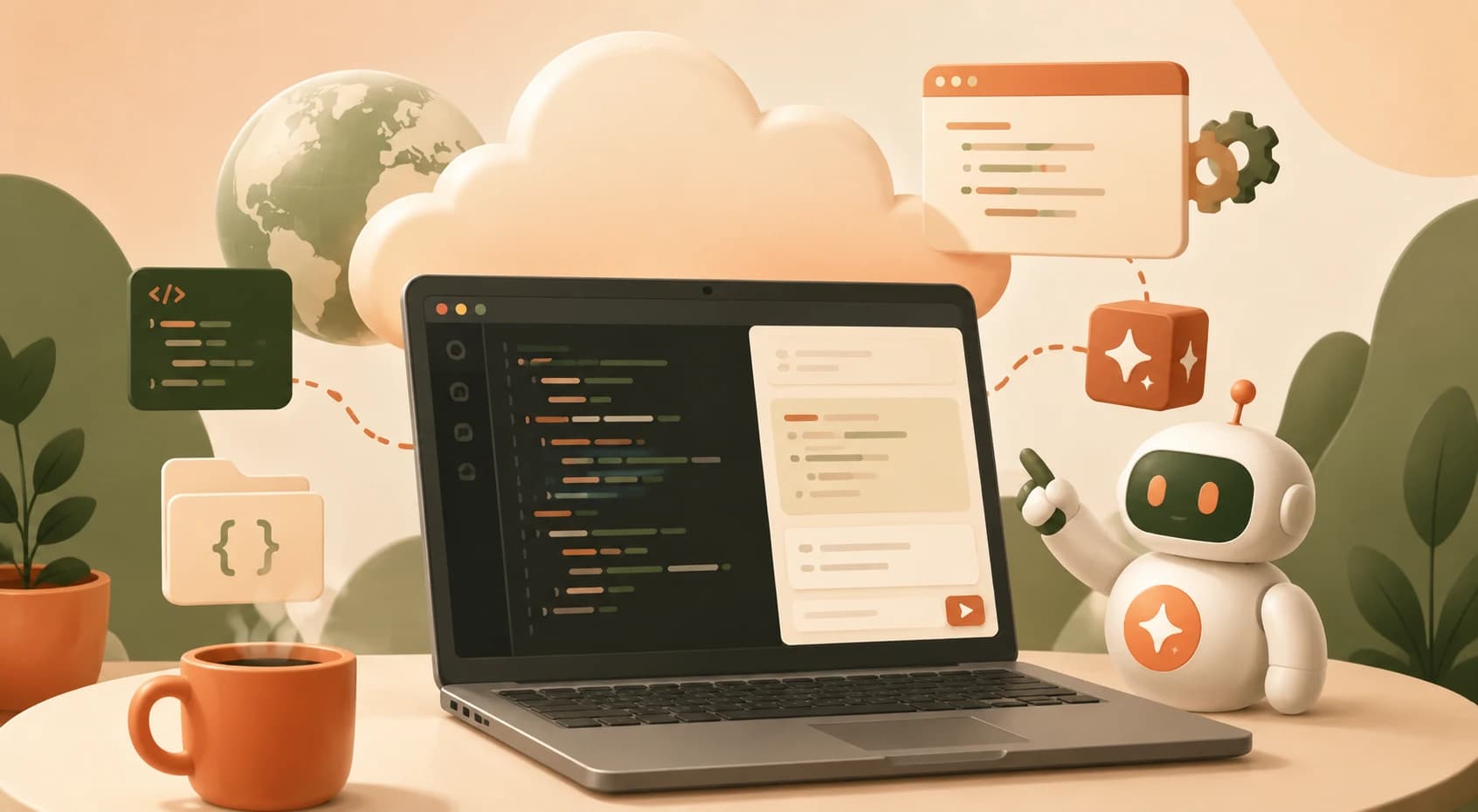
What Is Replit AI? Code in Your Browser, No Install
Replit AI lets you write, run, and get AI help on real code entirely in your browser, no local setup required. Here's when to use it.

GET vs POST Request Explained: What's the Difference?
GET asks a server for data with no side effects; POST sends data to create or change something. See both explained with a real example.

SQL SELECT, INSERT, WHERE Explained (With Real Examples)
SELECT shows data, INSERT adds it, WHERE filters it. Learn to read basic SQL queries with real examples, no memorization required.

SQL vs NoSQL Explained for Beginners (No Jargon)
SQL stores data in tables, NoSQL stores it as flexible documents. Learn the real difference and which one to pick for your first project.
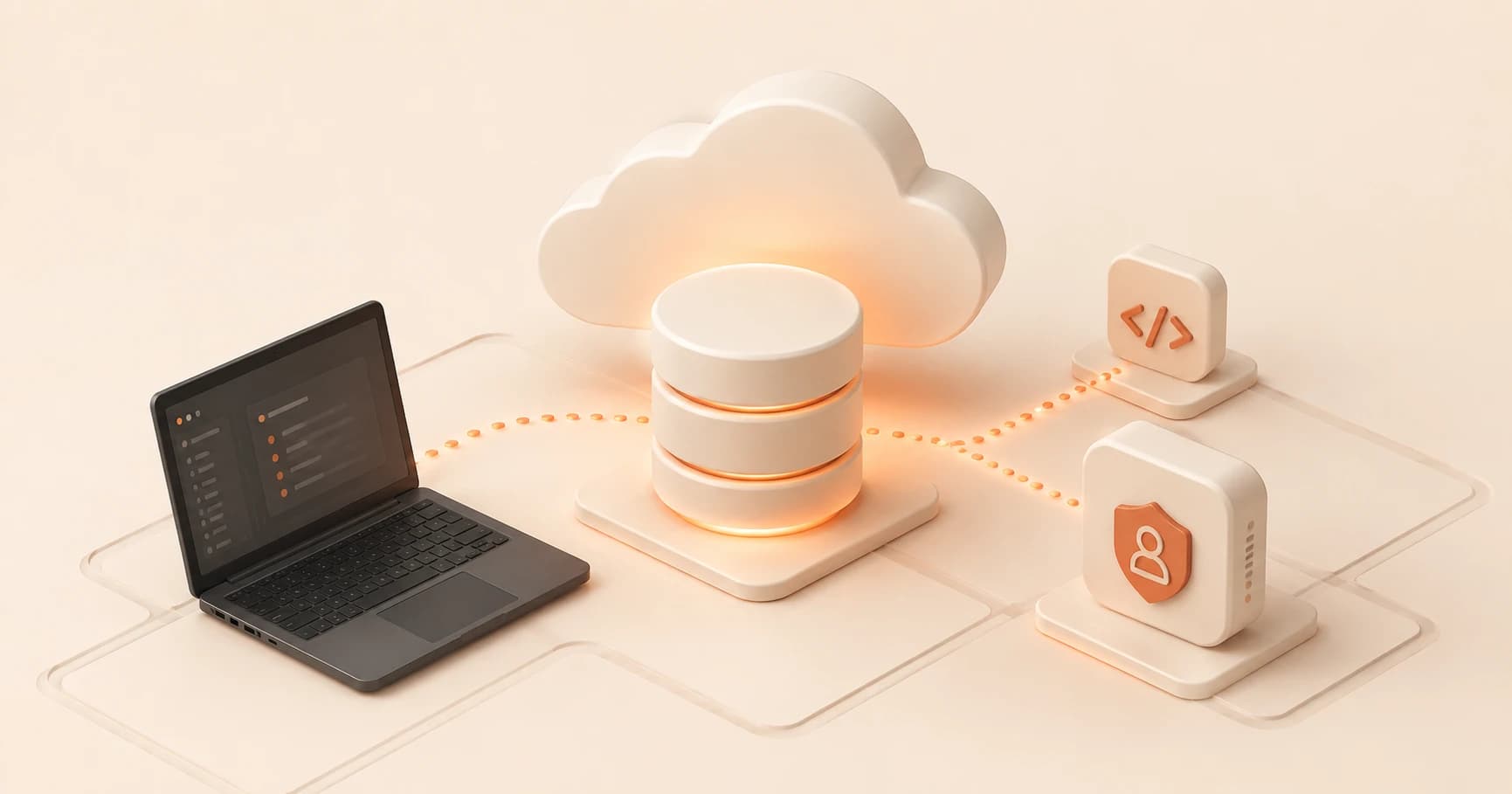
Supabase in Production: What Actually Changes for You
Supabase in production explained: your database never needs a deploy step, it's already live. Here's what actually connects to it.

Supabase Setup: Your Free Hosted Postgres Database
Supabase gives you a free hosted Postgres database in under a minute. Here's how to create your first project and find your way around.
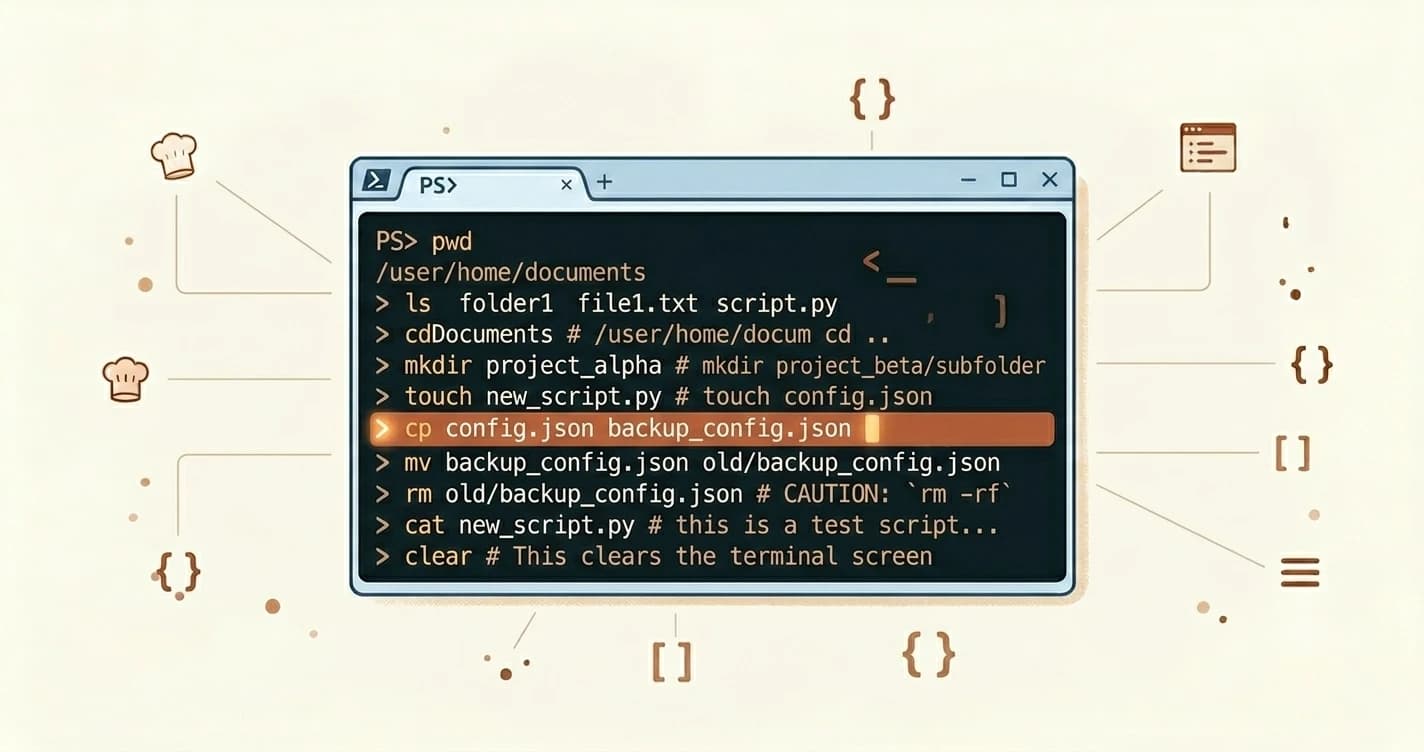
The 10 Terminal Commands You'll Use 90% of the Time
Learn the 10 most essential terminal commands for beginners: pwd, ls, cd, mkdir, touch, cp, mv, rm, cat, and clear, with syntax, examples, and common mistakes.
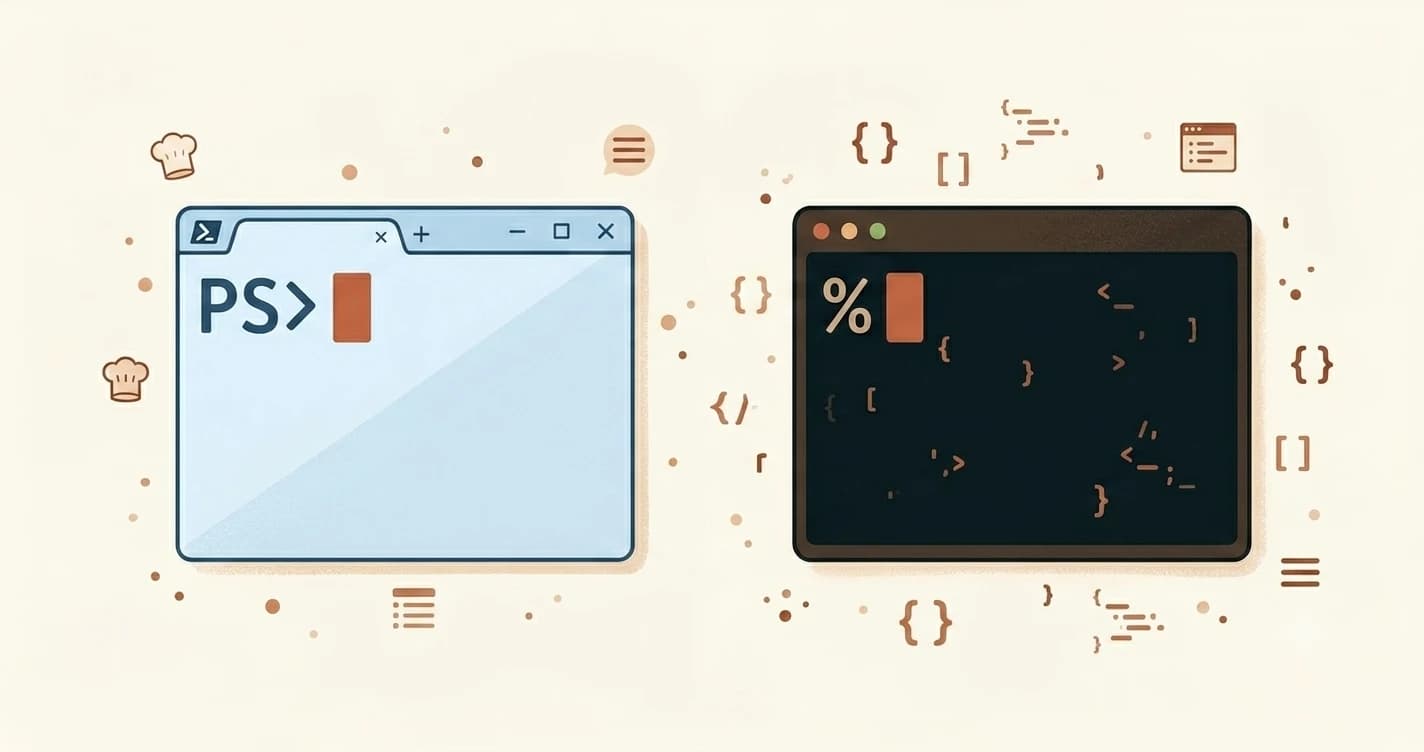
PowerShell vs Terminal: Which One Should You Use?
Confused why your terminal looks different from tutorials? Learn the difference between PowerShell, Mac Terminal, and Git Bash, and which one to use.
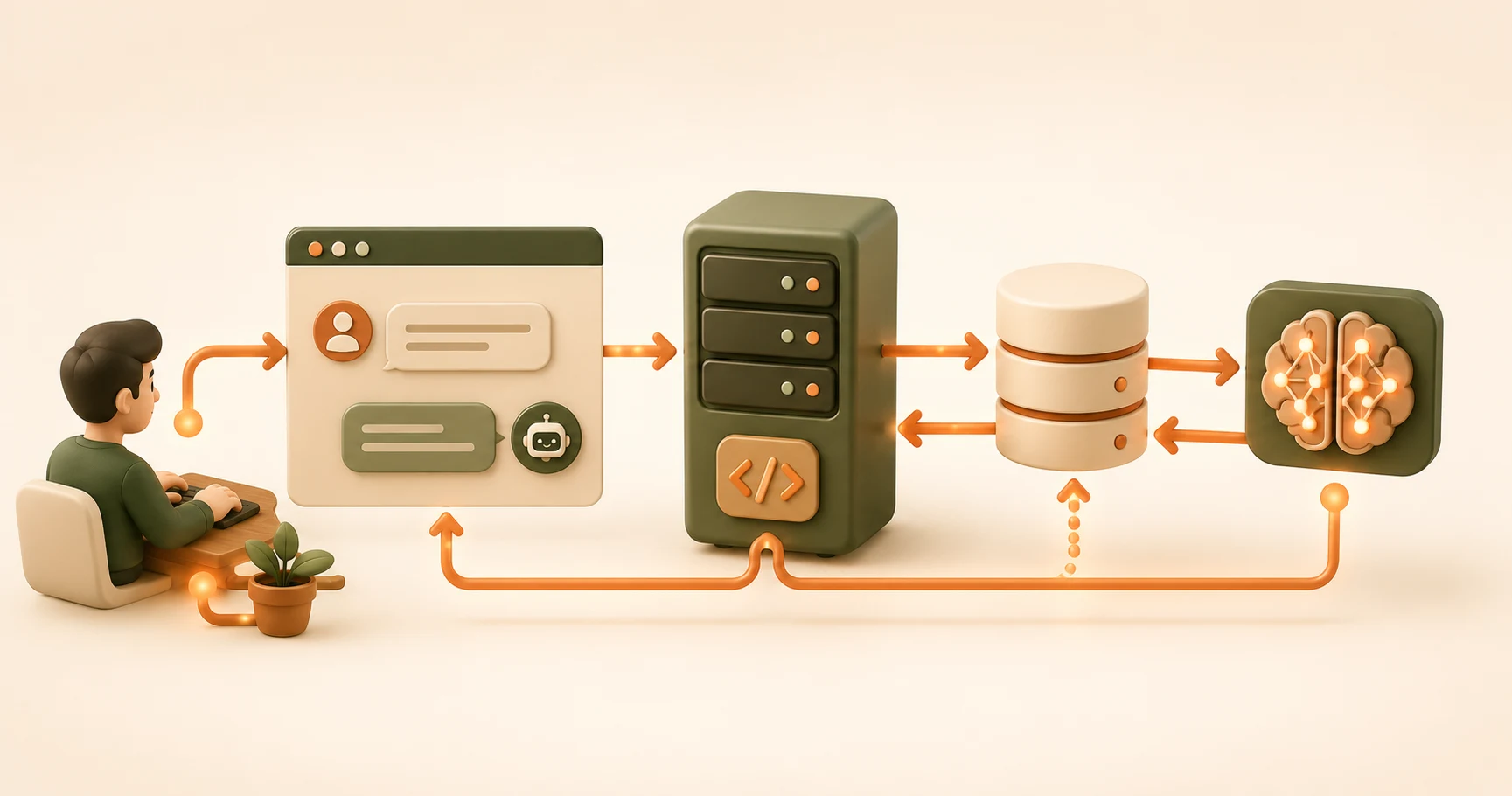
How Frontend, Backend, Database Connect in One Request
See how frontend, backend, and database connect in one request: a chat message travels through all three layers and back, traced in seven concrete steps.

What Is PATH? Why Terminal Says 'Command Not Found'
PATH tells your computer where to look for programs. If Python, Node, or Git says 'command not found,' here's why and how to fix it in under 2 minutes.

Dev Environment Setup Checklist: Verify Your Setup
Run four terminal commands to confirm your developer environment is fully set up. Node.js, Python, Git, and Claude Code verified in under two minutes.

What Is a Build Process? A Plain-English Explainer
A build process transforms your source code into a production-ready form before it goes live. Here's what happens during that step and why it matters.
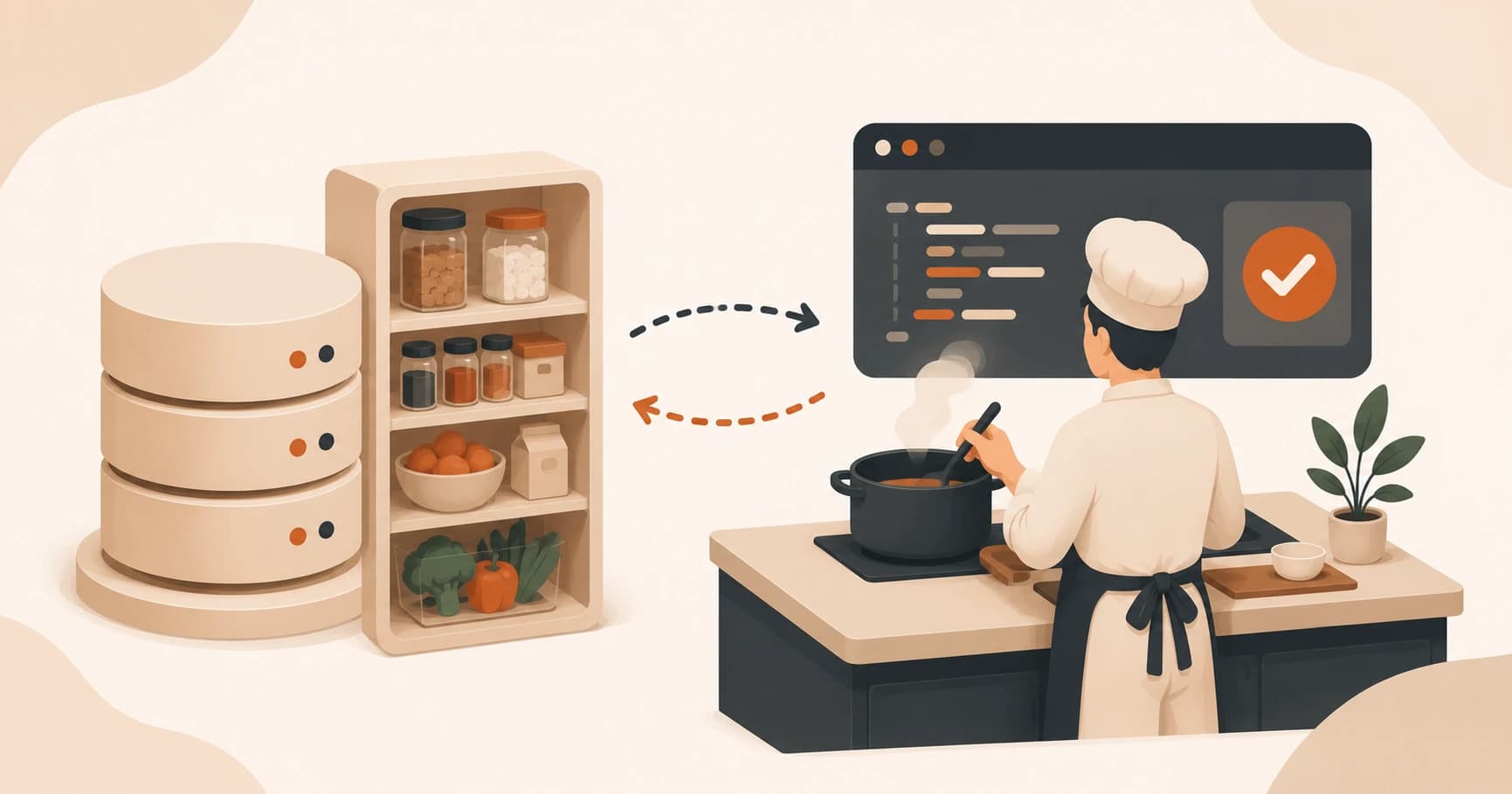
What Is a Database, Explained Simply for Beginners
A database stores an app's information so it persists between requests. This lesson covers tables, rows, and your first Supabase project.

What Is an API Key for Beginners? Here's the Short Answer
An API key is the password your app sends with every request. Learn what that means, why someone stealing it is bad news, and how to generate yours safely.

What Is an API? The Concept That Connects Everything
An API explained simply: it's the defined way one program asks another to do something, like a waiter carrying your order to a kitchen you never see.

What Is Deployment? Taking Code From Laptop to Live
Deployment means moving your code off your laptop onto a server that stays on, giving it a public URL anyone can visit. Here's how it works.

What Is the Terminal? A Beginner's Guide (No Fear Required)
Confused by the terminal? This lesson explains what it is, why developers use it every day, and why that blinking cursor is less scary than it looks.
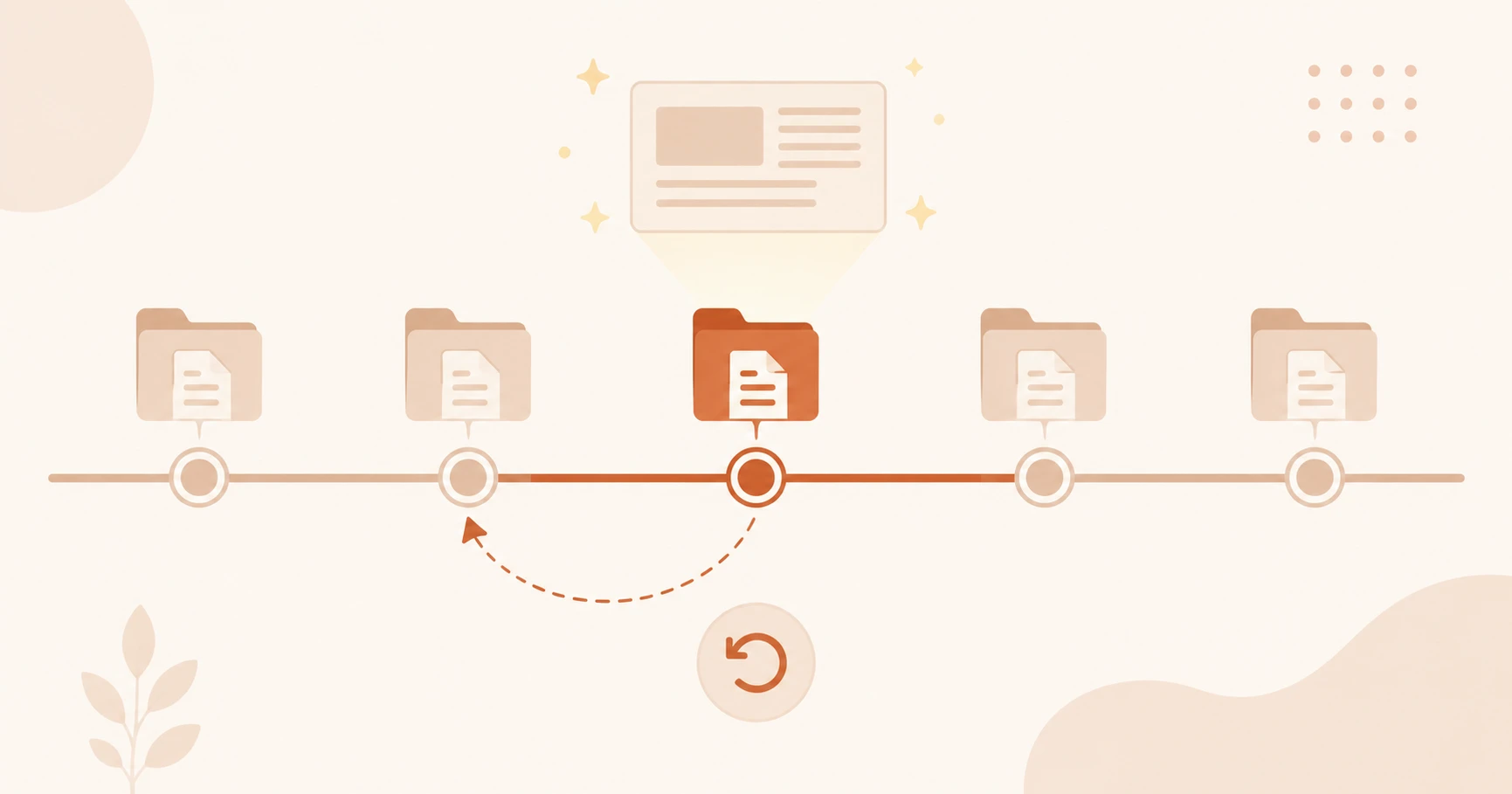
What Is Version Control for Beginners?
What is version control for beginners? It's a system that tracks every file change automatically, like Google Docs history for your whole project.

Where Do AI Agents Run in an App? Inside the Backend
Where do AI agents run in an app? Inside the backend you already built, as a loop that calls the LLM and tools until the task is done.
What Is Windsurf AI Editor? Cursor's Rival Explained
Windsurf AI editor is a VS Code fork with an autonomous Cascade agent that plans multi-file changes. See its 2026 pricing and how it compares to Cursor.
What Is Zed? The Fast, Rust-Built AI Code Editor Explained
Zed is a Rust-built, AI-native code editor made for speed. Learn how its AI panel and inline assist work, and see the honest trade-offs before you switch.