What Is an API Key for Beginners? Here's the Short Answer
An API key is the password your app sends with every request. Learn what that means, why someone stealing it is bad news, and how to generate yours safely.

You just created your Anthropic account. Now it's asking you to generate an API key. Before you click anything, here's what that key actually is and why it matters. (Need just the quick definition? See the API key glossary entry.)
Key Takeaways
- An API is the connection between your code and a service on the internet. An API key is the credential that proves your code is allowed to use it.
- If someone steals your API key, they can send requests billed to your account. This is why you never paste it directly into code.
- You'll store your key safely in a
.envfile, that's the very next lesson.
What an API Is (the short version)
An API, Application Programming Interface, is how your code talks to a service on the internet.
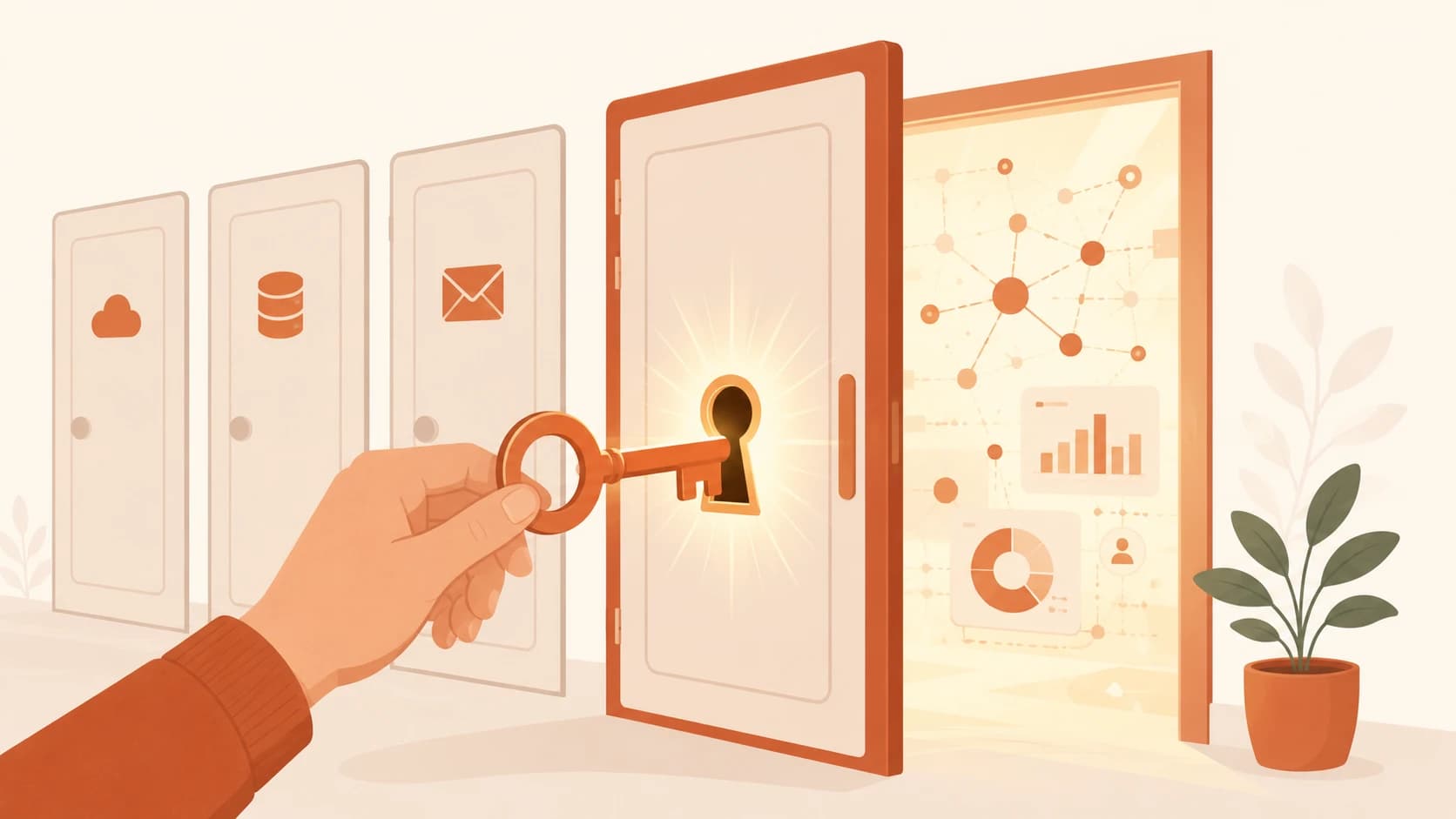
When your app asks Claude to generate a response, it doesn't log into a website. It sends a request to Anthropic's API, like knocking on a door and saying "I need something." The API receives that request, processes it, and knocks back with data.
That's the whole model — a simplification, but an accurate one for where you are right now. We go much deeper on this in Module 05's guide to what APIs actually are. For now, just hold onto this: an API is the connection between your code and a service living somewhere else on the internet.
What an API Key Is
Here's the thing: not just anyone gets to knock.
An API key is the credential your code sends with every request to prove it's allowed in. Without it, the API turns you away. With it, the door opens and your request gets processed.
A real Anthropic API key looks something like this:
sk-ant-api03-AbCdEfGhIjKlMnOpQrStUvWxYz1234567890...
That long string of random characters is the entire key. Nothing magical, just a unique ID that Anthropic uses to recognize your project.
Think of it like a gym membership barcode. Every time you walk in, you scan it. The scanner checks: is this barcode valid? Is the membership still active? Then it lets you through.
If someone else got your barcode and scanned it, they'd walk right in under your account.
Your Anthropic key always starts with sk-ant-. Other providers use different formats, OpenAI keys start with sk-, Google keys look different again, but the concept is identical across all of them.
Why You Must Keep It Secret
This is the most important part of this lesson.
Your API key is connected to your account. When Anthropic sees your key on a request, they bill your account for it. That means if someone else gets your key, they can rack up charges, and Anthropic has no way to know it wasn't you.
This isn't theoretical. We've seen developers wake up to unexpected charges because a key slipped into a public commit — it happens faster than you'd think. Keys pushed to public GitHub repositories get found by automated scanners quickly, and the charges start immediately.
The rule is simple: never paste your API key directly into a code file.
Never paste your API key into a code file, a chat message, or any public forum. Even if your repo is private today, repos get made public accidentally. One slip is all it takes.
So where does it go? A file called .env — a special file that stores secrets separately from your code and never gets committed to Git. That's exactly what the next lesson covers: how to create a .env file and store your key safely.
For now: copy your key somewhere temporary and safe, a local text file, a password manager, and don't go pasting it anywhere else.
Your Task
Generate your Anthropic API key
Go to console.anthropic.com and log in with the account you created in the previous lesson.
Click API Keys in the left sidebar. Click Create Key.
Give it a name like Launchpad and click Create.
Copy the key, this is the only time you will see it in full.
Paste it somewhere safe for now (a local text file or a password manager). Do not paste it into any code file yet, the next lesson will show you the right way to store it.
Done? You've completed Lesson 03.07.
You can also view where this fits in the full course on the Getting Started path.
FAQ