How to Create a .env File to Store Your API Keys Safely
A .env file stores your API keys outside your code so they stay secret. Learn how to create one, what format to use, and why .gitignore is essential.

You just copied your Anthropic API key. Now what? If you paste it directly into your code, you've got a working app, and a security problem waiting to happen. This lesson shows you the right way to store it: in a .env file.
By the end, you'll know what a .env file is, how to create one, and the one habit that keeps your key safe when you share or publish code.
Key Takeaways
- A
.envfile is a plain text file that stores secrets like API keys separately from your code- The format is simple:
ANTHROPIC_API_KEY=your-key-here, one secret per line- You must add
.envto a.gitignorefile before pushing code anywhere, this is the most important step- The file works with any language; python-dotenv and similar libraries are just conveniences for loading it automatically
What a .env File Actually Does
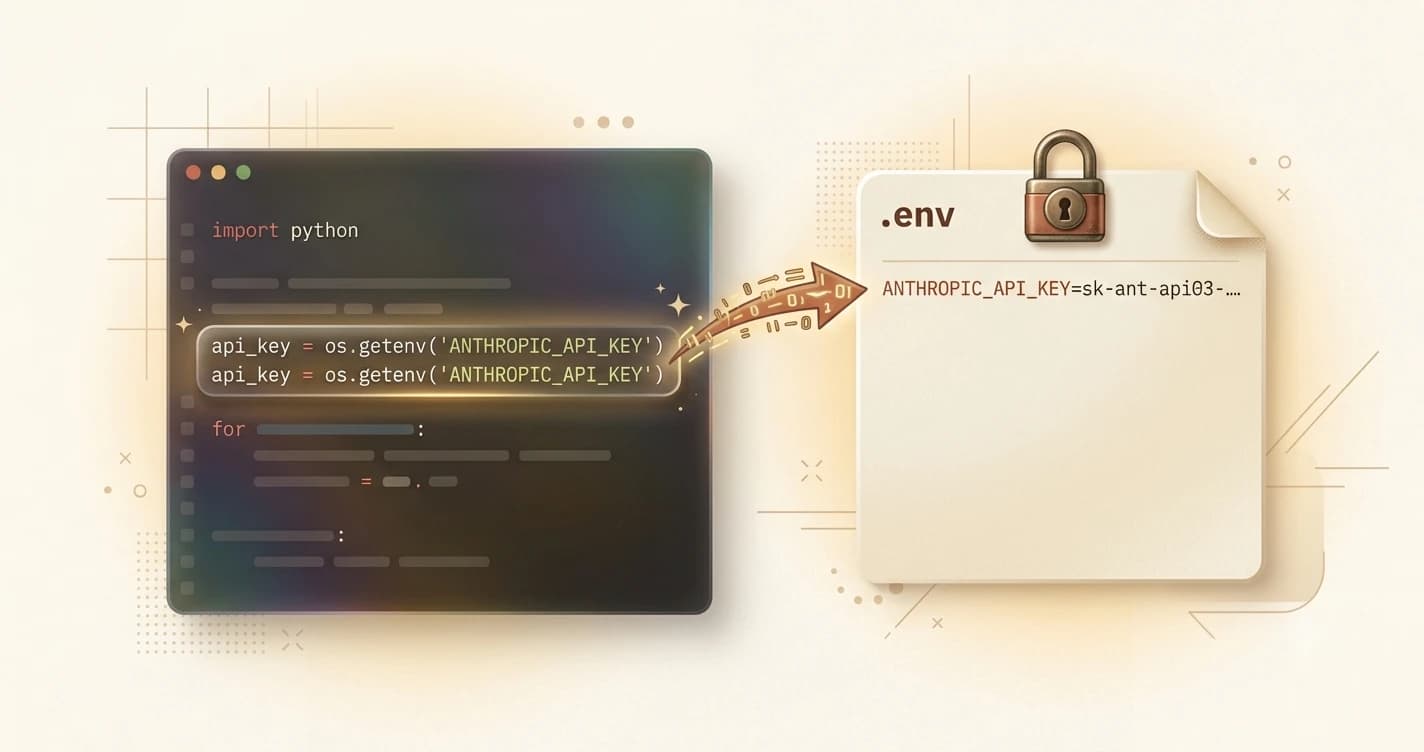
Think of a .env file as a sticky note on the back of your laptop. Your project's instructions, the actual code, live somewhere you can share. The sticky note with your secrets lives on the back, where no one else sees it.
Technically, a .env file is a plain text file that stores key-value pairs: a name for each secret, an equals sign, and the value. These loaded values are called environment variables — they exist in your program's environment while it runs, without the secrets ever being written inside the code itself.
That separation is the whole point. You can share your code, push it to GitHub, or show it to a friend, and as long as you haven't included the .env file, your keys stay private.
The dot at the start of .env is not decorative. On Mac and Linux, files that begin with a dot are hidden by default, they're treated as system or config files. It's a convention that says "this belongs to the project, not the app."
How to Create Your First .env File
Creating a .env file takes about 30 seconds. Here's exactly how to do it.
Step 1: Create a project folder. Open your terminal (Terminal on Mac, PowerShell on Windows) and run:
mkdir my-first-project
cd my-first-project
Step 2: Create the file. In VS Code, go to File > New File. When it asks for the name, type .env exactly, including the dot. Hit Enter. That's your file.
Step 3: Add your key. Inside the file, type:
ANTHROPIC_API_KEY=your-key-here
Replace your-key-here with the actual key you generated in the previous lesson on API keys. A few rules:
- No spaces around the
=sign - No quotes around the value (unless the value itself contains spaces)
- One secret per line
Your .env file now looks like this:
ANTHROPIC_API_KEY=sk-ant-api03-...
Windows users: Windows hides file extensions by default. If you create a text file and name it .env, it may silently become .env.txt, and nothing will work. Always create .env files from inside VS Code using File > New File, then type .env as the filename. VS Code handles this correctly.
Why You Must Add .env to .gitignore
This is the most important habit in this entire lesson. Read it twice.
Bots continuously scan public GitHub repositories for exposed API keys — tools like TruffleHog do this automatically. In documented cases, developers pushed code and received automated security alerts within minutes, because the key was live long enough for a scanner to find it. If your key gets into the wrong hands, someone else can use your account and run up charges. Storing API keys safely means keeping them out of version control (the system that tracks your code history and syncs it to GitHub) entirely — and .gitignore is how you do that.
The fix is a .gitignore file. This is a file that tells Git: "never include these files when I commit or push." When .env is in your .gitignore, Git ignores it completely, even if you run git add ..
Create the .gitignore file now. In VS Code, create a new file called .gitignore in the same folder as your .env file. (The official Git docs explain how .gitignore works in detail — but for now, all you need is this one line.) Add:
.env
That's it. From this point on, Git will never touch your .env file.
Make it a habit: whenever you start a new project, create the .gitignore before you create the .env. That way you can't forget.
Your project folder should now contain:
my-first-project/
├── .env ← your secrets (Git ignores this)
└── .gitignore ← tells Git to ignore .env
When you're ready to use your API key in Python code, you'll use a library called python-dotenv to load the .env file automatically, but that's Module 04. For now, your key is stored safely and your project is protected.
Your Task
Create your first .env file
Open your terminal and run:
mkdir my-first-project
cd my-first-project
Now open VS Code. Go to File > New File and save it as .env.
Add this line to the file, replacing with your real key from the previous lesson:
ANTHROPIC_API_KEY=your-key-here
Save the file.
Next, create a second file called .gitignore in the same folder. Add .env on the first line:
.env
Save that file too.
You now have a project folder with your API key stored safely, and Git will never accidentally commit it.
Done? You've completed Lesson 03.08.
Ready to keep building? Explore the full Getting Started learning path for the complete developer environment sequence.
FAQ