What Does a Backend Server Do? FastAPI Example
A backend server waits for requests, processes them, and sends back a response. See what that looks like in a real FastAPI example, built in minutes.
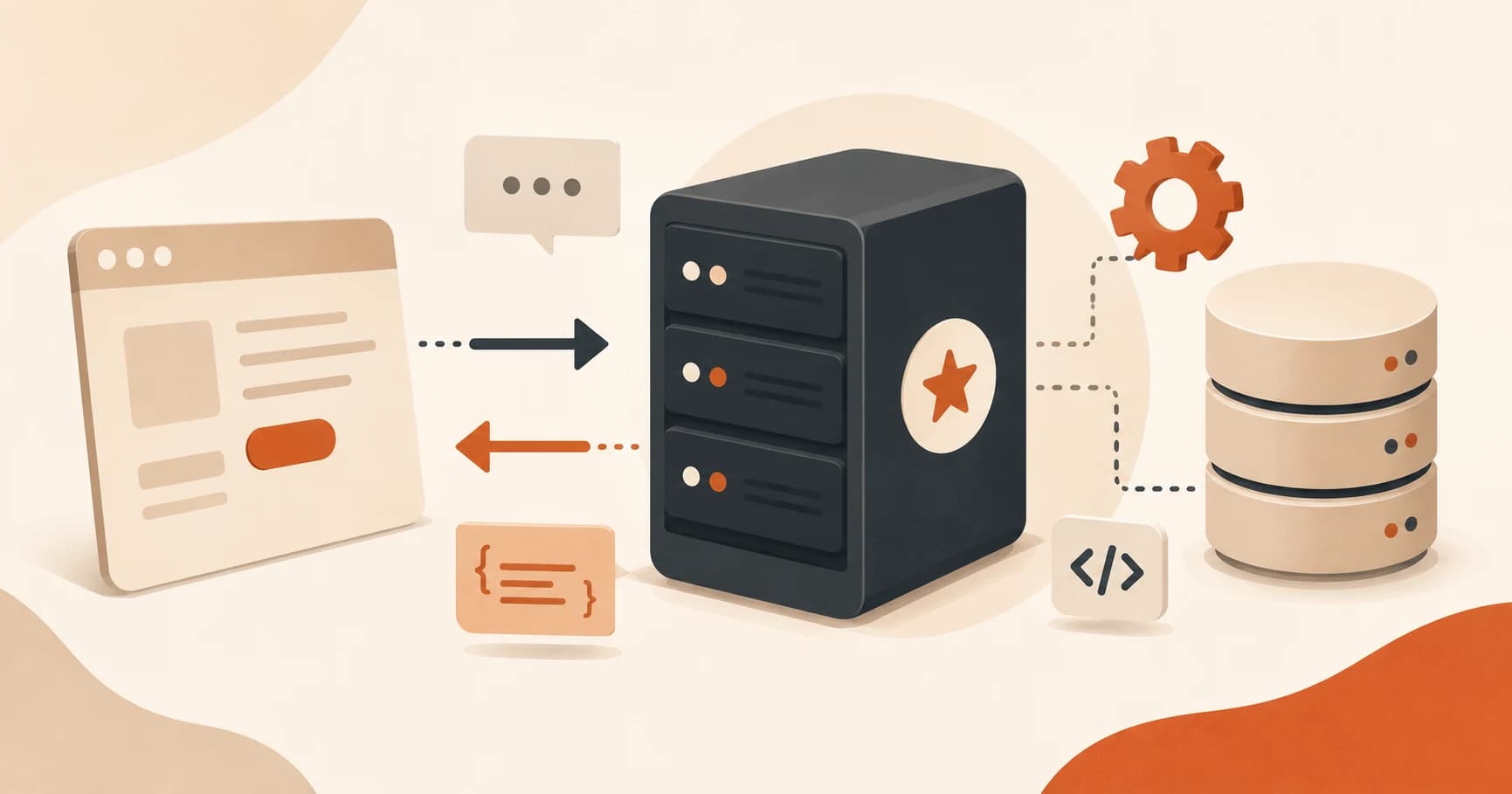
You click "send" in a chat app. For a fraction of a second, nothing visible happens. Then a reply appears. That gap is where a backend server lives, and by the end of this lesson you'll have built one yourself.
So what does a backend server actually do? It sits and waits for requests, then does something and sends back a response. That's the entire job: receive, process, respond. In this lesson, you'll use FastAPI to build a real one in Python, in a few lines, and see exactly what happens inside that gap.
Key Takeaways
- A backend server's whole job is to receive a request, process it, and send back a response, nothing more mystical than that.
- FastAPI lets you build a real, working backend in Python with about six lines of code.
- A "route" is a specific URL path a server is listening on, like
/or/users, not the URL itself.- This exact request-in, response-out pattern is how AI chat backends work, just with a Claude API call added in the middle.
What Does a Backend Server Actually Do?
A backend server listens for requests, runs some code in response, and sends back an answer: receive, process, respond, in that order. It doesn't do anything until a request arrives; most of its life is spent waiting, not computing.
Remember the frontend/backend diagram from the frontend/backend lesson? The backend was the box on the right, taking requests and sending back data. That's how frontend talks to backend under the hood, and this lesson makes that box real.
As Codecademy's back-end architecture overview puts it, one thing worth clearing up now: the backend is not the database. The database is where data gets stored so it survives between requests. Your backend often reaches into a database to answer a request, but the two are separate programs doing separate jobs. Skip this distinction now, and databases will be confusing for the rest of the course.
FastAPI: The Beginner-Friendly Way to Build One
So what is FastAPI? It's a Python framework built specifically to make this receive-process-respond loop fast to set up, following the same pattern shown in FastAPI's own first-steps guide. You don't need to understand web servers from first principles to use it. A handful of lines gets you a real server, listening on your own computer, answering real requests. I still reach for FastAPI first on any small backend, mostly because it gets out of my way faster than anything else I've tried.
Install it along with Uvicorn, the program that actually runs your server:
pip install fastapi uvicorn
Then a route. A route is a specific URL path your server is listening on, not the whole URL, just the path piece of it, like / or /users. Get this wrong and nearly every backend bug you hit early on traces back to it: the wrong route being hit, or the wrong one being defined.
Decoding Your First Route
Here's the smallest FastAPI app that does something real:
from fastapi import FastAPI

app = FastAPI()

@app.get("/")
def read_root():
    return {"message": "Hello from your backend"}
Four pieces, in order. FastAPI() creates your application. @app.get("/") registers a route: it tells your server "when a GET request hits the / path, run the function right below me." def read_root(): is that function; it can be named anything. return {"message": "..."} is what gets sent back. FastAPI automatically converts it into JSON, the same request/response format from the GET/POST lesson. Get any one of these four pieces wrong and the server either won't start or won't answer the request you expect.
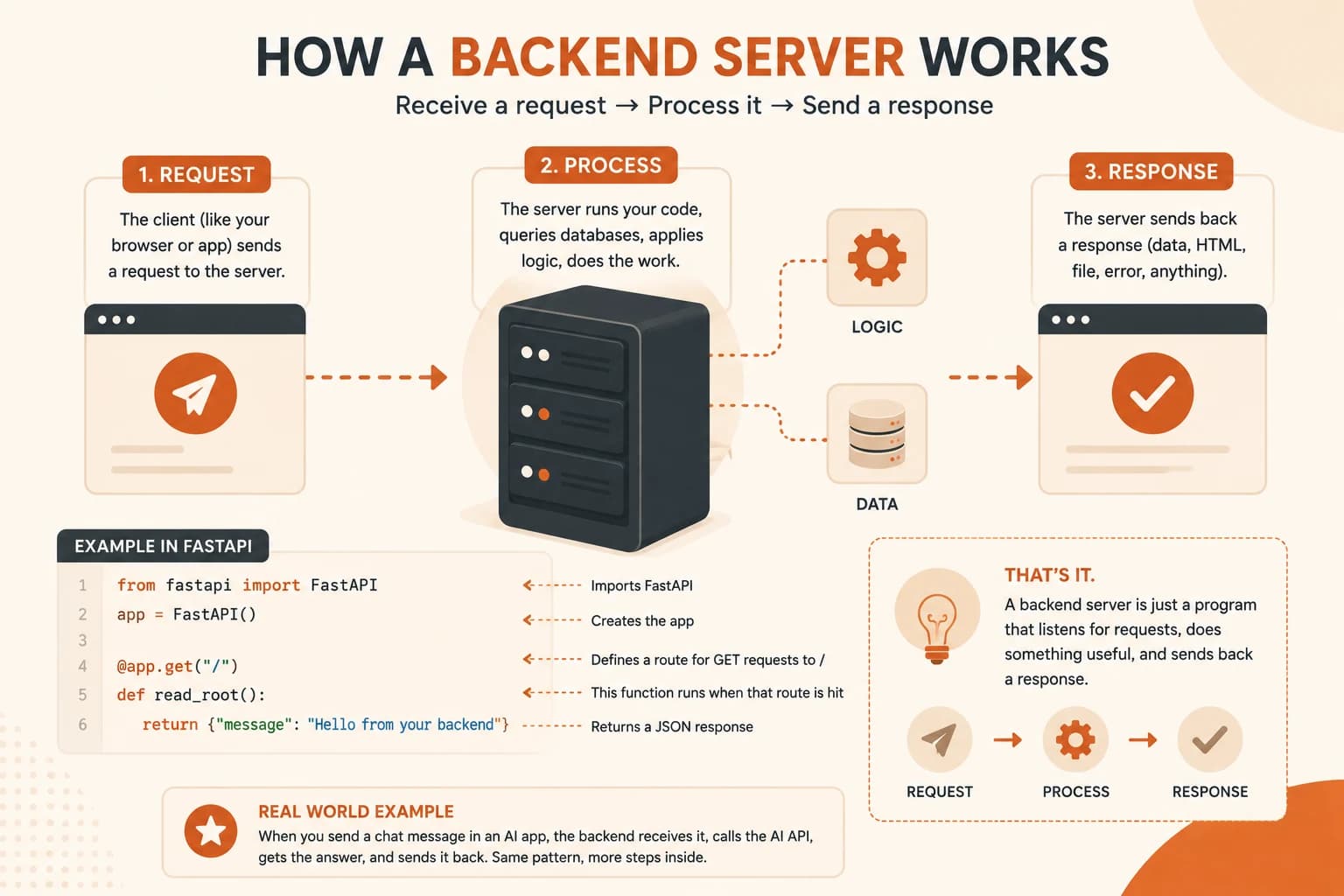
Some FastAPI tutorials write async def instead of def. For a route this simple, it makes no difference. Async matters once your server is handling several slow operations at once, not on your first day.
Run it with:
uvicorn main:app --reload
Open http://127.0.0.1:8000 in your browser. That JSON message is your server's response, built and sent by code you just wrote.
Where This Is Headed
This exact shape, a route that receives something and sends back a response, is how AI chat backends work. Instead of read_root() always returning the same message, an AI backend's route takes the user's message, calls the Claude API with it, and returns whatever Claude says back.
Nothing about the pattern changes. The route still listens, the function still runs, the response still goes back as JSON. The only difference is what happens inside the function, and that's where the rest of this module, and the whole Agentic AI pillar, picks up. That's what a backend server does at every layer of complexity, from this one-route example up to a full AI chat app.
Run your first backend server
Install FastAPI and its server: pip install fastapi uvicorn
Create a file called main.py with this content:
from fastapi import FastAPI

app = FastAPI()

@app.get("/")
def read_root():
    return {"message": "Hello from your backend"}
Run it: uvicorn main:app --reload
Open your browser to http://127.0.0.1:8000. You should see the JSON message appear.
You just built and ran a real backend server. That JSON response is exactly what a frontend would receive if it made a request to this route.
Done? You've completed Lesson 07.01.
FAQ