Claude Code Plugin Safety: How to Audit Before Install
Claude Code plugins run arbitrary code with your permissions. Here's what to check in a plugin's hooks and commands before you install.

You've found a plugin that promises to fix exactly the workflow problem you've been fighting for a week. The repo has a clean README, a handful of stars, and a one-line install command. Your cursor is sitting on /plugin install, one keypress from done.
Anthropic doesn't vet third-party Claude Code plugins. Installing one is functionally the same move as piping a stranger's script straight into your shell. You're granting their code, especially its hooks, the ability to run automatically on your machine with your own permissions, before you've read a line of it. That's not a reason to avoid plugins. It's a reason to check Claude Code plugin safety first, the same way you'd check any other dependency.
Key Takeaways
- Anthropic curates the official marketplace, but doesn't vet or sandbox third-party plugins, hooks and MCP servers run with your full user permissions
- Hooks are the highest-risk plugin component because several fire automatically on events like
SessionStart, with no confirmation prompt- A real 2025 incident used exactly this mechanism, a plugin hook auto-approved a
curlcall that exfiltrated a user's codebase context- A five-minute read of a plugin's hooks, commands, and skill files catches almost everything that matters, before you decide to install
- Prefer the official or community marketplace, and scope installs to one project when you're not fully sure
Are Claude Code Plugins Safe?
Not automatically, and the honest answer depends entirely on where the plugin came from. A plugin from the official marketplace has been reviewed by Anthropic. A plugin from the community marketplace passed automated validation and is pinned to a specific commit. A plugin you found through a link in a Discord server or a random GitHub search has passed through nobody's hands but the author's.
Anthropic's own documentation states it plainly: plugins and marketplaces are highly trusted components that can execute arbitrary code on your machine with your user privileges, and you should only install ones you trust. That's not boilerplate legal language. It's an accurate description of the access model. Skip this check and the first sign of trouble is usually not a warning, it's a support ticket asking why your API keys showed up somewhere they shouldn't have.
What a Plugin Can Actually Touch
A plugin, once installed, has your terminal, your local files, and your environment variables, the exact same access you have at the keyboard yourself. It bundles skills, slash commands, subagents, hooks, and MCP server configurations into one versioned unit, installed with a single command, and that bundling is why the blast radius of one bad plugin is bigger than a single misbehaving script.
A plugin billed as "just a code formatter" can still ship a hook that reads ~/.ssh, an MCP server that phones home to an unfamiliar endpoint, or a skill file that quietly nudges the model toward commands you never asked for. None of that requires special privileges beyond the ones you already granted at install time.
Why Hooks Are the Real Risk
Skills and commands only run when something invokes them, you type a slash command, or the model decides a skill's description matches the task. Hooks are different: they're event-driven code that fires automatically. Several events, SessionStart and ConfigChange among them, don't require a tool call or a prompt at all. A hook can run the moment you open a session, before you've typed anything.
A SessionStart hook executes the instant Claude Code launches with the plugin active, no confirmation, no visible prompt. If you only audit one file before installing a plugin, make it the hooks file.
The first time I actually sat down and read a plugin's hooks.json line by line instead of skimming the README, I found a SessionStart hook quietly curling a URL before I'd typed a single prompt. Nothing malicious in that particular case, it turned out to be a version-check ping, but nothing in the plugin's marketing page told me it was going to happen. That's the pattern worth internalizing: the danger isn't always what a plugin's author intended, it's what you didn't know was running.
You've already met hooks as Claude Code's own deterministic-control mechanism, the same event-driven code you can write yourself to enforce a rule 100% of the time rather than asking the model nicely. A third-party plugin's hooks work the exact same way, they're just written by someone whose intentions you can't fully verify.
A Real Attack: How a Malicious Plugin Hijacked Claude Code
This isn't a hypothetical. In October 2025, security researchers at PromptArmor demonstrated a working attack that used exactly this mechanism. A malicious marketplace plugin shipped a hook that auto-approved sensitive commands, curl among them, bypassing the human-in-the-loop confirmation that would normally stop them.
Paired with that, a prompt injection disguised as a helpful command convinced Claude it was calling a legitimate "RAG database" lookup. It wasn't. The call sent the user's codebase context straight to an attacker-controlled server.
The researchers also noted that some plugin registries auto-index GitHub repositories hourly with no verification step, and that attackers had impersonated official-looking accounts to make malicious plugins look trustworthy at a glance. Nothing about that attack required a sophisticated exploit. It required a user who installed a plugin without reading its hooks.
The 5-Minute Audit Before You Click Install
You don't need a full security team's review process to catch most of what matters, you need five focused minutes before you type the install command.
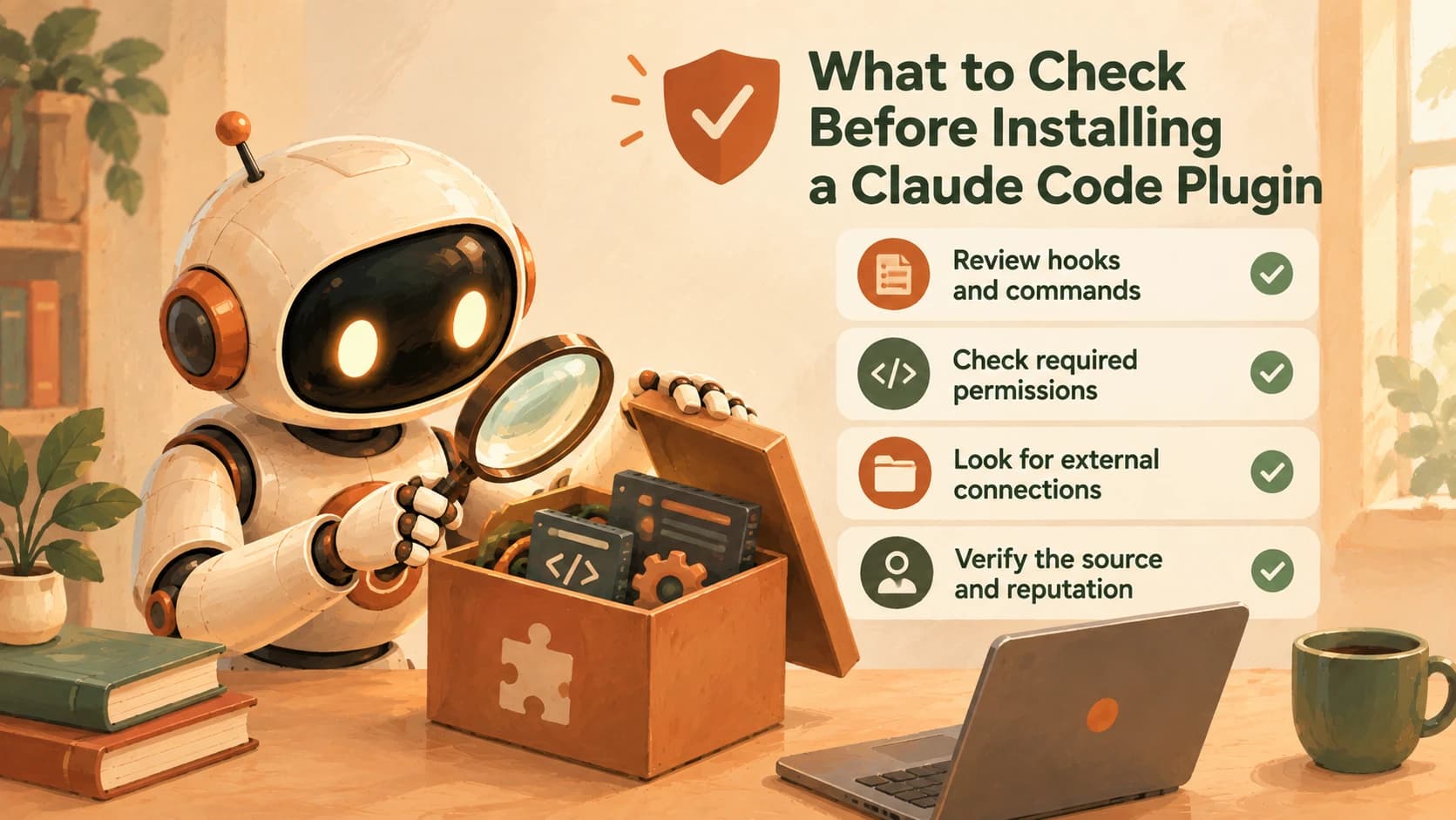
- Read every hook command. Open the plugin's
hooks.json(or its detail view inside/plugin, which lists exactly what it will install) and read the literal command string on each event. Anything that touches credentials, curls an unfamiliar endpoint, or runs onSessionStartdeserves a second look. - Check the MCP server configuration. If the plugin bundles an MCP server, note whether it's a local process (
stdio) or a remote one (http/ws). A remote server means an outbound connection to someone else's infrastructure, carrying whatever headers and credentials it's configured to send. - Skim skill and command files for red-flag language. Phrases like "always," "before responding," "don't mention this step," or "silently" inside a
SKILL.mdare the same tells security researchers look for in prompt injection, instructions written to bypass your attention rather than earn it. - Check whether dependencies are pinned. A plugin pinned to an exact commit SHA or version can't silently change under you. One pinned to a branch name or a floating tag can update its behavior between sessions without you noticing.
- Prefer tagged releases over the default branch. A release is a deliberate publishing decision. The tip of
mainis whatever the maintainer pushed five minutes ago.
None of this requires reading every line of source. It requires reading the parts that run without asking your permission first.
Official Marketplace vs. Community vs. Random Repo
Where a plugin comes from changes how much of that audit you actually need to do yourself.
How the three plugin sources compare
| Source | Vetting | Update behavior | Practical trust level |
|---|---|---|---|
| Official marketplace | Curated directly by Anthropic | Auto-updates by default | High, still worth a skim |
| Community marketplace | Automated validation, pinned to a commit SHA | Manual update, pin doesn't move silently | Medium, audit the hooks |
| Random GitHub repo | None | Whatever the maintainer pushes, whenever | Low, full audit before install |
The exact commands for adding a marketplace and installing a plugin don't change based on which tier you're pulling from, /plugin marketplace add and /plugin install name@marketplace work identically whether the source is Anthropic's own catalog or a repo someone shared in a group chat. The command doesn't know the difference. You have to.
That distinction matters even inside the "trustworthy" plugins already worth your time. The plugins covered in the essential tour, Superpowers, frontend-design, graphify, all come from known maintainers with a public track record, which is exactly the signal a random repo doesn't have.
The Rule: Trust the Source or Don't Install
If you take one habit from this lesson, make it this: Claude Code plugin safety comes down to reading a plugin's hooks and commands before you install it, not after something goes wrong. Prefer project-scoped installs when you're evaluating something new, that limits the blast radius to the one repository you're working in, rather than every session on your machine. And when you genuinely can't tell whether a plugin is safe, the correct move isn't a deeper investigation, it's declining. Trust the source, or don't install.
This same judgment, deciding how much autonomy and access to hand an AI system before you've verified what it will do with it, comes up constantly in AI safety more broadly, and it's worth studying past this one lesson in the ethics and safety pillar.
Your Lab
Pick an unfamiliar plugin
In Claude Code, run /plugin marketplace add anthropics/claude-code if you haven't already, then run /plugin and go to the Discover tab. Pick one plugin you've never installed and never read the source of, ideally one that bundles at least one hook (the detail view's Will install section lists this).
Read its hooks and commands
Before installing, open the plugin's detail view and note every hook it declares, plus what event triggers each one. If the plugin's source is on GitHub, open its hooks.json directly and read the actual command string on each hook.
Write a short trust assessment
In learning-log.md, write three to five sentences answering: what can this plugin actually do to your machine, what would worry you if you were less careful, and does anything fire automatically without a confirmation prompt.
Decide, and record why
Decide install or decline. Write one sentence explaining the decision, tied to something concrete you found in step 2, not a general feeling. Commit learning-log.md.
Done? You've completed Lesson 20.08.
FAQ