Small vs Large Language Models: What's the Real Difference?
A small language model trades broad knowledge for speed and running on your own device. Here's when smaller actually wins.
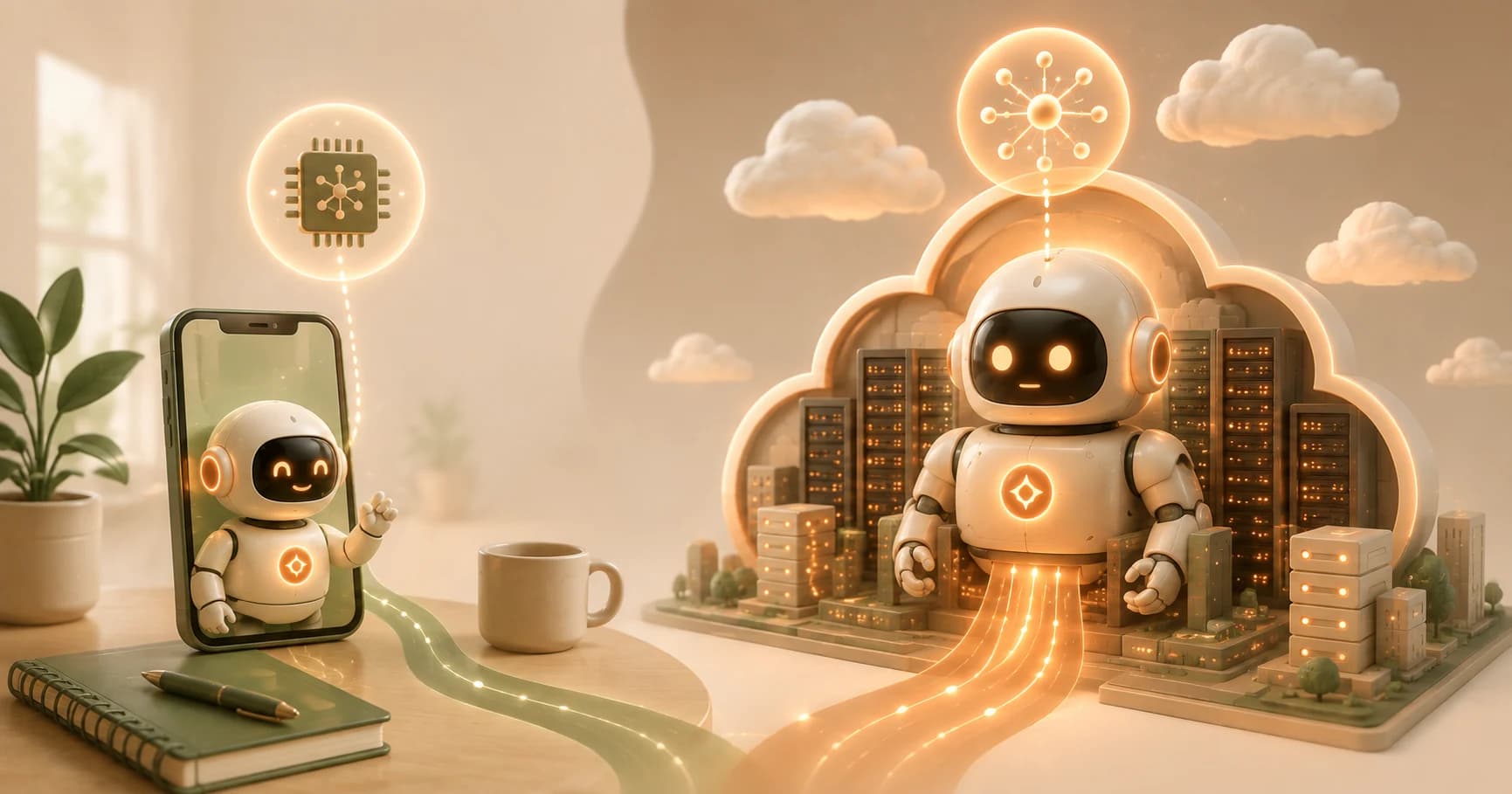
Your phone finishes your sentence before you stop typing, no lag, no spinner. Ask ChatGPT a complex question, and there's a beat while the request travels to a server and back. Both are large language models doing their job, just at very different scales. The phone is likely running a small language model, right there on your device. ChatGPT is running a large language model, on a data center somewhere else entirely.
If you haven't covered what a large language model actually is yet, start there first.
Key Takeaways
- Small language models are built to run efficiently on limited hardware, phones, laptops, on a narrower set of tasks
- Large language models are built for maximum breadth and capability, at the cost of needing serious server infrastructure to run
- Small models can run entirely offline, with no data ever leaving your device
- A large model still wins for unfamiliar topics, complex reasoning, or genuinely open-ended tasks
- Many small models are created by learning from a larger model's outputs, not built from scratch
What Makes a Language Model "Small"?
A small language model is deliberately scaled down: fewer internal parameters, trained on a narrower slice of tasks, built to run efficiently on limited hardware like a phone or laptop instead of a data center. A large language model goes the opposite direction: as many parameters and as broad a training set as practical, aimed at handling almost anything you throw at it.
The exact cutoff between "small" and "large" isn't fixed, and any specific number quoted today will look different in a year as hardware and techniques improve. What matters more is the design intent behind each: small models optimize for efficiency on a narrower job, large models optimize for breadth regardless of hardware cost.
Why Smaller Can Be Better for Certain Jobs
Running a model directly on your own device means the network round-trip simply doesn't exist in the loop, which is why a small on-device model can feel instant compared to a cloud-based one. It also means the request never has to leave your device at all, a real advantage for anything private or sensitive.
Cost scales the same way. A small model handling a narrow, high-volume task, autocomplete, simple classification, a focused customer-support flow, can run for a fraction of what the same volume would cost through a large model's API. Small models are also frequently open-weight, which is exactly what makes running them yourself practical in the first place.
Where a Large Model Still Wins
None of this makes small models a universal replacement. A large model still leads on genuinely open-ended tasks: unfamiliar topics, multi-step reasoning, creative work where you can't predict the shape of a good answer in advance. A small model trained for a narrow set of tasks will hit a real ceiling the moment a request falls outside what it was built for.
Small vs large, at a glance
| Small model | Large model | |
|---|---|---|
| Runs on | Phone, laptop | Data center |
| Speed | Instant, no network round-trip | Depends on server and connection |
| Privacy | Data stays on device | Data sent to provider's servers |
| Best at | Narrow, repeated tasks | Unfamiliar topics, complex reasoning |
| Cost at high volume | Low, runs on hardware you already own | Scales with API usage |
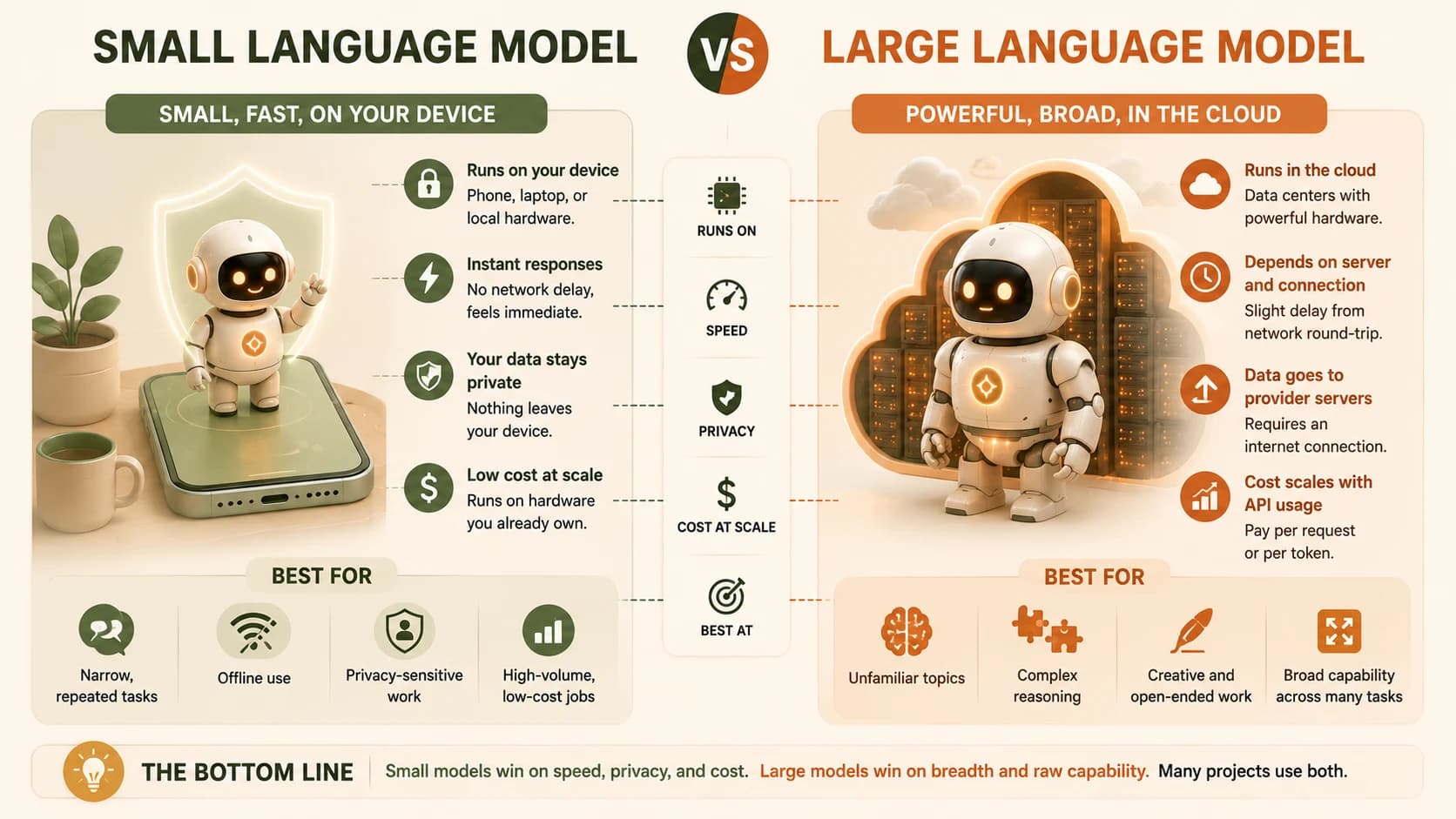
The honest framing is a tradeoff, not a strict upgrade in either direction. Speed, privacy, and cost favor small. Breadth and raw capability favor large.
How Small Models Get Made
Many small models aren't trained from scratch. They're often produced through a process where a smaller model learns from a larger model's outputs, absorbing a compressed version of what the bigger model knows, tuned for a narrower job. This connects to the same underlying idea covered in how fine-tuning works: additional training that shapes a model's behavior, applied here to compress capability down into a smaller, more efficient package rather than to change tone or style.
You don't need to understand the training pipeline to use these models well. The practical takeaway: a small model that feels surprisingly capable for its size probably learned a lot of that capability from a larger model during its own training.
FAQ