ChatGPT, Claude, Gemini & Grok: What's the Difference?
ChatGPT, Claude, Gemini, and Grok each do something different. Learn what makes each AI chatbot unique and which to open first, no tech knowledge needed.
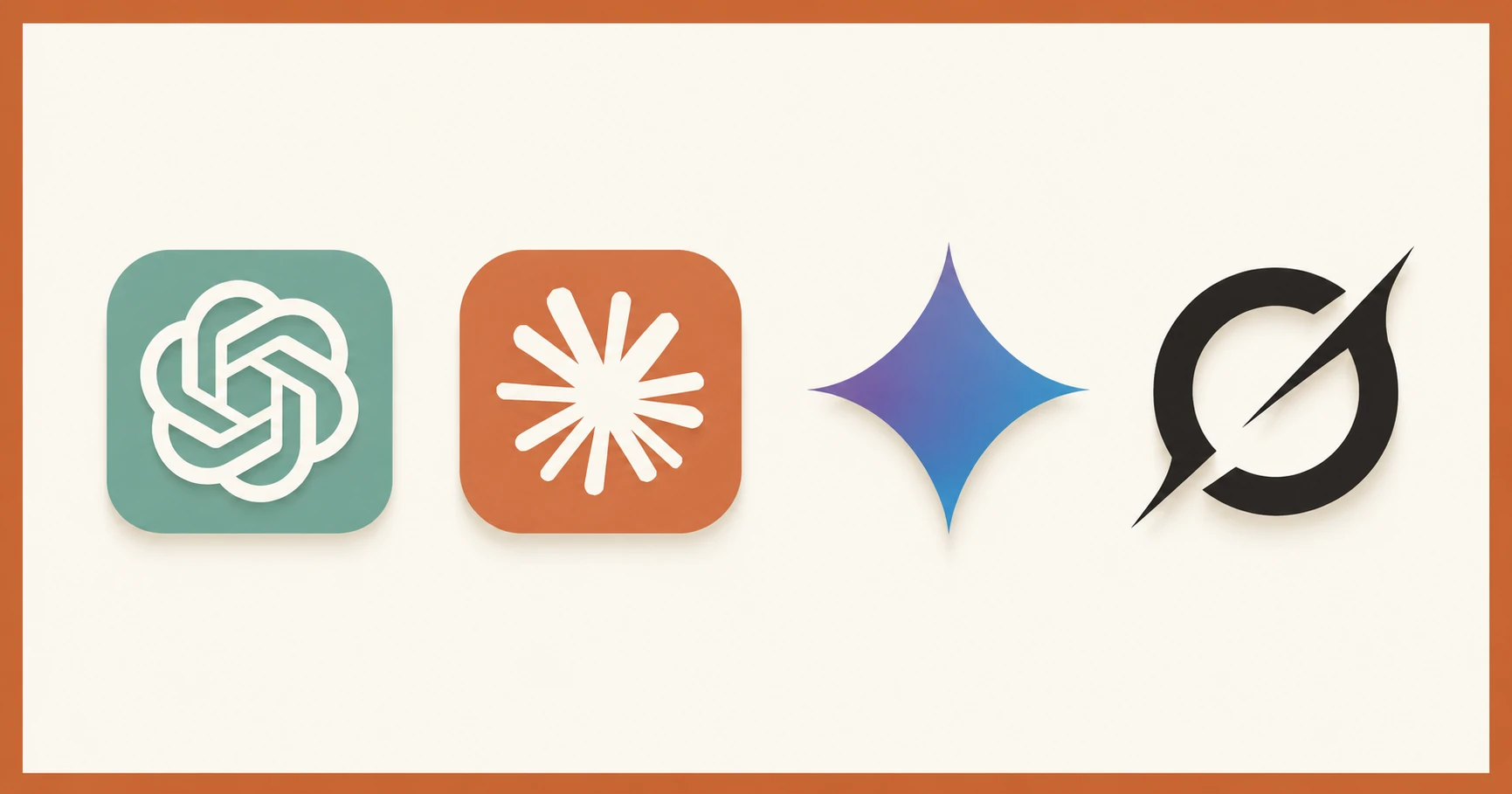
You've probably heard all four names by now: ChatGPT, Claude, Gemini, Grok. In this lesson, you'll learn what actually makes each one different — their strengths, free tier limits, and the kinds of tasks where each one shines. By the end, you'll know which to open first depending on what you're trying to do.
Key Takeaways
- ChatGPT is the versatile all-rounder, good at almost everything and best for everyday tasks and general writing
- Claude reads longer documents more carefully and gives more structured, honest analysis
- Gemini has the most generous free tier of the four and connects natively with Google Workspace
- Grok is tied to real-time X (Twitter) data, making it uniquely useful for current news and live commentary
- You'll probably end up using more than one, and that's exactly the right approach
Think of Them as Four Different Colleagues
Here's a useful frame: don't think of these as rivals competing for the title of "best AI." Think of them as four colleagues you can tap for help, each with a different background, personality, and area of expertise.
If you needed help writing a business plan, you'd go to a different person than if you needed someone to fact-check a news story. The same logic applies here.
All four are built on how large language models actually work — software trained on enormous amounts of text to predict useful responses. For now, what matters is how they behave in practice and when you should reach for each one.

ChatGPT: The All-Rounder
ChatGPT, made by OpenAI, is the most widely used AI chatbot in the world. Its free tier gives you access to GPT-4o with a daily message limit. For most beginners, it's more than enough to get started.
It handles a wide range of tasks comfortably: writing emails, summarizing articles, brainstorming ideas, answering questions, generating images (limited on free tier), and light coding help.
Best for: General tasks where you want a reliable, capable response. It's the Swiss Army knife of AI chatbots.
Free tier: GPT-4o, limited messages per session. Resets daily.
Context window: 128,000 tokens — enough to paste a long article or a short document and have a real conversation about it.
Personality: Helpful and neutral. ChatGPT tends to be agreeable, which is useful but occasionally means it'll go along with a flawed premise rather than push back.
Watch out for: Responses that feel generic on nuanced tasks. ChatGPT's tendency to agree rather than push back means it'll cheerfully validate a flawed premise — fine when you want help writing an email, but a problem when you need honest analysis of a decision you're already leaning toward.
ChatGPT has the strongest voice mode of the four. If you'd rather talk than type, this is your best option.
Claude: The Careful Analyst
Claude, made by Anthropic, is the one most likely to tell you it's uncertain about something. That directness is a feature, not a flaw. It's built to be honest about its limitations, and that shows up in how it writes.
Its free tier gives access to Claude Sonnet with a daily message limit. The cap is slightly stricter in terms of volume than ChatGPT, but the quality per response tends to be stronger for analysis-heavy tasks.
Best for: Long documents, structured analysis, and drafting anything that requires clear logic — like a proposal, a research summary, or code you want explained step by step.
Free tier: Claude Sonnet, limited daily messages. Resets each day.
Context window: 200,000 tokens — large enough to paste an entire report or a full book chapter and still get a coherent response. That matters: with a smaller window, a long document gets summarized before it gets analyzed. With Claude, it gets actually read.
Personality: Direct and honest. Claude will tell you when it disagrees with your framing or when a question doesn't have a clean answer. Some people find this refreshing; others find it slower than they'd like for simple tasks.
Watch out for: Claude doesn't generate images. For visual output, use ChatGPT or Gemini.
Gemini: The Google Native
Gemini, made by Google DeepMind, has two advantages over the others: it has the most generous free tier of the four, and it connects naturally with Google's ecosystem — Gmail, Docs, Drive, and Search.
If you're already living inside Google Workspace, Gemini can pull information from your documents and emails and work with them directly.
Best for: Google Workspace users, research tasks where you want live web results baked in, and anyone who wants high message volume on the free tier without hitting limits too quickly.

Free tier: The most generous of the four for message volume — a good starting point if you want to explore without constantly hitting limits.
Context window: 1,000,000 tokens — by far the largest here. You could paste an entire novel. (These figures are accurate as of mid-2026; check each tool's official page for current limits, since this space moves fast.)
Personality: Thorough and Google-flavored. Gemini tends toward comprehensive answers, sometimes more comprehensive than you need.
Watch out for: Verbose responses. If you want a crisp two-sentence answer, tell it explicitly — otherwise it'll give you five paragraphs.
On the free tier, access Gemini at gemini.google.com. Google Workspace integration is available on paid accounts.
Grok: The Live Commentator
Grok, made by xAI, is the most distinct of the four. Its standout feature: it's connected to X (formerly Twitter) in real time. That means it can tell you what people are talking about right now, surface breaking news, and analyze live conversations happening on the platform.
To access Grok's free tier, you need an X account. Without one, this tool is effectively unavailable.
Best for: Real-time news, understanding what's trending, and tasks where you specifically want X-native context — like following a live event or researching public opinion on a current topic.
Free tier: Access via X — requires an X account.
Context window: 131,000 tokens, similar to ChatGPT's range.
Personality: Irreverent and opinionated. Grok has a distinct voice. It's less measured than Claude, less neutral than ChatGPT, and more likely to make a pointed comment. Some people love this; others find it distracting.
Watch out for: Outside the X ecosystem, Grok's advantages mostly disappear. Ask it something like "what are the best Python libraries in 2026" — where there's no live X debate to draw on — and you'll get more depth from Claude or ChatGPT.
Which AI Chatbot Should You Use?
There's no single right answer, and that's by design.
Most people who get serious about AI end up with two or three of these open regularly — and honestly, that's how we use them at Seekvana too. Claude for anything long and analytical, ChatGPT when we need an image or a quick answer, Gemini when a question needs live web context. They're not competitors. They're tools with different strengths.
A rough starting guide:
- General tasks, writing, everyday questions — ChatGPT
- Long documents, careful analysis, coding help — Claude
- Google Workspace users, broad research, high volume — Gemini
- Real-time news, X-specific content — Grok
If you're just starting out, pick one and use it for a week. You'll learn more from going deep with a single tool than from switching between all four every day. All four have free tiers generous enough for that, and what each free tier actually gives you is worth knowing before you reach for a credit card.
When you're ready to understand what happens when these AI models gain the ability to take actions in the world, that's where things get genuinely interesting.
Run the same test on all four
Open ChatGPT (chatgpt.com), Claude (claude.ai), Gemini (gemini.google.com), and Grok (x.com/grok) in four separate browser tabs. Ask all four the exact same question — something you genuinely want to know. Note one difference in how they respond. Tone? Length? Confidence? That difference tells you more than any comparison table ever will. Share what you noticed in the comments — we read every one.
Done? You've completed Lesson 01.05. This lesson is part of the Getting Started path.
FAQ