AI Tools You Already Use Every Day
You use AI dozens of times a day without realizing it. From Spotify to Face ID, here are the AI tools you already use every day, explained simply.
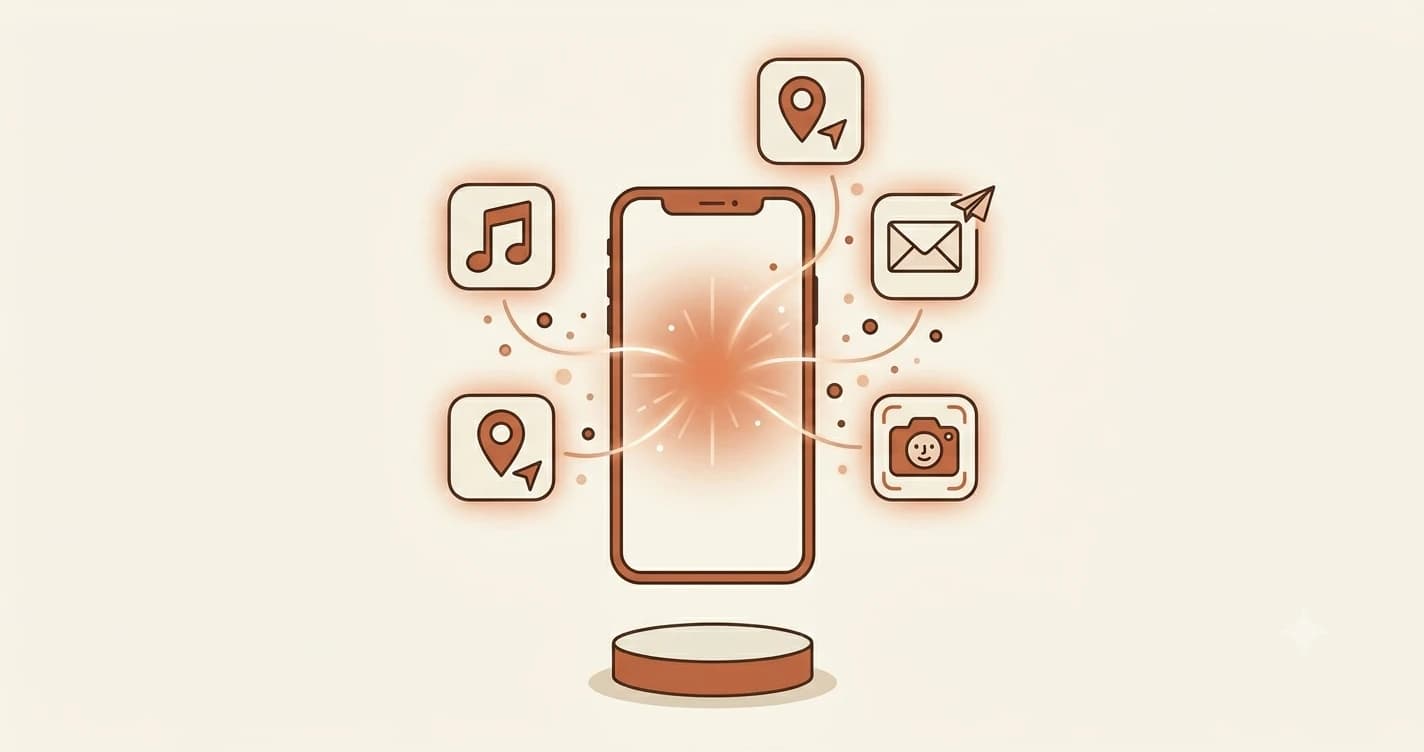
You already use AI every single day. Dozens of times a day, probably more. You just haven't been calling it that.
Key Takeaways
- Most apps you use daily, Spotify, Google Maps, Gmail, Netflix, run on AI
- These AIs do specific jobs: classifying, predicting, recommending, recognizing
- You don't need to understand the math. Noticing it is enough
- By the time you finish this lesson, AI will feel familiar, not foreign
Which apps on your phone already use AI?
Let's start with the three you probably touch before you even get out of bed.
Google Search does two AI jobs every time you type. The first is autocomplete, predicting what you're about to ask based on what billions of people have searched before. The second is ranking, deciding which ten results, out of billions of pages, are most likely to answer your question. Neither of those is a simple lookup. Both are machine learning models running at scale.
Your phone keyboard is doing something similar. Every time it suggests the next word, it's running a small language model trained on how people write. Autocorrect isn't a dictionary lookup, it's a prediction. The keyboard guesses what you meant to type based on the surrounding context.
Face ID (and Android's face unlock) is an image classifier. When you enrolled your face, your phone built a mathematical map of it. Every time you unlock, it compares the new image to that map. If they match closely enough, it opens. That comparison is happening in real time, on your device, with no internet connection needed.
Face recognition AI runs locally on your device. Your face data never leaves your phone. That's a deliberate privacy decision by Apple and Google.
How does Spotify know what you'll like next?
These ones are doing the heaviest AI work of anything on your phone.
Spotify's Discover Weekly, the playlist that appears every Monday, is built by a recommendation engine that tracks what you play, skip, replay, and save. It cross-references your patterns with millions of other listeners and finds people with similar taste. Discover Weekly isn't curated by a human. It's generated fresh for you every week, entirely by an algorithm. Apple Music's "For You" works the same way.
Netflix and YouTube run a similar engine for video. What shows up on your Netflix home screen isn't random. The algorithm considers your watch history, how far you got into each title, the time of day you watch, and what people with similar viewing habits watched next. The thumbnail you see for a show might even be different from what your friend sees, Netflix A/B tests images per user to find the one most likely to get you to click.
YouTube's autoplay is perhaps the most powerful recommendation system most people interact with. When a video ends and another starts automatically, that's a model predicting what you'll watch next, optimized not just for your taste, but for time spent on the platform.
Why does Google Maps always know about traffic?
Google Maps uses AI for two things that seem simple but aren't. The first is traffic prediction, estimating how long your commute will take based on historical patterns, current speed data from other drivers' phones, and time of day. The second is ETA calculation, running that prediction in real time and updating it as conditions change. The blue dot knows where you are. The AI figures out how long it'll take to get where you're going.
Gmail's Smart Reply, those three suggested responses at the bottom of an email, is a small language model that reads the email and generates short contextually appropriate replies. It's not pulling from a fixed list of templates. It's generating options based on what the email says. Gmail also runs an aggressive spam classifier, which is why most of us haven't seen a Nigerian prince email in years. That classifier is processing every single message before it reaches your inbox.
Duolingo adjusts its difficulty based on how you're performing. If you keep getting a lesson wrong, the app routes you back to easier material. If you're sailing through, it advances you faster. That adaptive difficulty is a learning model tracking your error patterns, not a human teacher, but a reasonably good substitute at 2am.
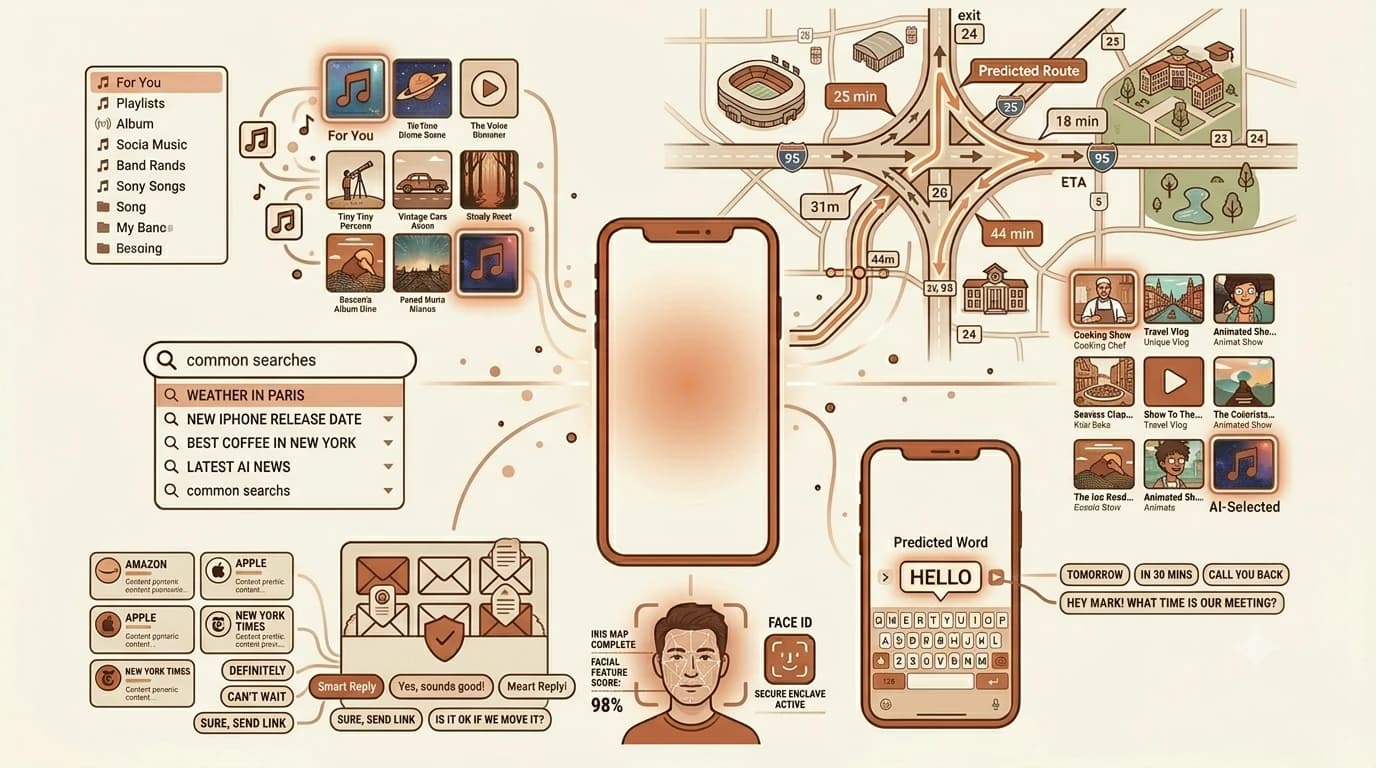
What do all these AI apps actually have in common?
Every app on this list is doing the same basic thing: taking in data, finding patterns, and making a prediction.
Spotify predicts what you'll like. Google Maps predicts your arrival time. Face ID predicts whether the face in front of the camera is yours. Gmail predicts whether an email is spam.
None of them "think." None of them understand what they're doing. This is a simplification of some genuinely complex engineering, but the pattern holds at every scale. They're all doing some version of what we covered in what AI actually is, pattern recognition at scale.
The difference between these apps and something like ChatGPT or Claude is that conversational AI is built to handle open-ended language tasks. The apps above are narrow; each one does a specific job, and only that job. Both are AI. The conversational tools just have a wider scope.
Seeing prediction rather than thinking behind all of it is the start of a working mental model for AI — the one that explains why these systems fail in the specific ways they do.
If you want to go deeper on how recommendation engines like Spotify's actually work, this Spotify Engineering post on how humans and ML build playlists together has a clear breakdown. And Apple's Face ID support page explains exactly how the Secure Enclave keeps your face data private.
Your turn
Look at the apps on your phone. Which ones do you use every day that you think have AI running inside them? Drop your answer in the comments — there's no wrong answer.
Done? You've completed Lesson 01.07 of the Getting Started path.
FAQ